Path 1 · Zero-Login Daily Trial
FLUX.2 Klein 4B — 3 Free 1K Images Daily
Generate up to 3 square 1K images per UTC day right in your browser (includes a small CreoArt mark) with no account or credit card required.
Fast photorealistic image synthesis and multi-reference editing up to native 4K.
Reference (Optional)
Creative prompt
Model
Every visitor gets a real free path before spending a dollar — no hidden paywall.
Generate up to 3 square 1K images per UTC day right in your browser (includes a small CreoArt mark) with no account or credit card required.
Free accounts receive 10 watermark-free welcome credits to test flagship models right away. Need more volume? Top up anytime with never-expiring pay-as-you-go packs from $5 or custom $5–$500 top-ups (zero auto-renewal).
 FLUX.2 Klein 4B
Ultra-fast FLUX.2 4-step engine in 2–4s · 3 free daily 1K runs.
 GPT Image 2.6 Flare
Next-gen OpenAI image generation and 16-reference editing up to 4K with 5 quality tiers.
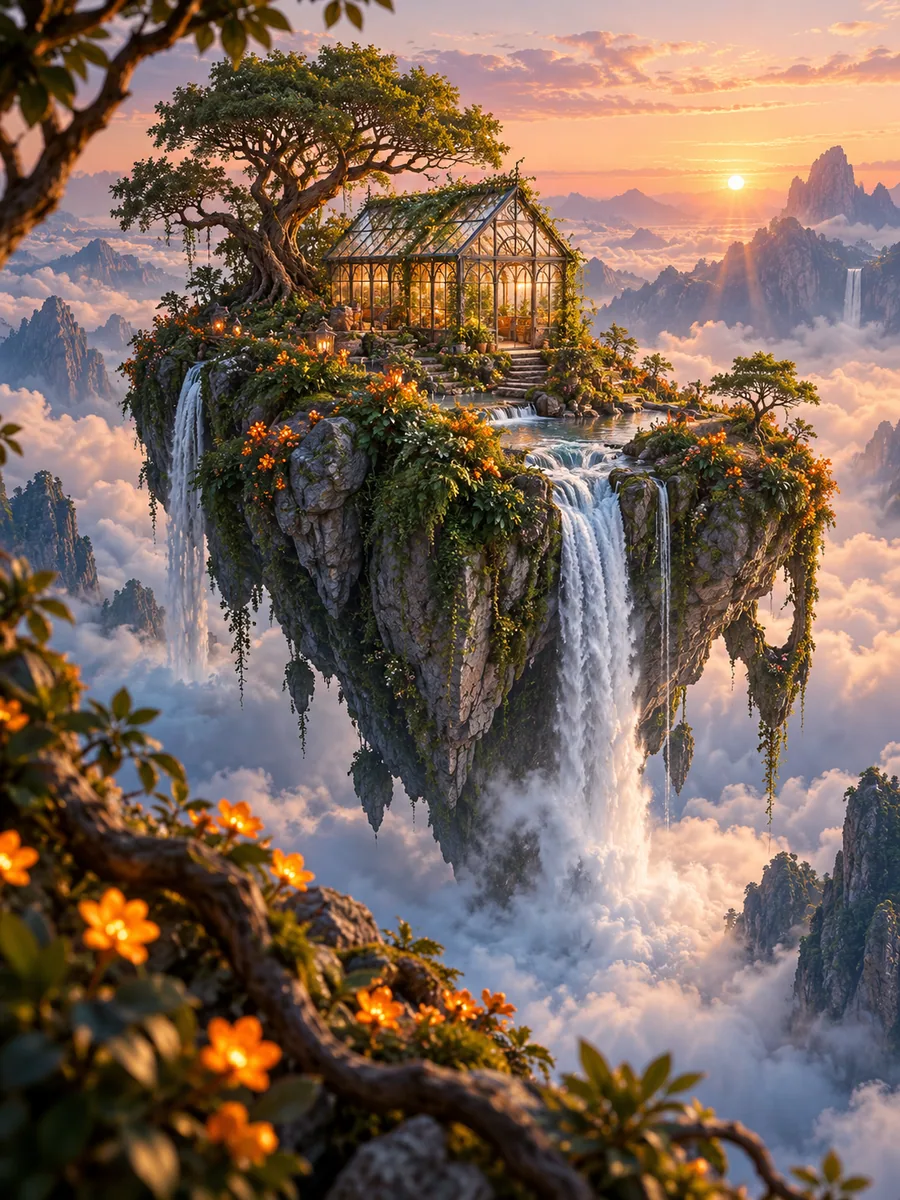 GPT Image 2.6 Sunburst
Warm high-contrast OpenAI 2.6 image model with 16-reference editing and 5 quality tiers.
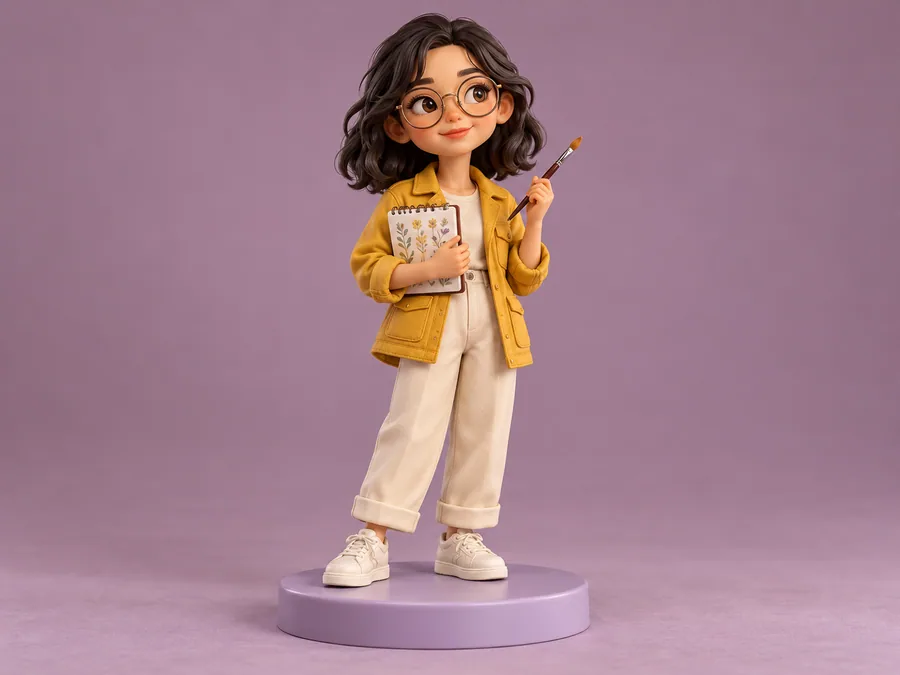 Seedream 5.5
Photorealistic scenes, crisp text, and 10-ref editing.
These examples illustrate possible creative directions. Results vary with your input and settings.
Get inspired by real prompts you can run pay-as-you-go in CreoArt
The creation panel shows the settings available for your selected model and input. Review the credit quote before submitting.
Compare compatible inputs and output settings before starting your draft.
Add a clear prompt and reference material when the selected model supports it.
Inspect completed outputs and download the version that fits your project.
Fast photorealistic image synthesis and multi-reference editing up to native 4K.
Available ratios: 1:1, 2:3, 3:2, 3:4, 4:3, 4:5, 5:4, 9:16, 16:9, 21:9; resolutions: 1K, 2K, 4K; up to 10 reference images. Every run shows its exact credit quote upfront.
Run the exact same prompt across peer models using one shared credit balance — with watermark-free credit exports and automatic credit refunds on confirmed failed jobs.
These examples illustrate possible creative directions. Results vary with your input and settings.
Choose a subscription or a one-time credit pack.
Pay-as-you-go credit packs start at $5 (never expire, zero auto-renewal) plus $5–$500 custom top-ups — or subscribe monthly/annually and save 26%. Instant Stripe checkout with Apple Pay, Google Pay, and cards.
Pay-as-you-go · Never expire · Zero auto-renewalActive subscribers get +15% bonus
Ideal for testing flagship models — ~100 GPT Image 2.6 or 17 MiniMax H3 videos
Best value for active creators — ~400 GPT Image 2.6 or 71 MiniMax H3 videos
Built for heavy production — ~1,300 GPT Image 2.6 or 232 MiniMax H3 videos
Estimated from calibrated starting credit quotes across our flagship models so you can size your pack or plan before checkout.
Every generation quotes exact credits plus an estimated USD reference at the $5 Entry Pack rate (500 cr · $0.01/cr). One-time packs and $5–$500 custom top-ups never expire, have no daily cap, and auto-refund 100% on confirmed failures.
| Model | Type | Default Spec | Credits / Run | Est. USD ($5 Pack) | Est. Output (500 cr) | Capabilities |
|---|---|---|---|---|---|---|
| FLUX.2 Klein 4B | Image | 1K· 3 free/day | 1 cr | ~$0.01/img | ~500 images | 1K |
| GPT Image 2.6 Flare | Image | 1K · low | 5 cr | ~$0.05/img | ~100 images | 4K · Up to 16 refs |
| GPT Image 2.6 Sunburst | Image | 1K · low | 5 cr | ~$0.05/img | ~100 images | 4K · Up to 16 refs |
| Seedream 5.5 | Image | 1K | 10 cr | ~$0.10/img | ~50 images | 2K · Up to 10 refs |
| MiniMax H3 Image | Image | 1K | 6 cr | ~$0.06/img | ~83 images | 4K · Up to 10 refs |
| FLUX 3 Image | Image | 1K | 12 cr | ~$0.12/img | ~41 images | 4K · Up to 4 refs |
| FLUX 3 Image Klein | Image | 1K | 3 cr | ~$0.03/img | ~166 images | 4K · Up to 4 refs |
| Kling Image 4.0 | Image | 2K | 16 cr | ~$0.16/img | ~31 images | 8K · Up to 8 refs |
| Qwen Image 3.0 Pro | Image | 1K | 10 cr | ~$0.10/img | ~50 images | 2K · Up to 4 refs |
| Ideogram 4.5 | Image | 1K · low | 8 cr | ~$0.08/img | ~62 images | 2K |
| Nano Banana 2.1 | Image | 1K | 7 cr | ~$0.07/img | ~71 images | 4K · Up to 14 refs |
| Seedream 5.0 Flash | Image | 1K | 4 cr | ~$0.04/img | ~125 images | 2K · Up to 10 refs |
| GPT Image 2.5 | Image | 1K · low | 4 cr | ~$0.04/img | ~125 images | 4K · Up to 16 refs |
| GPT Image 2.5 Sunburst | Image | 1K · low | 4 cr | ~$0.04/img | ~125 images | 4K · Up to 16 refs |
| Seedream 5.0 Pro | Image | 1K | 10 cr | ~$0.10/img | ~50 images | 2K · Up to 10 refs |
| Grok Imagine Image 2.0 | Image | 1K · low | 8 cr | ~$0.08/img | ~62 images | 2K · Up to 3 refs |
| GPT Image 2 | Image | 1K · low | 10 cr | ~$0.10/img | ~50 images | 4K · Up to 16 refs |
| Nano Banana 2 | Image | 0.5K | 9 cr | ~$0.09/img | ~55 images | 4K · Up to 14 refs |
| Nano Banana Pro | Image | 1K | 26 cr | ~$0.26/img | ~19 images | 4K · Up to 14 refs |
| Seedream 5.0 Lite | Image | 2K | 8 cr | ~$0.08/img | ~62 images | 4K · Up to 14 refs |
| Seedream 4.5 | Image | 2K | 8 cr | ~$0.08/img | ~62 images | 4K · Up to 10 refs |
| Wan 3.0 | Video | 480p · 2s | 24 cr (12 cr/s) | ~$0.24/clip (~$0.12/s) | ~20 clips | 1080p · 2–30s · Native audio |
| Wan 3.0 Prime | Video | 480p · 2s | 36 cr (18 cr/s) | ~$0.36/clip (~$0.18/s) | ~13 clips | 1080p · 2–30s · Native audio |
| Seedance 2.5 | Video | 480p · 4s | 144 cr (36 cr/s) | ~$1.44/clip (~$0.36/s) | ~3 clips | 4K · 4–30s · Native audio |
| Seedance 2.5 Flash | Video | 480p · 4s | 88 cr (22 cr/s) | ~$0.88/clip (~$0.22/s) | ~5 clips | 720p · 4–30s · Native audio |
| Kling 4.0 | Video | 720p · 3s | 108 cr (36 cr/s) | ~$1.08/clip (~$0.36/s) | ~4 clips | 4K · 3–30s |
| Kling 4.0 Flash | Video | 720p · 3s | 69 cr (23 cr/s) | ~$0.69/clip (~$0.23/s) | ~7 clips | 720p · 3–20s |
| Veo 3.1 Lite | Video | 720p · 4s | 40 cr (10 cr/s) | ~$0.40/clip (~$0.10/s) | ~12 clips | 1080p · 4–8s · Native audio |
| FLUX 3 Video | Video | 720p · 5s | 190 cr (38 cr/s) | ~$1.90/clip (~$0.38/s) | ~2 clips | 4K · 5–20s · Native audio |
| FLUX 3 Max | Video | 720p · 5s | 210 cr (42 cr/s) | ~$2.10/clip (~$0.42/s) | ~2 clips | 1080p · 5–20s · Native audio |
| Kling 3.0 Omni | Video | 720p · 3s | 66 cr (22 cr/s) | ~$0.66/clip (~$0.22/s) | ~7 clips | 4K · 3–15s · Native audio |
| Grok Imagine Video 1.5 | Video | 480p · 1s | 12 cr (12 cr/s) | ~$0.12/clip (~$0.12/s) | ~41 clips | 1080p · 1–15s |
| Grok Imagine Video 1.5 Lite | Video | 480p · 1s | 6 cr (6 cr/s) | ~$0.06/clip (~$0.06/s) | ~83 clips | 720p · 1–15s |
| MAGI-2 | Video | 1080p · 4s | 80 cr (20 cr/s) | ~$0.80/clip (~$0.20/s) | ~6 clips | 1080p · 4–30s · Native audio |
| Gemini Omni 1.2 Flash | Video | 720p · 3s | 51 cr (17 cr/s) | ~$0.51/clip (~$0.17/s) | ~9 clips | 4K · 3–15s |
| MiniMax H3 | Video | 480p · 4s | 28 cr (7 cr/s) | ~$0.28/clip (~$0.07/s) | ~17 clips | 2K · 4–15s |
| Seedance 2.0 Mini | Video | 480p · 4s | 40 cr (10 cr/s) | ~$0.40/clip (~$0.10/s) | ~12 clips | 720p · 4–15s · Native audio |
| Veo 3.1 | Video | 720p · 4s | 216 cr (54 cr/s) | ~$2.16/clip (~$0.54/s) | ~2 clips | 4K · 4–8s · Native audio |
| Kling 3.0 | Video | 720p · 3s | 66 cr (22 cr/s) | ~$0.66/clip (~$0.22/s) | ~7 clips | 4K · 3–15s · Native audio |
| MiniMax H3 Max Turbo | Video | 480p · 5s | 60 cr (12 cr/s) | ~$0.60/clip (~$0.12/s) | ~8 clips | 768P · 5–15s |
| MiniMax H3 Max | Video | 480p · 5s | 60 cr (12 cr/s) | ~$0.60/clip (~$0.12/s) | ~8 clips | 768P · 5–15s |
| Seedance 2.0 | Video | 480p · 4s | 100 cr (25 cr/s) | ~$1.00/clip (~$0.25/s) | ~5 clips | 4K · 4–15s · Native audio |
| Seedance 2.0 Fast | Video | 480p · 4s | 64 cr (16 cr/s) | ~$0.64/clip (~$0.16/s) | ~7 clips | 720p · 4–15s · Native audio |
| Veo 3.1 Fast | Video | 720p · 4s | 112 cr (28 cr/s) | ~$1.12/clip (~$0.28/s) | ~4 clips | 4K · 4–8s · Native audio |
| Gemini Omni 1.1 Flash | Video | 720p · 4s | 96 cr (24 cr/s) | ~$0.96/clip (~$0.24/s) | ~5 clips | 4K · 4–10s |
Beyond the featured selection, all other enabled image and video models also share your credit balance.
Answers about source files, model settings, credits, task history and responsible use.
MiniMax H3 Image is a MiniMax AI image model available directly in CreoArt. Fast photorealistic image synthesis and multi-reference editing up to native 4K. Select it in the studio to view supported controls and an upfront credit quote.
Enter a descriptive prompt, pick your preferred AI model, aspect ratio, and resolution, check the upfront quote, and click Generate.
Create a free account to claim 10 welcome credits, or choose a subscription or one-time credit pack on /pricing to run MiniMax H3 Image without watermarks.
Image workflows accept standard JPG, PNG, and WebP files up to 20MB. Uploaded previews stay private to your browser until you submit a task.
Be specific about subject details, lighting, camera angle, and texture—and when editing a reference photo, explicitly mention which features must remain unchanged.
Supported aspect ratios: 1:1, 2:3, 3:2, 3:4, 4:3, 4:5, 5:4, 9:16, 16:9, 21:9; resolutions: 1K, 2K, 4K.
Credit cost depends on the selected model, output resolution, quality tier, batch count, or video clip duration. The exact credit quote is always shown upfront before you submit.
Only Free Queue generations carry a CreoArt watermark. Every image or video generated with credits or Subscriber Unlimited Slow downloads cleanly with no added CreoArt watermark.
Supported image models offer 1K, 2K, and native 4K output depending on the selected model, plus 2× and 4× enhancement in the Image Upscaler.
Common ratios include 1:1 square, 16:9 widescreen, 9:16 vertical reel/story, 4:3, 3:4, 3:2, 2:3, and 21:9 cinema—with ultra-wide banner ratios available on Nano Banana 2.1.
Fast image models finish in a few seconds, while 4K multi-reference renders take slightly longer. Tasks continue processing safely in the cloud queue.
Confirmed technical failures are automatically refunded. Whenever an upstream model reports a confirmed failure, CreoArt releases your reserved credits right back to your account balance.
Signed-in tasks are stored privately in My Creations (/library) for 30 days so you can revisit prompts and download originals. Download key files locally for permanent archival.
Paid subscribers and credit-pack buyers may use watermark-free outputs in commercial marketing, e-commerce, social videos, and client deliverables subject to model terms and rights in your uploaded inputs.
Your uploaded references and private generations are tied strictly to your account via authenticated storage links and are never shared in a public community gallery.
Combine Image to Image for style transfers, Local Image Editor for brush-mask fixes, Background Remover for transparent PNGs, and Image to Video to animate your final shot.