
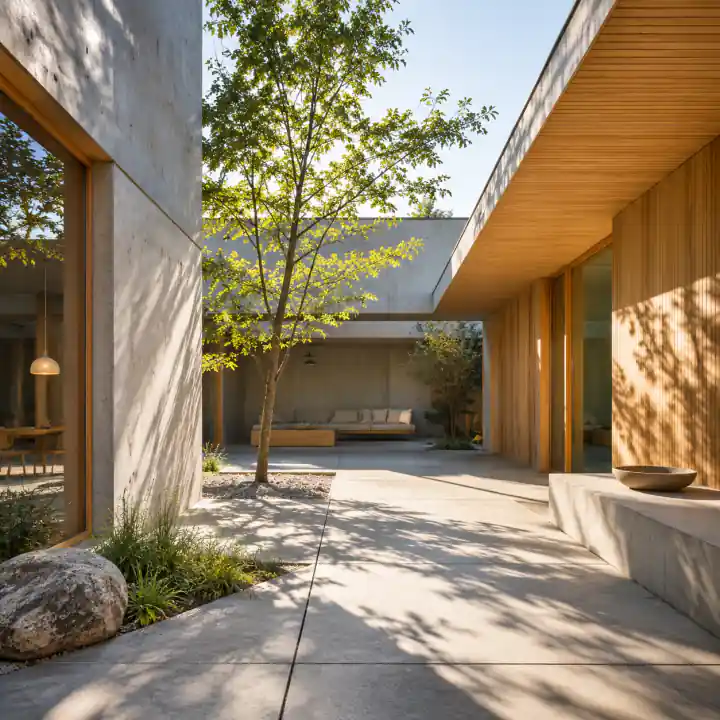
 15 Ratios · Up to 4KFLUX 3 Image · 1K · 12 cr (~$0.12) · 768px 10 cr
Architectural Concrete Light
Crisp Black Forest Labs geometric fidelity, true architectural shadow falloff, and ultra-wide 15-ratio support.
Black Forest Labs’ newest flagship image generator — 768px from 10 cr (~$0.10) and 1K for 12 cr across 15 aspect ratios up to 4K, with reference editing, pay-as-you-go from $5, and private R2 storage.
15 Ratios · Up to 4KFLUX 3 Image · 1K · 12 cr (~$0.12) · 768px 10 crCrisp Black Forest Labs geometric fidelity, true architectural shadow falloff, and ultra-wide 15-ratio support.
Framing checks run in your browser. References & FLUX 3 renders stay strictly private in Cloudflare R2 (30-day max, instant /library delete).
Auto 100% refund on failed runsFrom 10 cr (~$0.10)
768px 10 · 1K 12 · 1.5K 17 · 2K 24 cr transparent
15 Aspect Ratios
Native framing from 1:1 catalogs to 21:9 banners
Geometry & CMF
Architectural lines, tactile materials & real light
Private R2 Vault
Zero public gallery, zero training, instant delete
Skip local GPU rigs and monthly subscriptions that expire unused balances. Run Black Forest Labs FLUX 3 Image directly above:
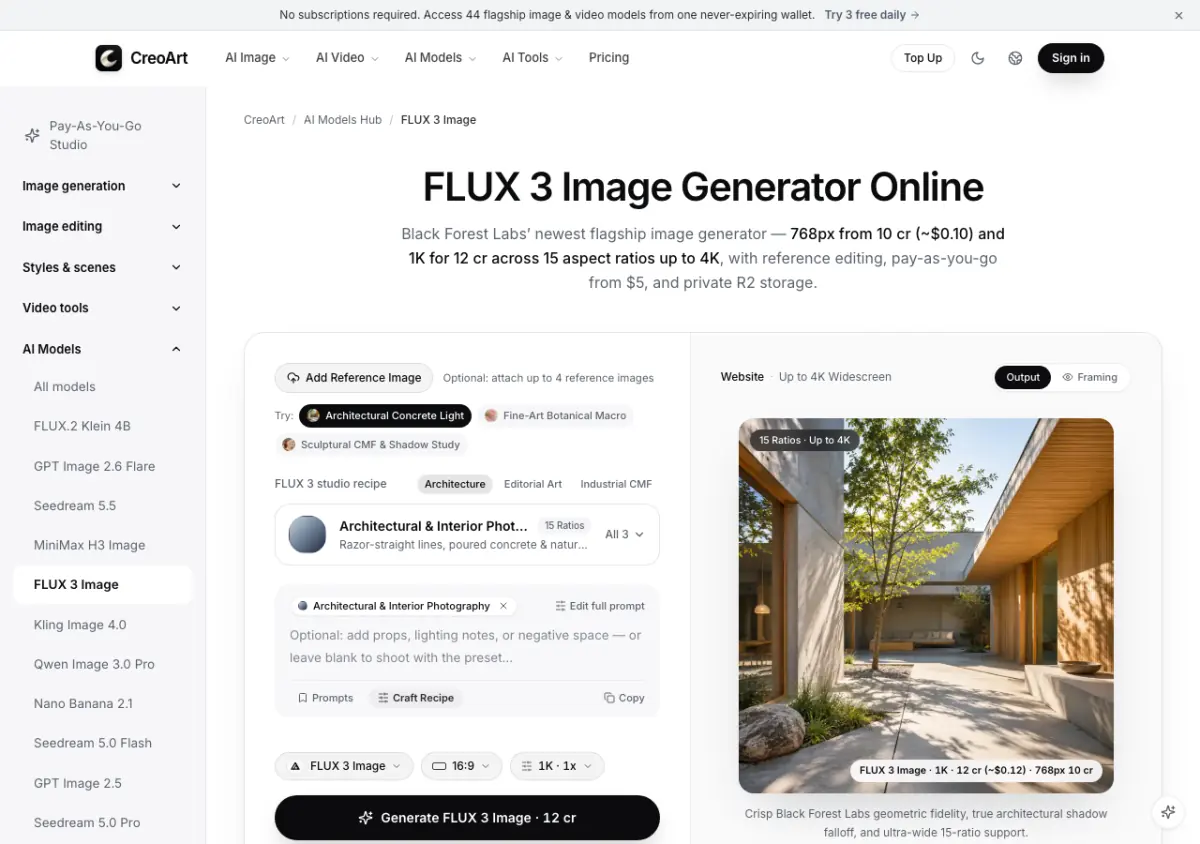
Many general-purpose image models smooth architectural edges into subtle warps, add synthetic gloss to matte stone and ceramic, and invent conflicting shadow angles across tabletop scenes.
Black Forest Labs’ FLUX 3 Image doubles down on disciplined geometry, tactile CMF finishes (poured concrete, matte terracotta, brushed aluminum, handmade linen paper), and calm directional daylight across 15 native aspect ratios plus reference editing.
Inside CreoArt’s unified wallet, pair free daily drafts on FLUX.2 Klein 4B (/flux-2-klein-4b) with final 1K–2K hero renders on FLUX 3 Image (12–24 cr) — zero monthly lock-in and instant side-by-side comparison against Seedream 5.5 and GPT Image 2.6.
Selecting raw native 4K (146 cr) during early concept exploration
Iterate at 768px (10 cr) or 1K (12 cr), then run /image-upscaler 2× (24 cr) strictly on winners to save 75%.
Cramming dense multi-line poster copy into a raw architectural prompt
Switch to GPT Image 2.6 for multi-line lettering, or add razor-sharp vector typography free in /photo-editor.
Omitting lens focal length and light direction on interior prompts
Specify optical cues (24mm architectural tilt-shift, low-angle morning sun) to lock crisp perspective.
Skipping free rapid ideation before spending flagship credits
Explore rough compositions free on /flux-2-klein-4b (3 free daily runs, no login), then polish here.
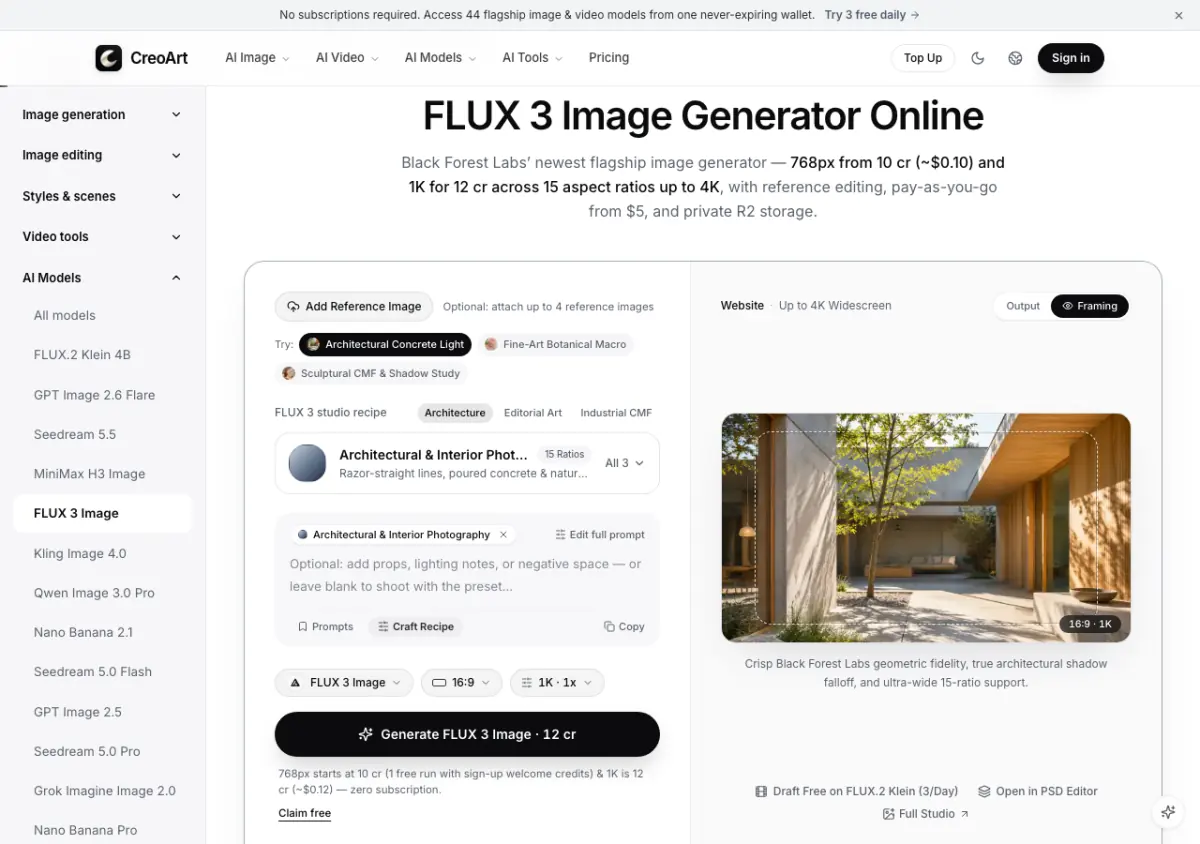
Exact credits and approximate USD calculated at the $5 never-expiring Entry Pack ($0.01/cr):
| Resolution / Option | Credits / Image | Approx. USD | Yield per $5 Pack | Best Role |
|---|---|---|---|---|
| FLUX 3 · 768px | 10 cr | ~$0.10 | 50 images | Fast concept check (covered free by 10 welcome credits) |
| FLUX 3 · 1K (Sweet Spot) | 12 cr | ~$0.12 | 41 images | Everyday architecture, CMF & editorial hero work |
| FLUX 3 · 1.5K / 2K | 17 / 24 cr | ~$0.17 / ~$0.24 | 29 / 20 images | High-detail print layouts & client pitch decks |
| FLUX 3 1K + 2× Upscaler | 36 cr | ~$0.36 | 13 hi-res prints | 75% cheaper than raw native 4K (146 cr) |
| FLUX.2 Klein 4B (Free Sibling) | Free 3/day · 1 cr | $0 / ~$0.01 | 500 images | 2–4s no-sign-up drafts and bulk ideation |
One never-expiring balance unlocks all 21 image models — pick the sharpest tool per brief:
16 fast FLUX 3 768px images
CreoArt Pay-As-You-Go
~$1.60
160 credits · $5 Entry Pack (500 never-expiring cr — 340 left)
3D / architectural CGI render (~$150/set)
$1,200
Save ~99.9% ($1,198 kept)
Typical $30/mo Image Sub (12 mos)
$360
$5 Entry Pack (500 cr) covers 50 × 768px or 41 × 1K FLUX 3 renders that never expire.
| Creative Brief | Best Model | Starting Cost | Why It Wins |
|---|---|---|---|
| Architecture, Interiors & Industrial CMF | FLUX 3 Image (This Page) | 10–12 cr | True straight lines, tactile materials & 15 ratios |
| Multi-Turn Portraits & Packaging Edits | Seedream 5.5 | 10 cr (2K 14 cr) | Rock-solid multi-round editing and 30% cheaper 2K |
| Dense Multi-Line English Poster Text | GPT Image 2.6 | 5–10 cr | Sharp multi-line typography & up to 16 refs |
| Zero-Cost Rapid Brainstorming | FLUX.2 Klein 4B | Free 3/day · 1 cr | No sign-up needed; 2–4s square concept renders |
Click any card below to load its calibrated ratio, resolution, and prompt into the studio above:
15 Ratios · Up to 4KFLUX 3 Image · 1K · 12 cr (~$0.12) · 768px 10 crCrisp Black Forest Labs geometric fidelity, true architectural shadow falloff, and ultra-wide 15-ratio support.
 1.5K 17 cr · 2K 24 crFLUX 3 Image · 1.5K · 17 cr (~$0.17)
Delicate translucent petal veins and handmade archival paper fibers with natural lens micro-contrast.
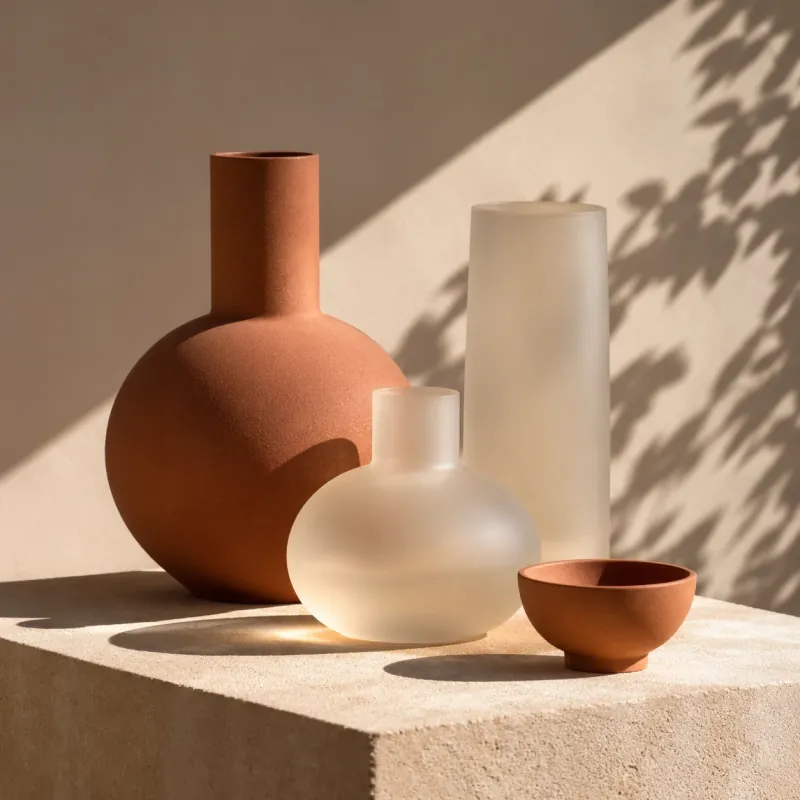 768px From 10 crFLUX 3 Image · 1K · 12 cr (~$0.12)
Benchmark industrial surface realism across matte terracotta, anodized aluminum, and frosted glass.
Architectural competition concepts and unreleased industrial CMF studies require strict privacy.
CreoArt (operated by CreoArt Studio / MagicT LLC) keeps zero public gallery and never trains proprietary models on user files. References and finished renders stay private in isolated Cloudflare R2 storage (Cache-Control: private, no-store, 30-day max, instant /library delete).
Get crisp architectural perspective and believable surface textures on your first pass:
Optical focal lengths keep vertical walls straight and tabletop products free of distortion.
FLUX 3 responds strongly to specific CMF finish cues, removing synthetic AI sheen.
Test five prompt structures at $0 before spending 12 credits on final 1K/2K heroes.
Cut ultra-high-res print spend by over 70% without sacrificing crisp linework.
Native widescreen composition avoids awkward post-crop losses on hero banners.
Answers on 768px–4K transparent pricing, FLUX 3 vs FLUX.2 Klein 4B, 15 aspect ratios, and privacy.
At the $5 never-expiring Entry Pack rate ($0.01/cr), FLUX 3 Image costs 10 credits (~$0.10) at 768px, 12 credits (~$0.12) at 1K, 17 credits (~$0.17) at 1.5K, 24 credits (~$0.24) at 2K, and 146 credits at native 4K. Your 10 free sign-up welcome credits cover a watermark-free 768px test immediately.
Instead of spending 146 credits on raw native 4K for every draft, generate your winning composition at 1K (12 cr) or 1.5K (17 cr) and run a 2× pass in CreoArt AI Image Upscaler (/image-upscaler, 24 cr) for 36–41 credits total — saving over 70% while keeping FLUX 3’s architectural geometry intact.
FLUX.2 Klein 4B (/flux-2-klein-4b) is a 2–4 second text-only engine ideal for 3 free daily drafts or $0.01 bulk exploration. FLUX 3 Image is Black Forest Labs’ full flagship supporting reference image editing, 15 commercial aspect ratios (including 21:9), richer architectural lighting, and resolutions up to 4K.
FLUX 3 Image shines on architectural & interior photography, industrial design CMF (ceramic, brushed metal, concrete, glass), botanical editorial art, and ultra-wide 21:9 hero headers where geometric perspective and natural shadow falloff matter most.
Yes. Click Open in PSD Editor to bring any finished FLUX 3 visual into CreoArt’s free, ad-free browser WebGPU Photo Editor (/photo-editor) for curves, masks, and crisp vector typography at 0 credits.
Yes. CreoArt keeps zero public gallery and zero self-model training. All references and finished renders live exclusively in per-account private Cloudflare R2 storage (30-day max retention, instant delete in /library), with 100% automatic refunds on confirmed technical failures.
Combine FLUX 3 with free FLUX.2 Klein drafts, 2× upscaling, free browser PSD editing, and video animation:
Draft concepts in 2–4s free without signing up, or pay 1 cr (~$0.01) watermark-free.
Enlarge FLUX 3 1K/1.5K winners to 4K print sharpness for 24 cr.
Compare ByteDance’s newest multi-turn editing flagship under the same wallet.
Layer crisp vector text, logos, and color curves locally with zero ads.
Animate architectural stills into smooth slow-motion dollies across 23 video models.
Browse CreoArt’s full image model lineup with transparent upfront credit quotes.