
 nano-banana-2-1
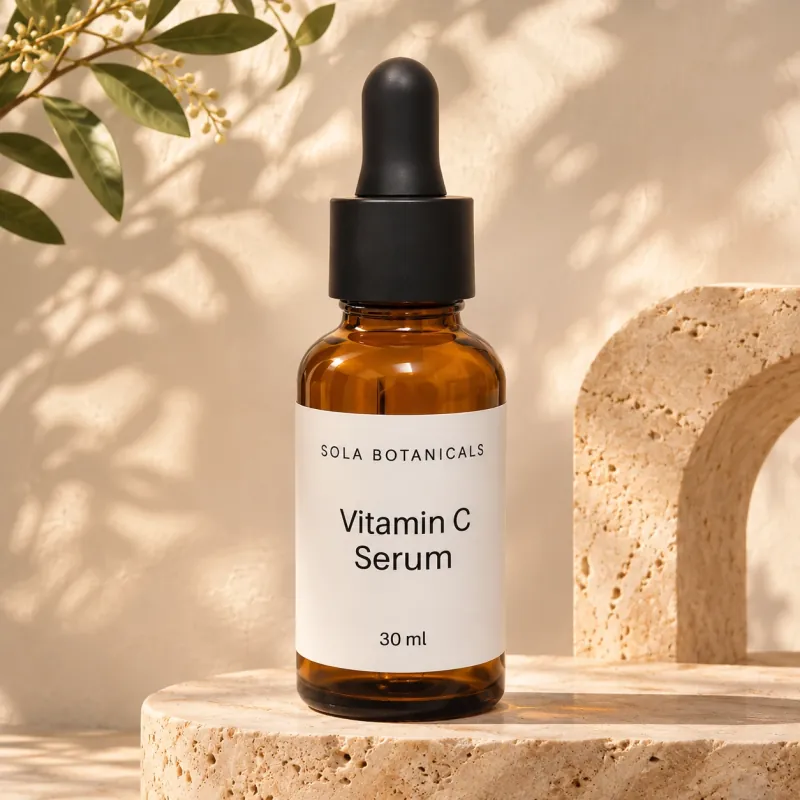
Minimalist Skincare Serum on Travertine Plinth
Clean architectural sunlight & soft contact shadow setup for luxury cosmetics and Shopify hero shots.
Turn any SKU into a studio-ready prompt by choosing your channel, tactile surface, directional lighting, and label locks — 3 free AI compilations daily, then hand straight off into CreoArt’s private AI Product Studio.
1-Click Starter Recipes (Auto-fills all studio parameters below)
01 · Channel & Purpose
Sets composition margin, background purity & commercial intent02 · Surface & Plinth Material
Pick ONE tactile material so shadows & reflections look physically real03 · Lighting & Atmosphere
Single directional light source prevents muddy conflicting shadows04 · Camera Angle & Framing
6 Studio Controls
Channel, plinth material, lighting rig, lens angle, props & commercial anti-warp locks
3 Free / Day
AI prompt compilation works with zero login; continue for 1 credit (~$0.01) per run
Quoted Label Lock
Verbatim double-quote packaging directives prevent gibberish logos and distorted caps
100% Private
Drafts & ⌘J vault stay locally in your browser; zero public feed, zero SKU training
Most disappointing AI product images fail before rendering even starts because one vague sentence leaves surface physics, light direction, and packaging typography to random chance. Follow this four-step studio recipe to nail first-pass commercial keepers.
STEP 01
Click one of the four starter setups above to see how professionals structure skincare, Amazon white-background, dark luxury tech, or beverage shots — then swap in your actual container shape and finish (frosted amber glass, satin aluminum, uncoated cotton-paper box).
STEP 02
Enter the short brand name or SKU title you need kept intact. The builder wraps your copy inside straight double-quote typography directives paired with print finishes like matte silkscreen or blind debossing so models stop inventing garbled lettering.
STEP 03
Select a single physical plinth (honed travertine, Nero Marquina marble, pure #FFFFFF sweep, or shallow rippled water) and one directional light rig. Restraint eliminates muddy double shadows and gives bottles believable grounded contact shadows.
STEP 04
Copy the raw parameter blueprint for free anytime, or click Compile Pro Product Prompt (3 free daily, then 1 credit) to synthesize publication-grade prose tuned for Nano Banana 2.1, GPT Image 2.5, or Seedream 5.0 Pro — then open AI Product Studio with your prompt pre-loaded.
If your product renders look floating, overly glossy, or cluttered with melted accessories, the model is rarely at fault. Four predictable prompt omissions trigger artificial CGI defaults across almost every modern image generator.
First, generic prompts like "luxury skincare bottle on marble, 8k, studio lighting, masterpiece" describe an abstract category rather than physical light behavior. Without an explicit directional light source (such as angled morning window light or a diffused overhead softbox with side bounce cards) and an explicit grounded contact-shadow clause, generators bathe the scene in flat ambient illumination that makes bottles appear pasted onto the pedestal.
Second, piling three props, two backdrops, and buzzword adjectives forces the diffusion model to average conflicting cues. Commercial art directors do the opposite: they specify one tactile plinth material, cap props at zero to two understated accents, lock vertical geometry with a telephoto 85mm or 100mm macro focal length, and quote packaging typography verbatim.
Compare the weak everyday prompts below against the exact structured prompts produced by this builder. Click any card to load that exact commercial setup straight into the builder above and test it with your own SKU.
Weak Everyday Prompt
Amber skincare serum bottle on stone table, sunlight, leaves, luxury aesthetic, photorealistic, 8k, best quality
Missing glass finish, dropper color, exact stone grain, contact shadow, and lens spec — often causes floating bases, plastic glare, and misshapen droppers.
Structured Pro Prompt Output
Commercial studio product photography of a frosted amber glass Vitamin C serum bottle with matte black dropper, uncoated cotton-paper label printed cleanly with "AUREA · VITAMIN C 15%", resting firmly on a honed warm travertine plinth with natural grounded contact shadow. Angled morning window sunlight casting crisp subtle olive-leaf shadows across an off-white plaster backdrop, 85mm medium-format lens, f/5.6, zero clutter.
Locks glass translucency, verbatim text, single travertine surface, one directional window light, and 85mm zero-distortion geometry.
Weak Everyday Prompt
Perfume bottle on white background, Amazon product photo, clean, high resolution
Often produces muddy gray gradients, awkward cropped margins, distorted spray nozzles, or random tabletop props that violate Amazon main-image rules.
Structured Pro Prompt Output
Amazon marketplace compliant hero packshot of a clear square crystal eau de parfum bottle with brushed champagne aluminum cap and verbatim engraved title "SOLIS · EAU DE PARFUM", centered upright filling ~85% of the frame height on a seamless pure white (#FFFFFF) cyclorama sweep. Overhead diffused softbox with dual white bounce cards creating clean vertical glass highlights and a tight grounded contact shadow, strictly zero props, 85mm eye-level lens.
Explicitly enforces #FFFFFF sweep, 85% frame fill, zero props, controlled glass speculars, and upright symmetry.
Weak Everyday Prompt
Black wireless earbuds on black marble, moody dark studio lighting, cinematic, ultra detailed
Black-on-black without directional rim lights merges the product edges into the dark marble, hiding hinge craftsmanship and texture.
Structured Pro Prompt Output
Editorial luxury advertising still life of a matte obsidian wireless earbuds open charging case with anodized titanium hinge and crisp debossed mark "KINETIC PRO", resting on matte Nero Marquina dark slate marble with restrained veining. Low-key controlled studio lighting using razor-clean silver rim strips to trace micro-blasted polymer edges and metallic bevels, grounded contact shadow with subtle dark reflection, 45-degree three-quarter angle on a 70mm lens.
Separates matte black hardware from dark marble through dedicated silver rim lighting and micro-texture material cues.
Browse tested visual setups from our live product photography catalog. Edit any {{variable}} field inline, copy for free, save into your ⌘J prompt vault, or click Load into Builder to customize the lighting, surface, and camera presets above.
nano-banana-2-1Clean architectural sunlight & soft contact shadow setup for luxury cosmetics and Shopify hero shots.
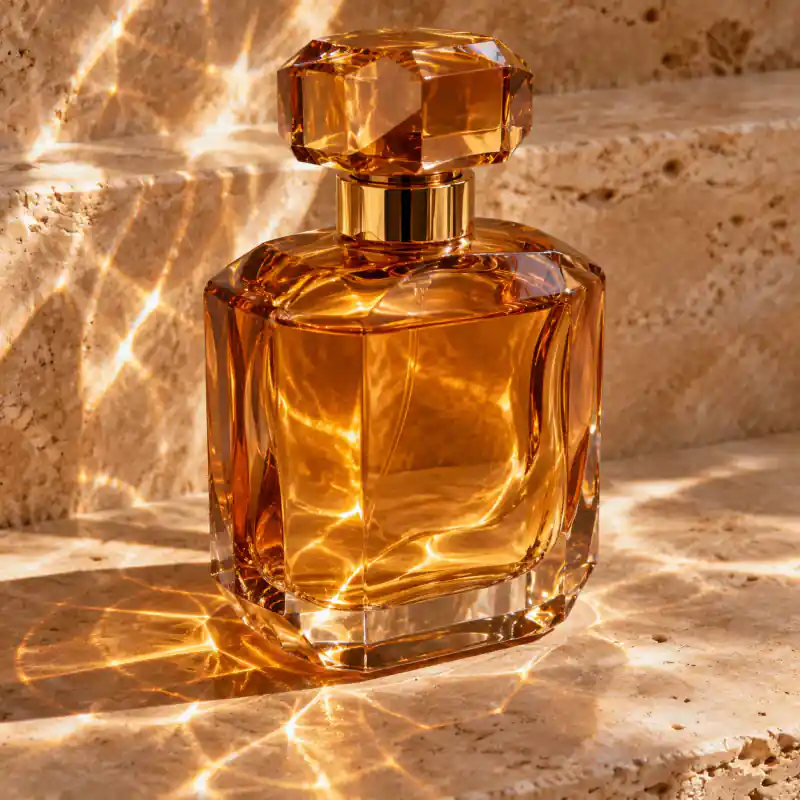 seedream-5-pro
Rich sculptural lighting and editorial color palette tailored for Seedream 5.0 Pro commercial shoots.
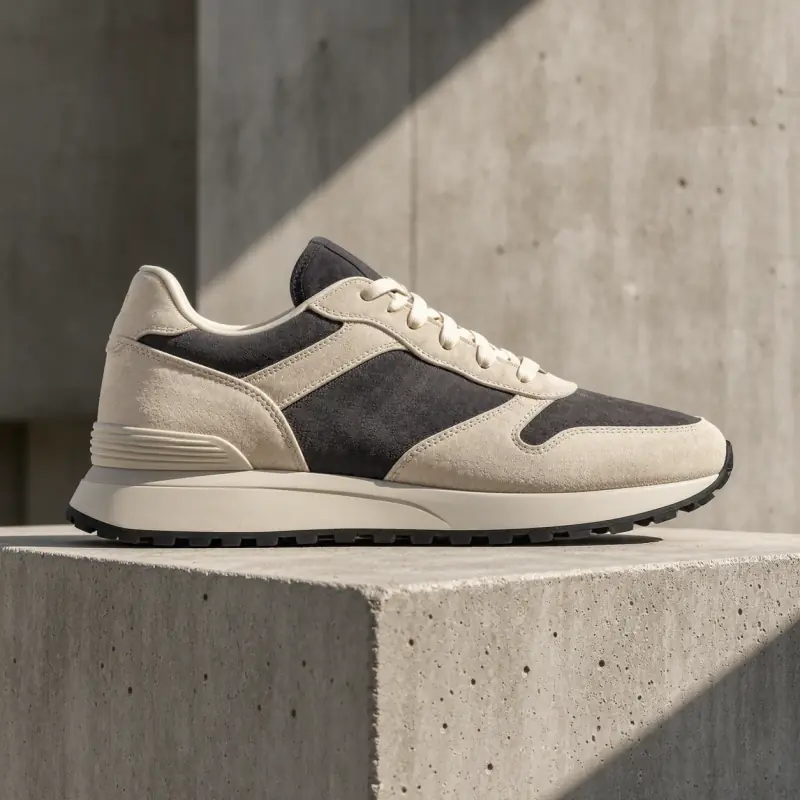 nano-banana-2-1
Dynamic studio lighting & micro-texture fidelity for footwear drops and streetwear campaigns.
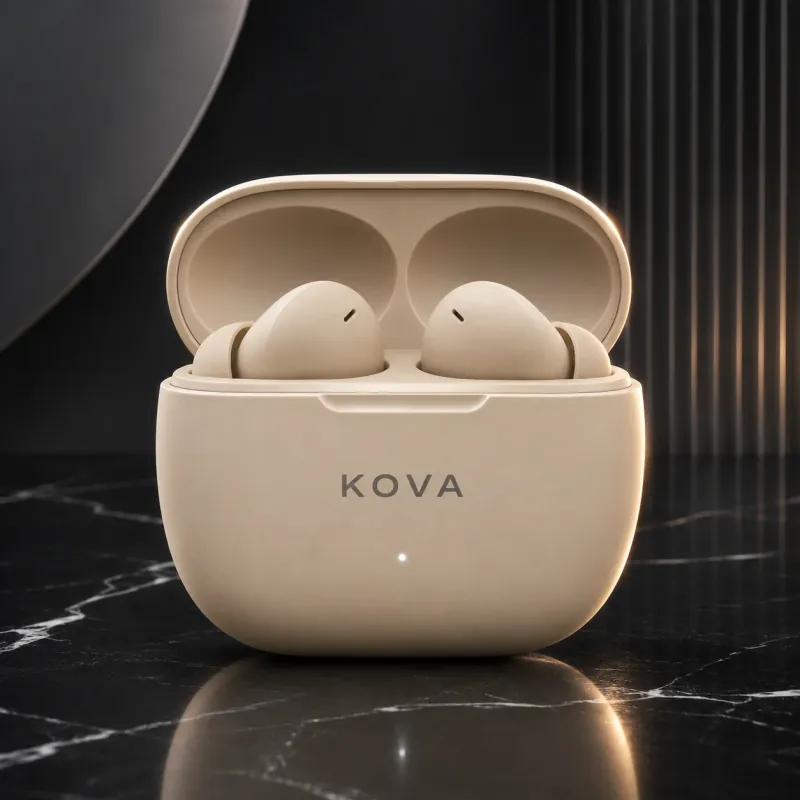 nano-banana-2-1
High-contrast specular lighting for consumer electronics, headphones, and Kickstarter launches.
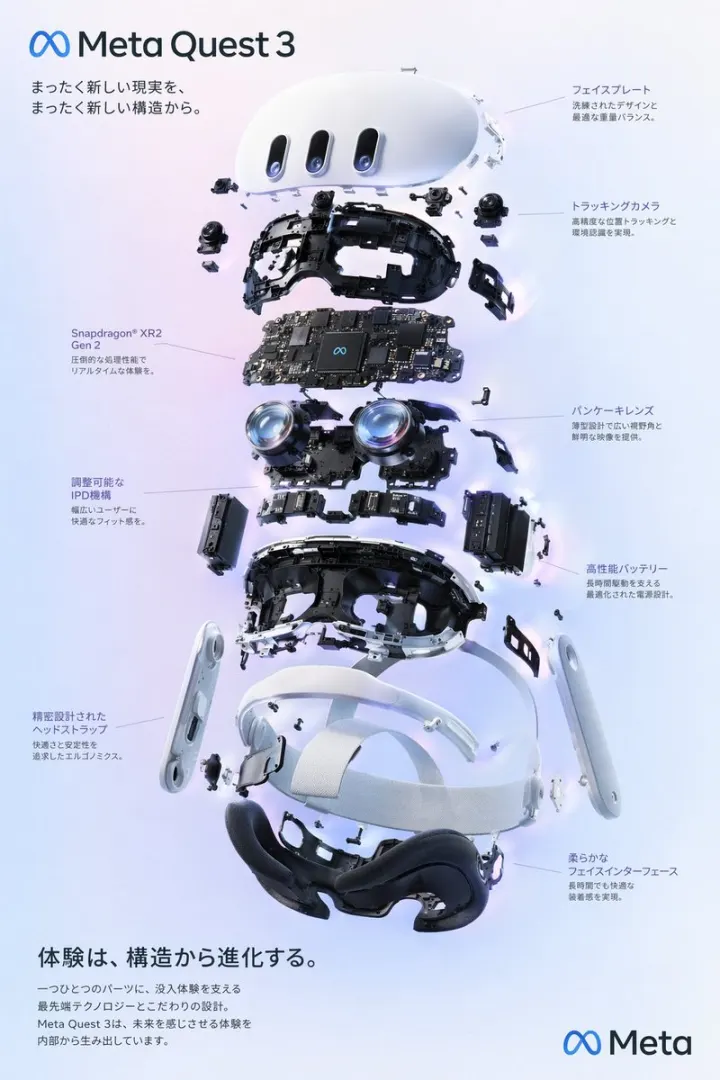 gpt-image-2-5
Clean studio 3D exploded-view poster displaying internal optics and glowing VR headset layers.
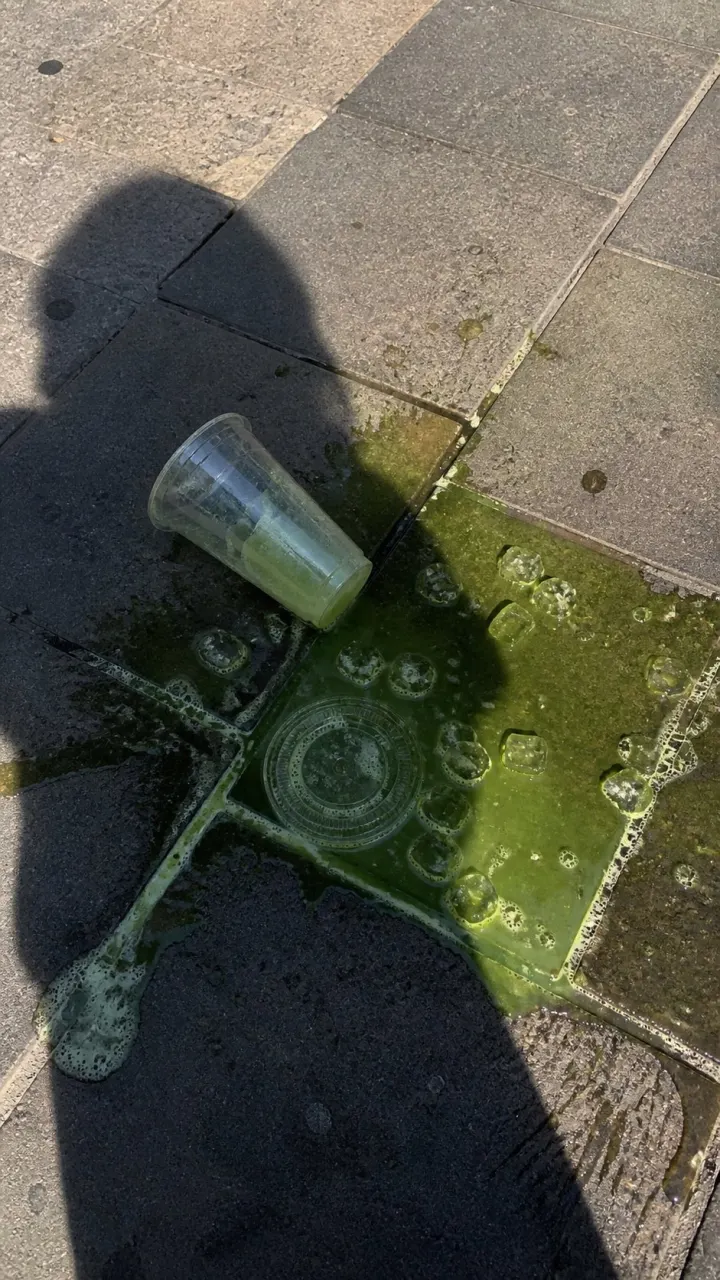 gpt-image-2-5
Candid vertical phone snapshot of a tipped plastic cup spilling iced matcha and ice cubes on stone.
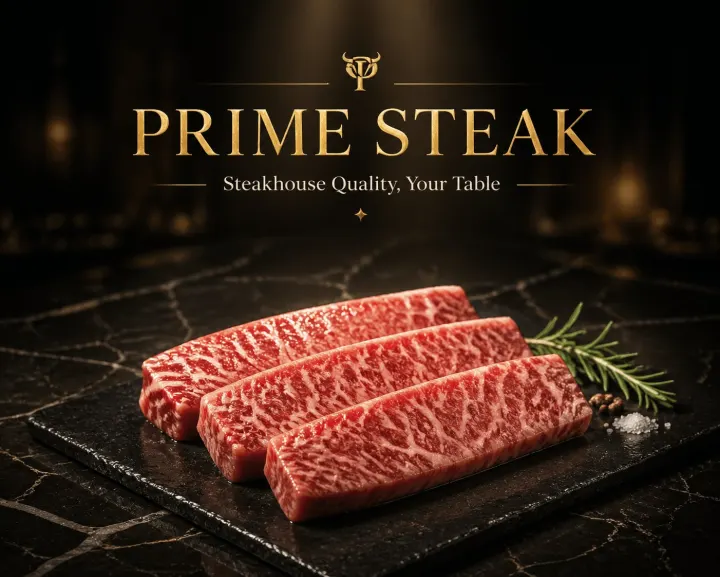 gpt-image-2-5
Black-and-gold culinary hero banner showcasing restaurant-grade prime steak and luxury seafood.
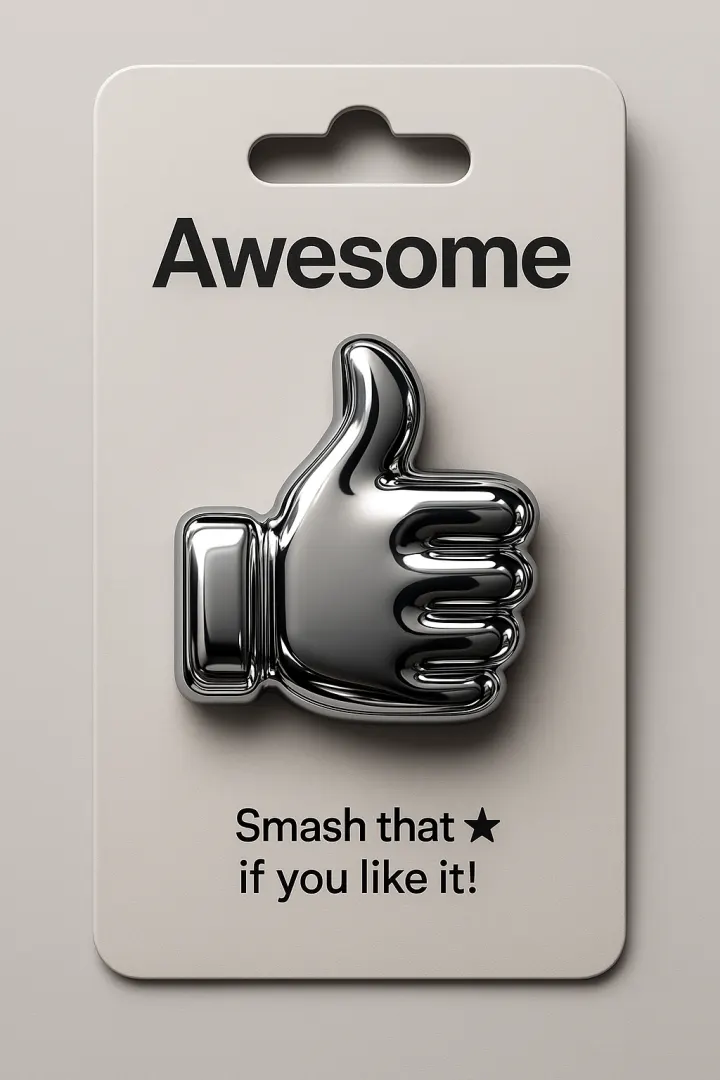 gpt-image-2-5
Community-verified GPT Image prompt for chrome emoji pin.
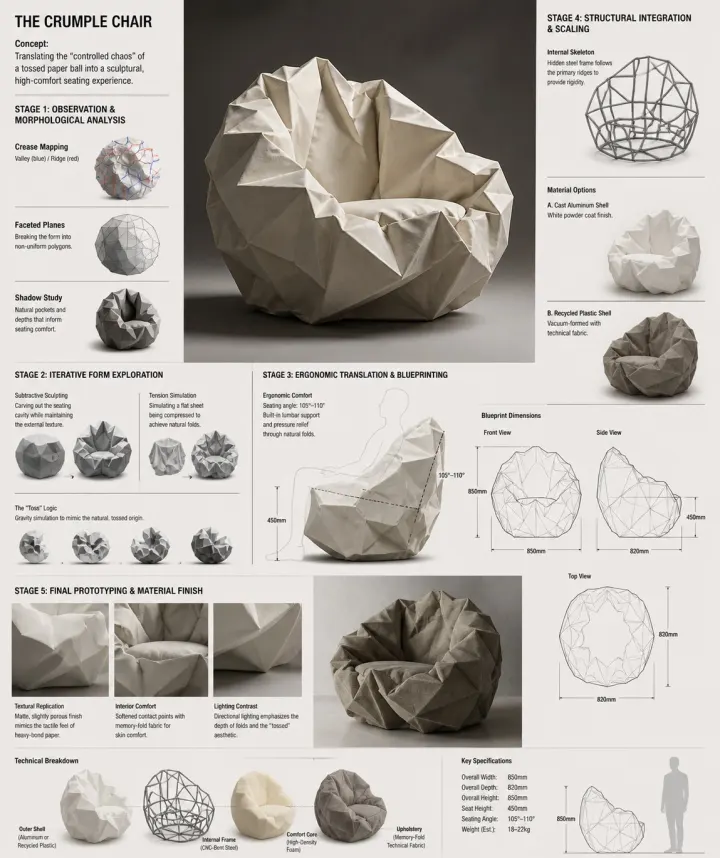 gpt-image-2-5
Industrial design concept sheet translating a crumpled paper ball into a sculptural lounge chair.
 gpt-image-2-5
Community-verified GPT Image prompt for animal silicone wrist rest.
 gpt-image-2-5
Community-verified GPT Image prompt for pastel power 3d ads.
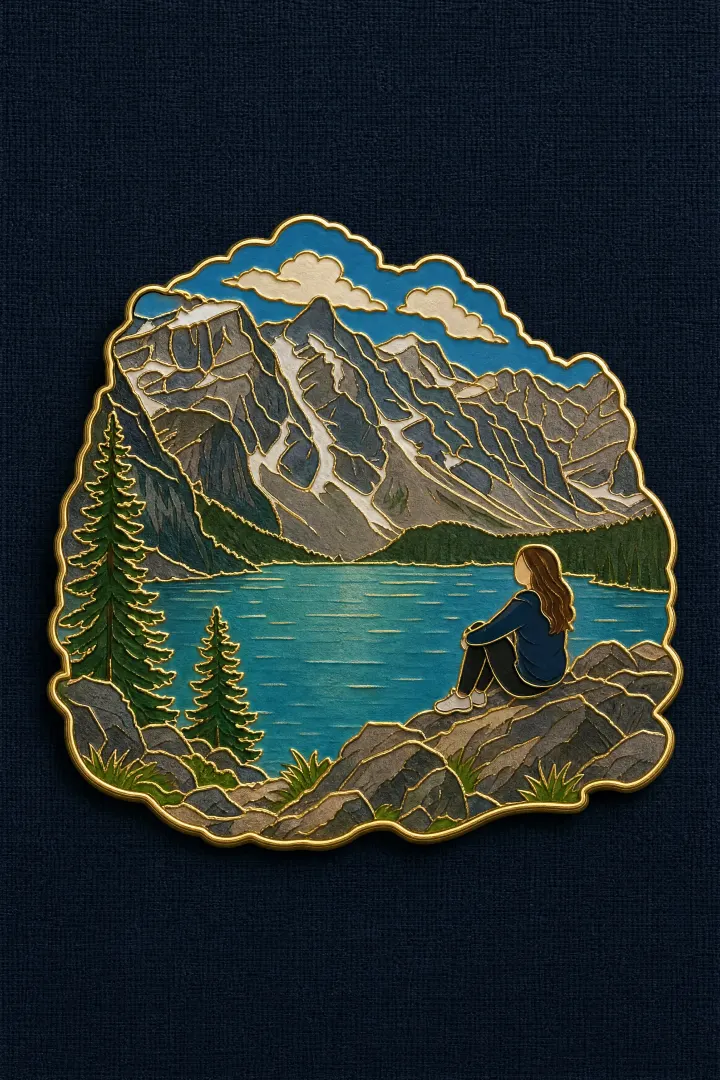 gpt-image-2-5
Converts a destination's defining terrain and landmark from your photo into a sculpted enamel souvenir pin scene.
Each sales channel rewards a distinct frame density, negative-space allowance, and surface mood. Match your prompt parameters to the destination channel so images convert cleanly without heavy post-cropping.
| Sales Channel | Recommended Ratio | Surface & Margin Rule | Winning Lighting Setup | Avoid This Mistake |
|---|---|---|---|---|
| Amazon Main Listing | 1:1 (2000×2000+) | Pure #FFFFFF sweep; product fills 82–85% of height, zero props | Overhead diffused softbox + dual white bounce cards | Off-white gray cast, cut-off shadows, or extra botanical props |
| Shopify / D2C Hero | 4:5 or 1:1 | Honed travertine, warm oak, or plaster podium with generous breathing room | Angled morning window light casting crisp subtle wall shadows | Overcrowded table sets where props outsize the hero SKU |
| Instagram & Xiaohongshu | 3:4 or 4:5 | Authentic sunlit tabletop, ceramic tray, or subtle linen texture | Soft natural daylight or golden side key light with organic falloff | Sterile overly symmetrical CGI renders that look like stock ads |
| PDP Detail & Ingredient | 1:1 or 4:5 | 100mm macro crop on glass texture, dropper, embossed foil, or water droplets | Translucent rear backlight or crisp cool 6200K micro specular light | Wide-angle lenses that warp cylindrical bottles and blur small print |
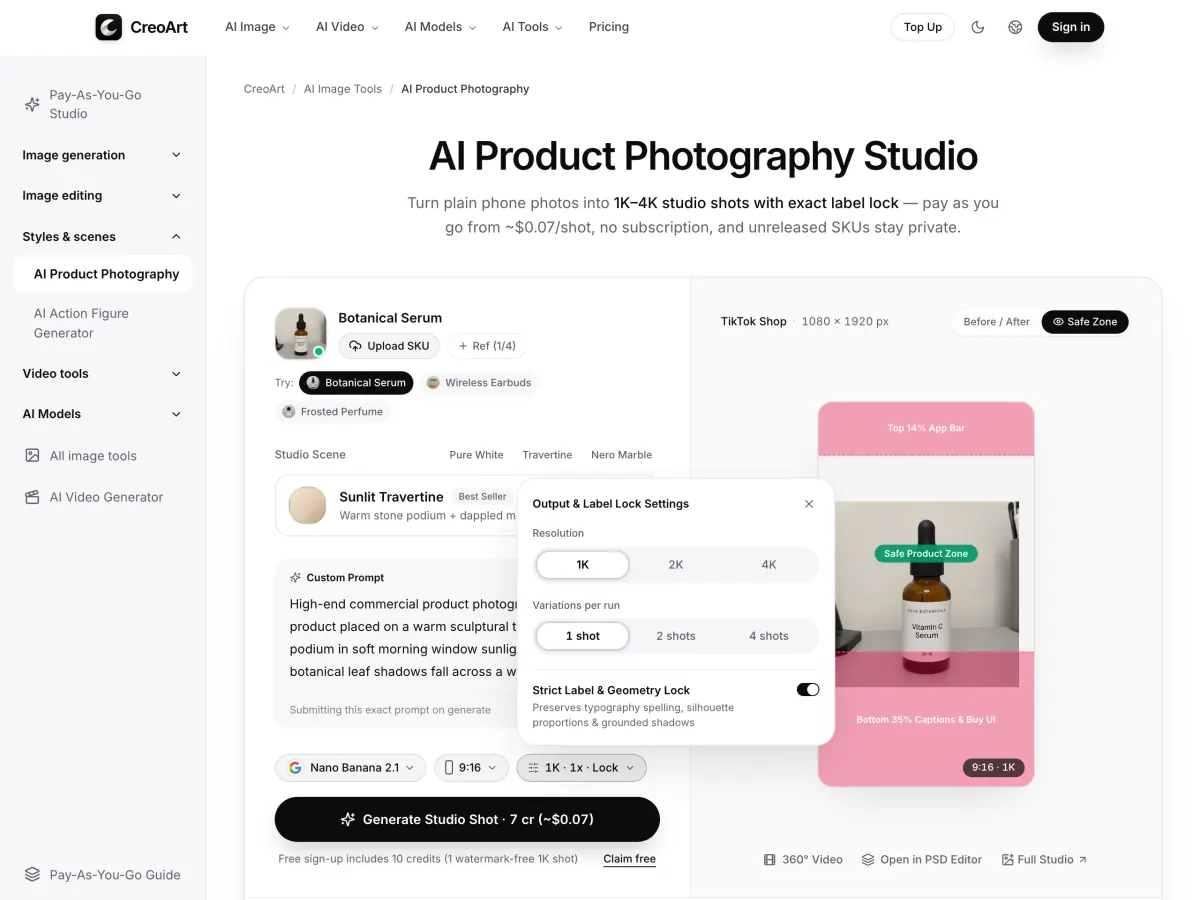
| TikTok / Reels Ad Cover | 9:16 vertical | Center-low anchor keeping top 20% & bottom 25% clear of UI overlays | High-contrast studio rim light or dynamic frozen splash highlights | Placing critical packaging text behind social caption bars |
| Promo & Launch Banner | 16:9 or 4:5 | Rule-of-thirds placement preserving 30% clean tonal negative space | Even commercial softbox with subtle tonal gradient across backdrop | Busy patterned backgrounds that make discount headlines unreadable |
Selecting a target engine inside the builder automatically tunes sentence structure and phrasing length to match how each model interprets packaging text, glass refraction, and shadows. All rates use CreoArt’s never-expiring pay-as-you-go credits.
| AI Model | Best Product Fit | Label Text Accuracy | Recommended Prompt Style | Pay-As-You-Go Cost |
|---|---|---|---|---|
| Nano Banana 2.1 | Skincare, cosmetics, natural sunlight sets & 14-ref real SKU uploads | Very High (clean English & curved bottle labels) | Natural photographic prose + physical light angle + quoted brand copy | 7 cr (~$0.07 / 1K) |
| GPT Image 2.5 | Complex boxed packaging, supplement labels, infographics & multi-item sets | Industry Best (razor-sharp tiny text & numbers) | Structured clauses: Subject + Surface + Lighting + Verbatim Copy + Lens | 4–24 cr ($0.04–$0.24) |
| Seedream 5.0 Pro | Luxury beauty campaigns, bilingual EN/ZH packaging & rich editorial grading | Very High (strongest bilingual CN + EN packaging) | Explicit editorial color harmony + sculpted light + medium-format lens | 10 cr (~$0.10 / 1K) |
| FLUX Fast Schnell | Rapid set composition & lighting drafts before final hero renders | Moderate (ideal for unbranded set & lighting ideation) | Short concrete physical sentences; skip legacy weight brackets | Free 3/day or 2 cr (~$0.02) |
Apply these five concrete prompt habits across skincare, beverage, jewelry, and consumer-tech catalogs to jump straight to publishable product frames.
Write "frosted amber glass serum bottle with matte black rubber dropper" instead of "skincare bottle". Material finish dictates specular highlights, translucency, and color bounce across the entire scene.
Combining marble, water, mirrors, and neon backlighting in one prompt confuses diffusion lighting solvers. One tactile surface plus one directional light source creates immediate photographic believability.
Adding "resting firmly with subtle ambient occlusion and soft directional contact shadow beneath the base" eliminates the #1 giveaway of amateur AI product composites — floating bottles.
Wide-angle framing bends vertical packaging edges and warps cylindrical tubes. Calling out an 85mm eye-level lens or 100mm macro keeps bottle proportions faithful to real studio packshots.
Validate set lighting and angle using FLUX Fast (3 free daily or ~$0.02), then run your locked winning prompt with your real product photo inside Nano Banana 2.1 (~$0.07) or GPT Image 2.5 (~$0.08) for crisp commercial delivery.
Pre-launch packaging designs, seasonal SKU formulations, and brand art-direction prompts are confidential commercial IP. While you assemble presets, edit draft prompts, or bookmark formulas into your ⌘J Prompt Helper as a guest, everything stays strictly in your browser localStorage — nothing is uploaded to any public feed or shared gallery.
When you send your compiled prompt to CreoArt’s AI Product Studio to render real SKU images, your files stay isolated in private storage, are never used to train models, and can be permanently deleted in one click from your private library.
Clear answers on daily free prompt compilations, keeping real packaging labels intact, Amazon compliance wording, and private commercial rights.
Every visitor gets 3 free daily AI prompt compilations with no login or credit card required, plus unlimited free copying of the live parameter blueprint and curated recipe library. After your 3 daily free AI compilations, signed-in users continue at just 1 credit (~$0.01) per compilation from never-expiring credit packs.
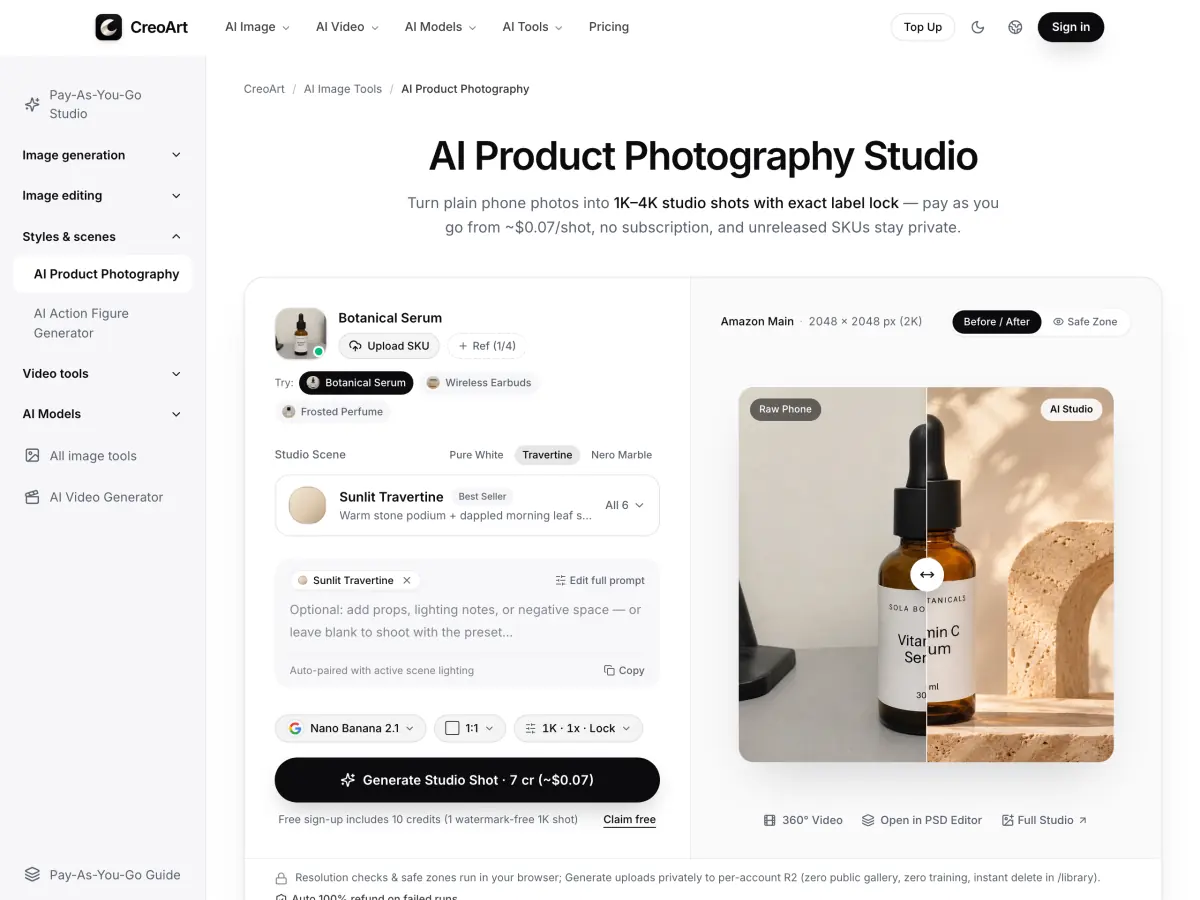
Yes — that is the recommended workflow for real SKUs. After compiling your prompt, click the "Adapt for uploaded SKU photo" quick-refine chip or click "Render in AI Product Studio" to jump straight to /tools/ai-product-photography with your prompt pre-loaded, then upload your phone photo to lock your exact bottle and label.
Type your short brand copy into the "Exact packaging text to preserve" slot above. The builder wraps it in verbatim double quotes paired with print-finish cues and strict typography lock rules, and recommends GPT Image 2.5 or Nano Banana 2.1 for the sharpest text fidelity.
Yes. Select the "Amazon · Pure #FFFFFF" starter preset (or choose Amazon Pure White under Channel & Purpose + Pure White Sweep under Surface). It automatically specifies a #FFFFFF cyclorama background, ~85% product frame fill, zero distracting props, and a clean grounded shadow.
You can describe your product in plain Chinese or English, and keep the output toggle on "EN Output" for maximum visual fidelity across Nano Banana 2.1, GPT Image 2.5, and FLUX. Switch to "ZH Output" if you are specifically rendering Chinese poster or packaging copy on Seedream 5.0 Pro.
Every single studio dimension includes a "+ Custom" toggle where you can type any specialized surface (such as Venetian plaster, terrazzo tile, or dark walnut), prop, lighting angle, or negative constraint. The AI compiler weaves your custom notes naturally with the selected presets.
Yes. Guest prompt drafts and your ⌘J personal vault stay locally in your browser with zero uploads to any community gallery. Signed-in renders stay strictly private inside your CreoArt library with zero model training and 1-click permanent deletion.
CreoArt runs on never-expiring pay-as-you-go credit packs starting at $5 (500 credits) or custom $1–$500 top-ups with zero subscription. Nano Banana 2.1 costs 7 credits (~$0.07/image), GPT Image 2.5 starts at 4–8 credits ($0.04–$0.08), Seedream 5.0 Pro is 10 credits (~$0.10), and FLUX Fast includes 3 free daily trial images.
Take your compiled prompt straight into our dedicated real-SKU photo studio, or jump to CreoArt’s full Dual-Core Prompt Director and model-specific recipe hubs.
RECOMMENDED NEXT STEP
Already built your surface, lighting, and lens prompt? Bring your real smartphone SKU photo into our dedicated commercial workbench to check Amazon/TikTok safe zones and lock your exact packaging label.
Explore 11 image industries × 20 heritage crafts plus dedicated T2V/I2V video direction.
98 curated visual recipes tuned for photoreal lighting, natural shadows & multi-ref edits.
176 commercial packaging, poster typography, and precision graphic design templates.
Turn finished hero packshots into scroll-stopping 4-second Seedance, Kling & Veo ads.
Collector blister-pack and matte vinyl figurine prompts with customizable accessories.
Never-expiring credits across all flagship models with upfront USD quotes and zero monthly fees.