
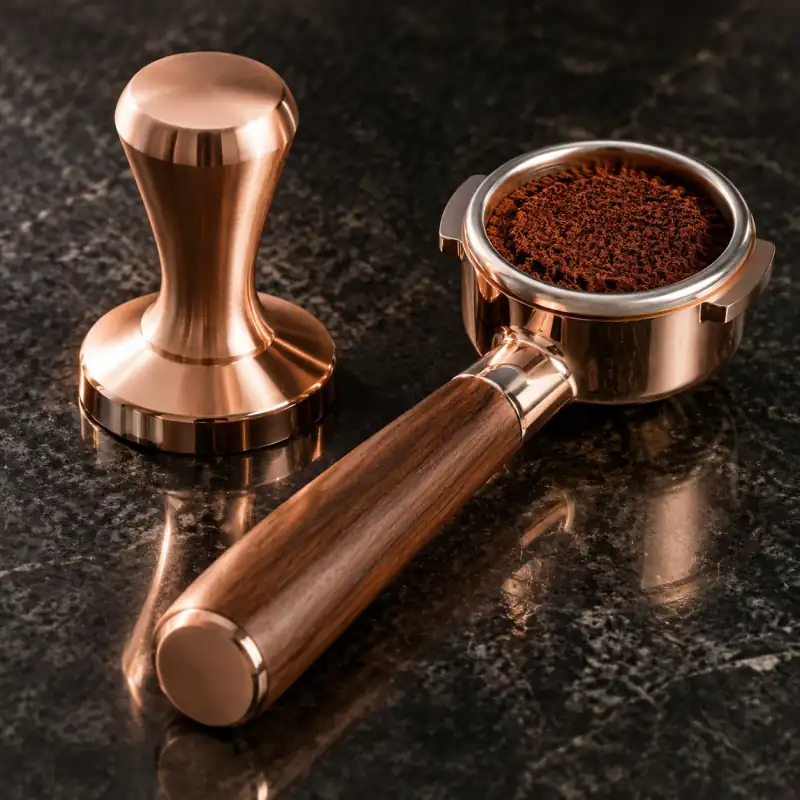
 36% Less Than Kling 4.0Kling 4.0 Flash · 3s 720p · 69 cr (~$0.69)
Product Orbital Spin (3s)
Same crisp Kling 4.0 rigid-body & specular lighting physics at 23 cr/s vs 36 cr/s on full Kling 4.0.
The fast, budget-smart Kling 4.0 motion engine — 23 credits/sec (~$0.23/s, 36% cheaper than full Kling 4.0) across 3–20s 720p clips, pay-as-you-go from $5 with zero subscription and private R2 storage.
36% Less Than Kling 4.0Kling 4.0 Flash · 3s 720p · 69 cr (~$0.69)Same crisp Kling 4.0 rigid-body & specular lighting physics at 23 cr/s vs 36 cr/s on full Kling 4.0.
Safe-zone framing calculates locally in your browser. Uploaded frames & MP4 outputs stay private in Cloudflare R2 (30-day max, instant /library delete).
Auto 100% refund on failed runs23 cr/s (~$0.23/s)
3s just 69 cr · 5s 115 cr (36% below Kling 4.0)
3–20s Takes
1s steps up to 10s plus 12s, 15s & 20s long takes
Physics Stability
Grounded strides, cloth sway & smooth product orbits
Private R2 Vault
Zero public gallery; instant /library delete
Skip paying full 1080p rates while testing camera paths, product orbits, and fashion walks. Run Kling 4.0 Flash directly above:
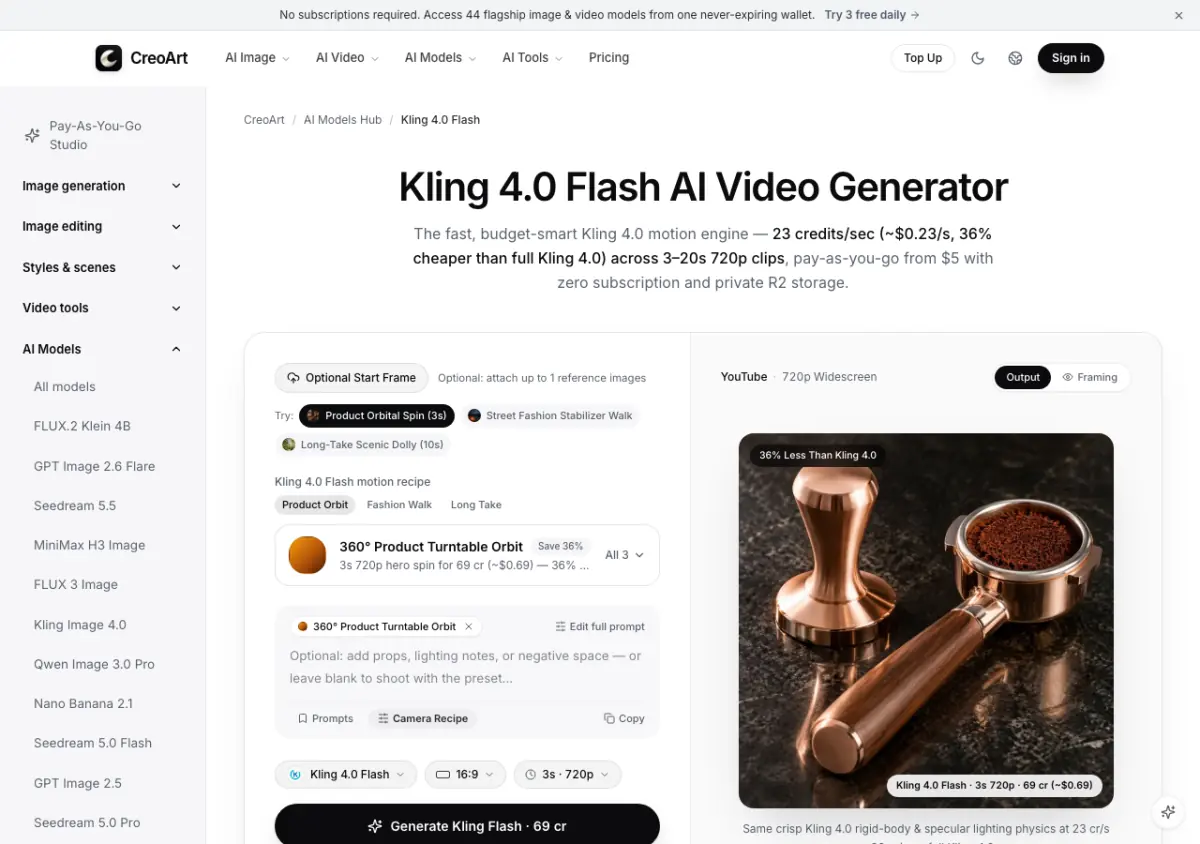
Full Kling 4.0 excels at heavy physical realism, fabric weight, and continuous tracking shots — yet at 36 cr/s (720p) to 54 cr/s (1080p), iterating multiple takes quickly adds up.
Kling 4.0 Flash brings Kling 4.0’s responsive physics down to a flat 23 credits/sec (~$0.23/s) at 720p across 3–20 seconds, trimming 36% off every second with faster queue turnaround.
Inside CreoArt’s unified balance, use Kling 4.0 Flash for daily product spins, lookbook walks, and camera rehearsals — then selectively upscale winning takes via /video-upscaler or switch to full Kling 4.0 (/kling-4) only when you require native 1080p or 21–30s takes.
Jumping straight to a 15–20s prompt before testing framing
Validate camera movement at 3s (69 cr) first, then stretch winning prompts to 10–20s.
Combining multiple abrupt cuts inside a single prompt
Specify one continuous camera move per shot (180° studio orbit or steady backward gimbal follow).
Needing synchronized foley or dialogue audio in the same render
Switch one click inside the model popover to Kling 3.0, Veo 3.1 Lite, or Seedance 2.5 Flash.
Delivering a winning 720p Flash take onto large desktop heroes
Send the winning clip to /video-upscaler 2× (48 cr) for sharp HD output at 40% below native 1080p pricing.
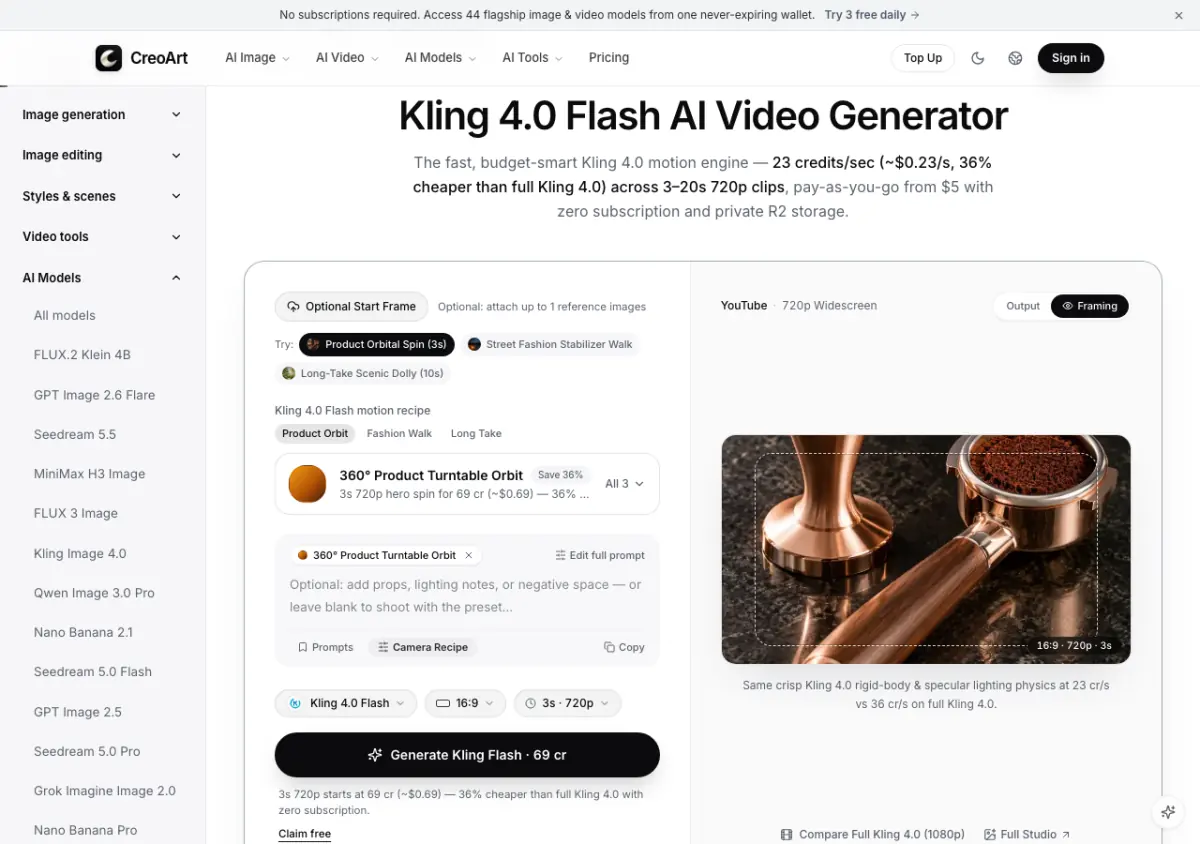
Compare exact transparent rates calculated at the $5 Entry Pack ($0.01/credit):
| Kling Tier | Durations | Resolution & Audio | Rate / Sec | 5s Clip Cost |
|---|---|---|---|---|
| Kling 4.0 Flash (This Page) | 3–20s | 720p Silent (Fast) | 23 cr/s (~$0.23/s) | 115 cr (~$1.15) |
| Full Kling 4.0 | 3–30s | 720p / 1080p Silent | 36 / 54 cr/s | 180 / 270 cr (~$1.80–$2.70) |
| Kling 3.0 (4K + Audio) | 3–15s | 720p / 1080p / 4K + 1.5× Audio | 22 / 40 / 105 cr/s | From 110 cr (1.5× audio) |
Pay strictly for finished motion clips without $66/month single-platform locks:
25 seconds of fast 720p Kling physics
CreoArt Pay-As-You-Go
~$5.75
575 credits · $19 Creator Pack (2,000 never-expiring cr — 1425 left)
Commercial motion shoot (~$300/clip)
$1,500
Save ~99.6% ($1,494 kept)
Standalone Video Sub (~$66/mo × 12)
$792
$5 Entry Pack (500 cr) delivers seven 3s Kling 4.0 Flash clips or four 5s clips — credits never expire.
| Clip Setup | Credits / Clip | Approx. USD | Clips per $5 Pack | Best Use Case |
|---|---|---|---|---|
| 3s 720p Flash Shot | 69 cr | ~$0.69 / clip | 7 clips | E-commerce product spins, motion checks & quick hooks |
| 5s 720p Flash Clip | 115 cr | ~$1.15 / clip | 4 clips | TikTok / Reels streetwear walks & social product ads |
| 5s Flash + 2× Video Upscaler | 163 cr | ~$1.63 / clip | 3 HD deliverables | Saves 40% vs raw 5s full Kling 4.0 1080p (270 cr) |
Click any card below to load its aspect ratio, duration, and motion recipe into the studio above:
36% Less Than Kling 4.0Kling 4.0 Flash · 3s 720p · 69 cr (~$0.69)Same crisp Kling 4.0 rigid-body & specular lighting physics at 23 cr/s vs 36 cr/s on full Kling 4.0.
 3–20s ContinuousKling 4.0 Flash · 5s 720p · 115 cr (~$1.15)
Natural fabric weight, realistic footstep cadence, and steady vertical tracking for 5s Reels & TikTok spots.
 23 cr/s · 720pKling 4.0 Flash · 10s 720p · 230 cr (~$2.30)
Stretch continuous camera trajectories up to 20 seconds without mid-shot melting, then upscale winning takes 2× if needed.
Product launches and fashion campaign tests belong strictly to your team — never in public discovery feeds.
CreoArt (operated by CreoArt Studio / MagicT LLC) maintains zero public gallery and never trains proprietary models on uploaded media. All keyframes and rendered MP4s stay private in isolated Cloudflare R2 storage (Cache-Control: private, no-store, 30-day max, instant /library delete).
Use these five tips to get reliable physics at 23 cr/s on your first pass:
Uploading a sharp product still locks packaging proportions throughout a 180° orbit.
Stick to a single steady movement (orbit, backward gimbal follow, or slow drone glide) for zero jitter.
Three seconds immediately reveals stride weight and lighting behavior at minimal cost.
Only pay for HD sharpness on shots you actually intend to publish.
Swap outfits first, then upload the frame here to animate natural fabric sway.
Answers on 23 cr/s pricing, differences from full Kling 4.0, 3–20s durations, and 2× upscale savings.
Kling 4.0 Flash renders 720p at 23 credits/sec (~$0.23/s) versus 36 credits/sec on full Kling 4.0 — saving 36% per second. A 3-second clip costs 69 credits (~$0.69 vs $1.08), and a 5-second clip costs 115 credits (~$1.15 vs $1.80).
Kling 4.0 Flash renders crisp 720p video across 3 to 20 seconds (3, 4, 5, 6, 7, 8, 9, 10, 12, 15, and 20s steps) in 16:9, 9:16, and 1:1 ratios from text or an optional starting image.
Generate your winning 5-second 720p take on Kling 4.0 Flash (115 cr / ~$1.15), then send only the approved clip to CreoArt AI Video Upscaler (/video-upscaler, 48 cr for 2×) for 163 credits total — saving 40% compared to rendering native 5s 1080p on full Kling 4.0 (270 cr).
Like full Kling 4.0, Kling 4.0 Flash focuses on silent physics-accurate camera motion and cloth/fluid stability. Whenever you need synchronized sound effects or dialogue in the same pass, switch in one click to Kling 3.0, Veo 3.1 Lite, or Seedance 2.5 Flash inside the same wallet.
Run all product spins, lookbook walks, and camera rehearsals on Kling 4.0 Flash (23 cr/s). Step up to full Kling 4.0 (/kling-4) when you specifically need 21–30 second single takes or native 1080p straight out of the model.
Yes. Uploaded keyframes and finished MP4s live strictly in private per-account Cloudflare R2 storage (zero public gallery, zero self-model training, 30-day max retention, instant delete in /library). Confirmed technical failures automatically refund 100% of credits.
Switch to full Kling 4.0 1080p, upscale winning takes, or jump to audio-enabled models under one wallet:
Step up for native 1080p or 21–30s extended hero physics takes.
Upscale winning 720p Flash clips cleanly to crisp HD for 48 cr.
4s 720p from 40 cr (~$0.40) with optional 1.6× synchronized foley.
Fast 4–30s ByteDance storytelling + 1.5× native audio from 22 cr/s.
Generate locked-face outfit frames first, then animate them here.
1–15s dynamic motion starting at just 6 cr/s (~$0.06/s) on Lite.