
 nano-banana-2-1
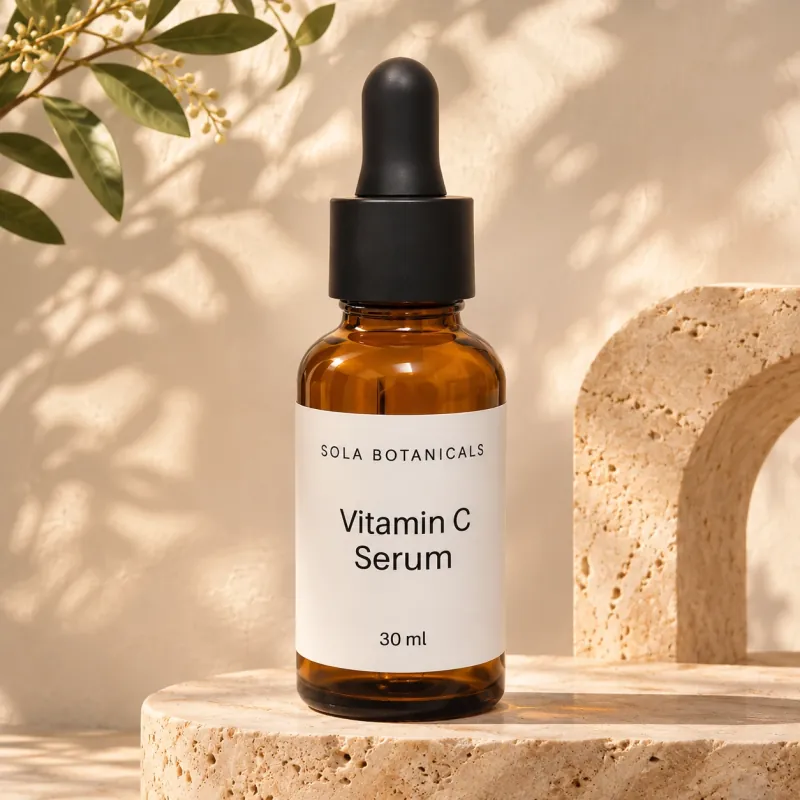
Minimalist Skincare Serum on Travertine Plinth
Clean architectural sunlight & soft contact shadow setup for luxury cosmetics and Shopify hero shots.
Upload or paste any reference photo to reverse-engineer its lighting, lens, and texture DNA, iterate with 4 instant AI Director suggestions, and generate your new image or video right on the same page.
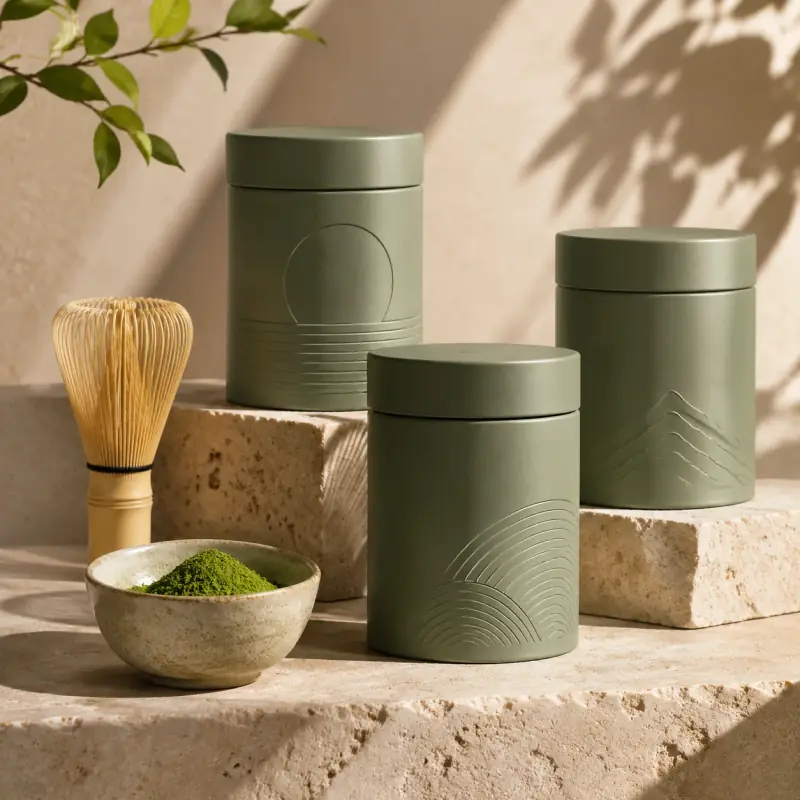 Matcha Packaging
No image handy? Try a zero-cost sample:
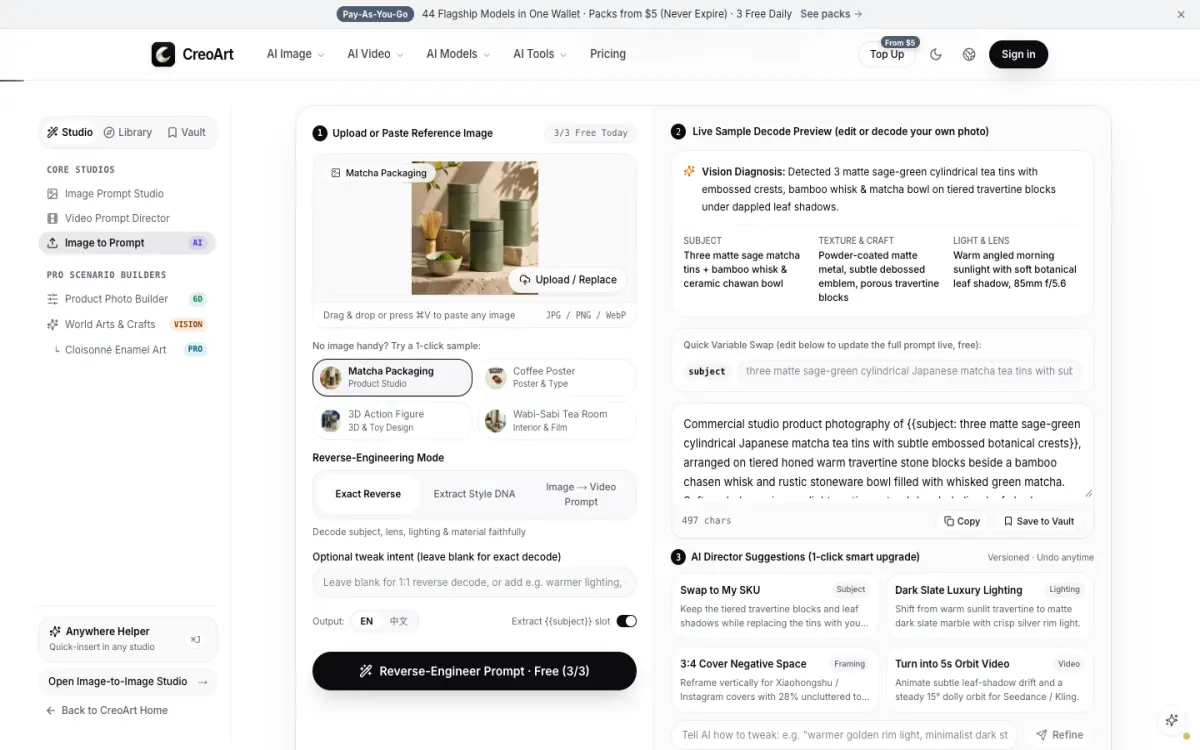
Reverse-Engineering Mode
Decode subject, lens, lighting & material faithfully
Vision Diagnosis: Detected 3 matte sage-green cylindrical tea tins with embossed crests, bamboo whisk & matcha bowl on tiered travertine blocks under dappled leaf shadows.
Reference images compress locally and decode ephemerally with zero server storage; renders stay private in R2 with zero public feed or training.
Auto 100% refund on failed runs3 Decode Modes
Exact 1:1 reverse prompt, style-DNA extraction for new subjects, or anti-warp I2V motion prompts
4 AI Suggestions
Every decode returns tailored director upgrades with version history (v1 -> v2 -> v3)
3 Free / Day
Decode and try free FLUX.2 Klein 4B renders with zero login; paid drafts start at $0.01 pay-as-you-go
Zero Image Storage
Reference photos compress locally in your browser and decode ephemerally — never saved or trained on
Most image-to-prompt websites stop at a lifeless paragraph of buzzwords, forcing you to guess how to adapt the result for your own brand or product. CreoArt closes the entire loop from visual reverse engineering to live AI art direction and direct rendering.
STEP 01
Upload a JPG, PNG, or WebP inspiration frame — or press Cmd+V directly after taking a screenshot. Your browser shrinks a lightweight preview copy locally in memory so decoding finishes in seconds with zero persistent uploads.
STEP 02
Select Exact Reverse to reconstruct the full composition and optionally turn the hero object into a swappable {{subject}} placeholder, Style DNA to lift only lighting and materials onto your own new subject, or Image to Video to compile a single-move camera script.
STEP 03
Instead of hand-editing brittle adjectives, inspect the AI Vision Diagnosis and click any of the four tailored AI Director upgrade cards — swap your SKU, shift to dark luxury rim light, add 3:4 cover negative space, or rewrite into a 5-second video shot. Every pass saves cleanly as v1, v2, and v3.
STEP 04
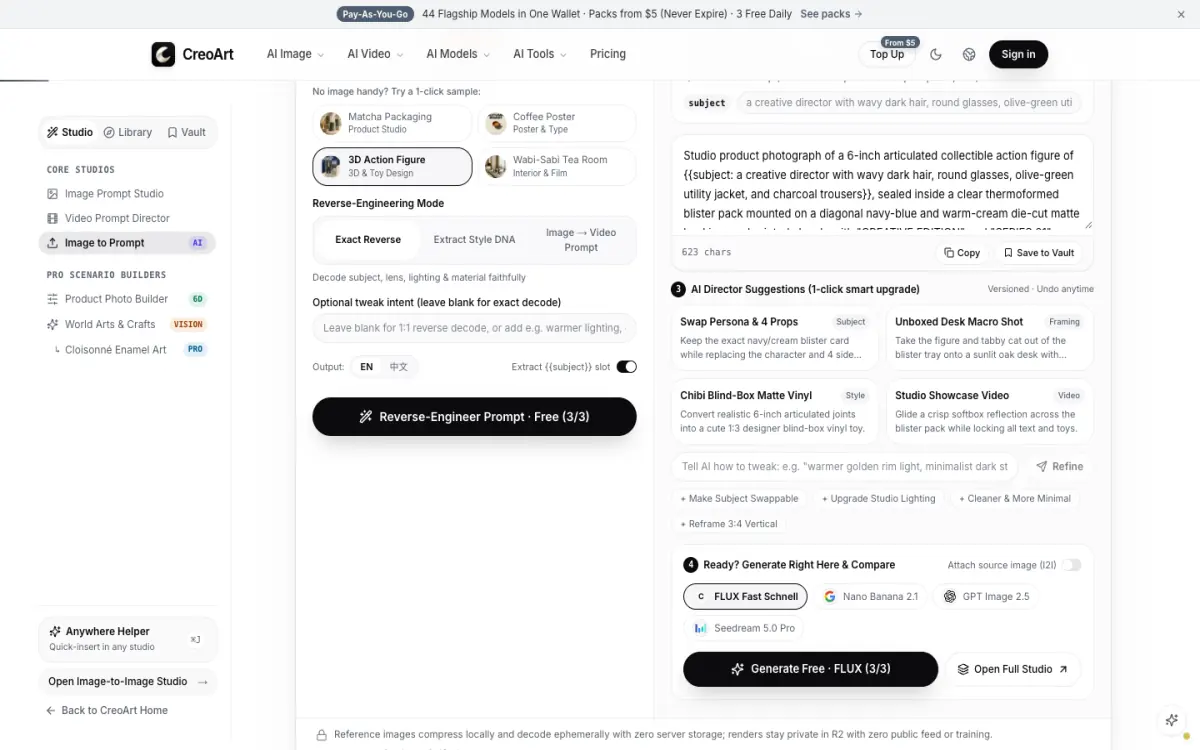
Click Generate right below the prompt box to validate composition free with FLUX.2 Klein 4B (3 daily no-login 1:1 runs) or switch to "My Subject Photo" to upload your own SKU or portrait into the decoded lighting — comparing original vs generated output side-by-side.
Basic CLIP taggers and generic image captioners output long strings of disconnected nouns ("bottle, sunlight, aesthetic, trending, 8k"). When you paste those strings into a modern diffusion or video model, the result rarely resembles the reference you loved.
The root problem is confusion between semantic labeling and physical art direction. A captioner tells you what object sits in the frame, whereas high-craft image and video models respond to physical light geometry, lens focal length, surface micro-texture, and explicit negative-space balance. Saying "nice studio lighting on stone" invites muddy overhead glare; naming "angled morning window key light casting subtle architectural shadows across honed warm travertine, 85mm f/5.6, grounded contact shadow" reproduces the exact photographic authority of the reference.
Equally important, real creative work almost never stops at blind 1:1 copying. E-commerce teams want the lighting and plinth of an editorial reference applied to their own serum bottle; graphic designers want a Swiss poster grid paired with their own quoted headline; filmmakers want a still hero shot transformed into a single steady 5-second dolly push-in. That is why every decode in CreoArt separates Subject, Craft & Material, and Lighting & Lens, automatically suggests four next-step upgrades, and preserves version history so you can explore bold directions without losing your original baseline.
Compare generic automated captions against structured CreoArt reverse-engineered prompts below. Click any example card to load its matching reference photo straight into the workbench above.
Weak Everyday Prompt
skincare bottle and box on stone, sunlight, minimalist luxury, realistic photo, high quality, 8k resolution, sharp focus
Flattens glass finish, paper grain, shadow direction, and focal length into vague tags — outputs look plastic and cannot cleanly swap your own SKU.
Structured Pro Prompt Output
Commercial studio product photography of {{subject: a luxury frosted glass skincare bottle beside its uncoated cotton-paper box}}, resting firmly on a honed warm travertine stone plinth with crisp grounded contact shadows. Soft angled morning window light casting subtle architectural shadows across an off-white matte plaster backdrop, 85mm medium-format lens, f/5.6, clean editorial negative space.
Isolates the hero SKU as a live variable while locking tactile travertine, angled morning window light, and zero-distortion 85mm geometry.
Weak Everyday Prompt
modern graphic poster design, red and black shapes, white background, bold text, clean layout, minimalist style
Omits grid structure, paper print texture, and verbatim typography quoting — generators scatter illegible fake letters across the frame.
Structured Pro Prompt Output
Contemporary Swiss modernist graphic design poster featuring {{subject: a bold sculptural coffee exhibition centerpiece}} on an asymmetric 12-column typographic grid. Crisp oversized sans-serif headline printed verbatim at top, warm off-white archival paper stock with charcoal and vermilion accents, subtle tactile print grain, razor-sharp typography alignment, 3:4 vertical poster layout.
Specifies Swiss grid rhythm, archival paper ink behavior, disciplined 2-tone contrast, and clean verbatim headline placement.
Weak Everyday Prompt
woman in beige coat outside, sunset lighting, blurry background, film look, portrait photography, cinematic colors
Locks the prompt to the original model and coat instead of separating the golden-hour rim light and medium-format film color science.
Structured Pro Prompt Output
Editorial medium-format film portrait of {{subject: an artisan ceramicist holding a stoneware tea bowl in a sunlit courtyard}}, captured in warm late-afternoon golden-hour backlight creating a soft glowing rim along shoulders and hands. Authentic unretouched texture, muted Kodak Portra 400 palette, creamy 85mm f/2.0 architectural bokeh, candid documentary poise.
Extracts pure optical and color-grading DNA so your completely new subject inherits the exact editorial film atmosphere.
Explore live community and studio prompts from CreoArt’s visual library. Fill variables inline, save favorites straight into your private ⌘J vault, or click Load into Builder to inspect and refine them above.
nano-banana-2-1Clean architectural sunlight & soft contact shadow setup for luxury cosmetics and Shopify hero shots.
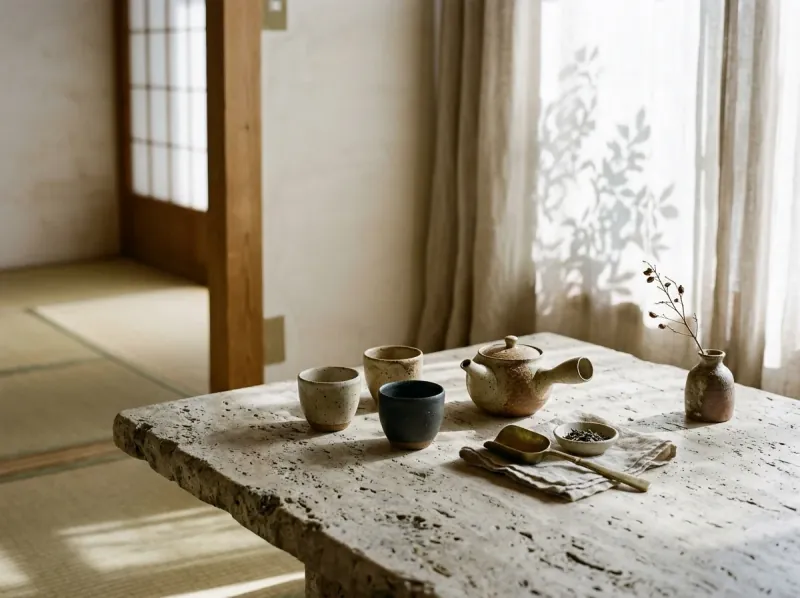 nano-banana-2-1
Atmospheric 35mm twilight portrait balancing warm lantern glow with wet cobblestone reflections.
 gpt-image-2-5
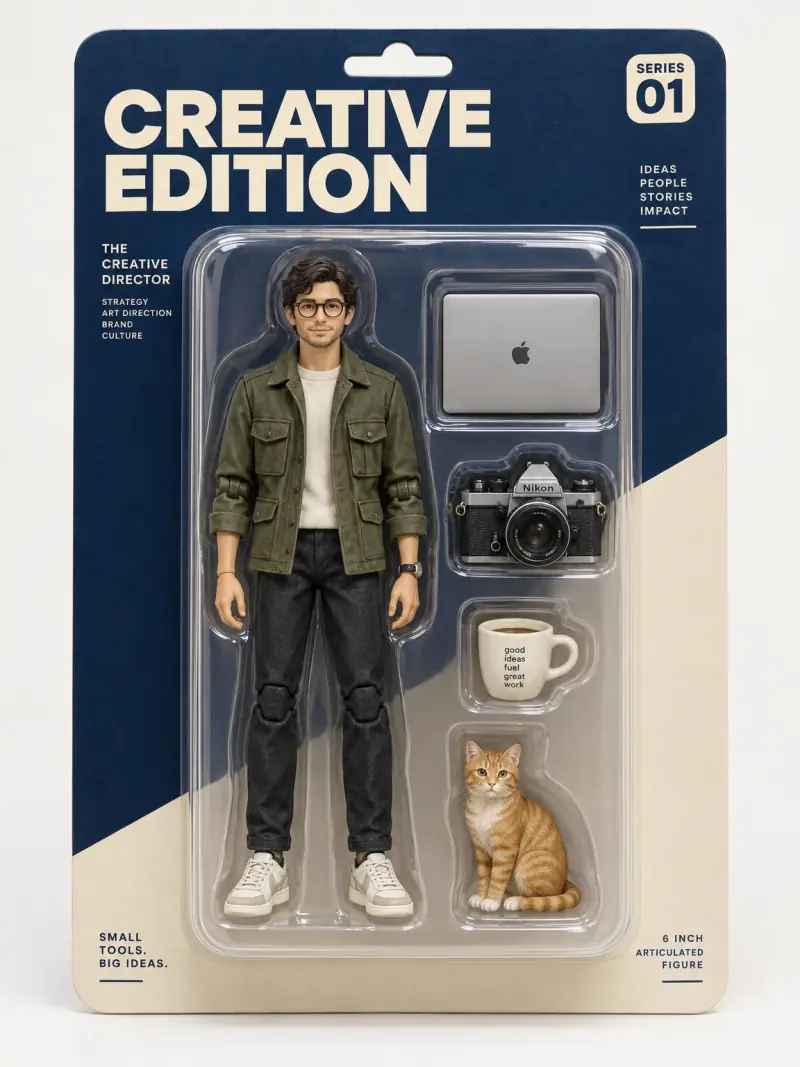
Turn any creator, founder, or character into a glossy retail blister-pack collectible with 3 miniature accessories.
 seedance-2-5
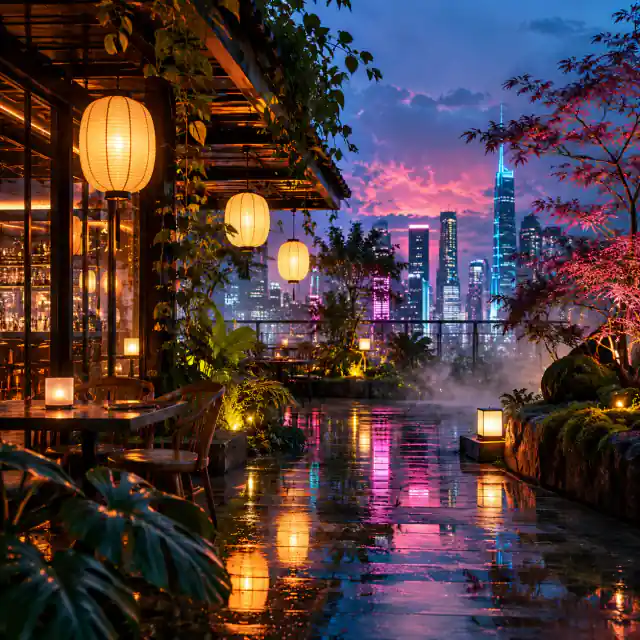
Single continuous tracking move through neon rain reflections with crisp motion continuity.
 gpt-image-2-5
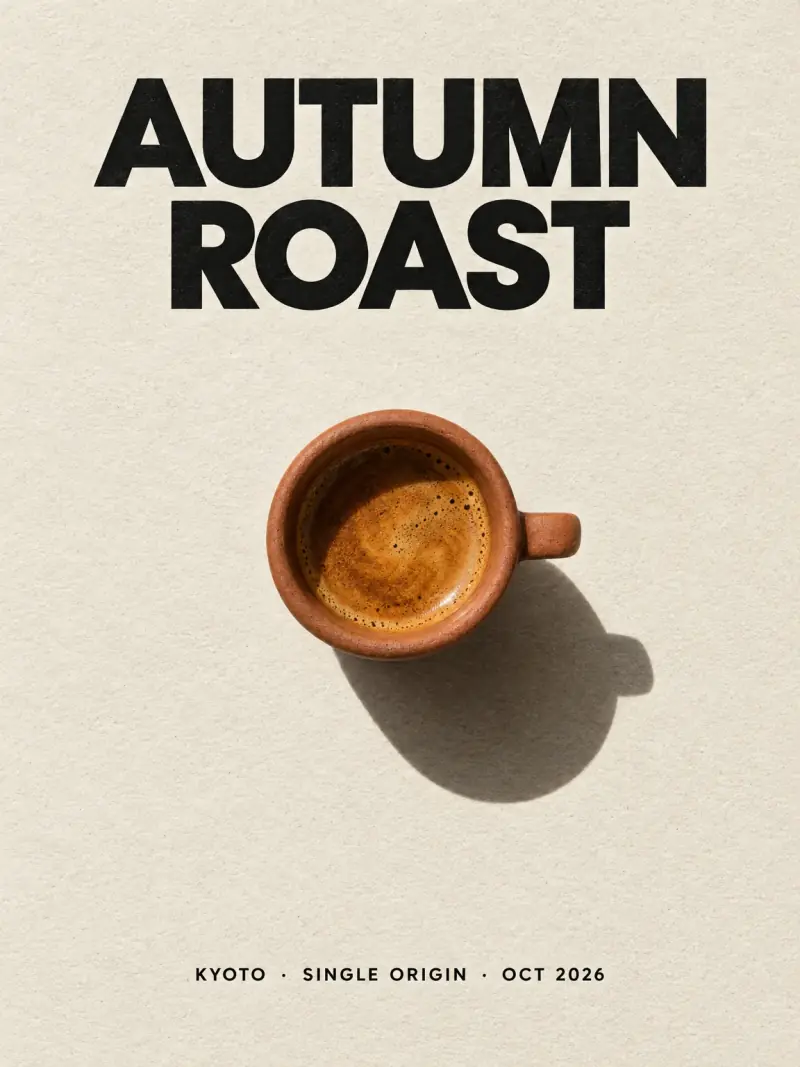
Crisp grid hierarchy, matte paper grain, and exact quoted headline rendering for posters & launches.
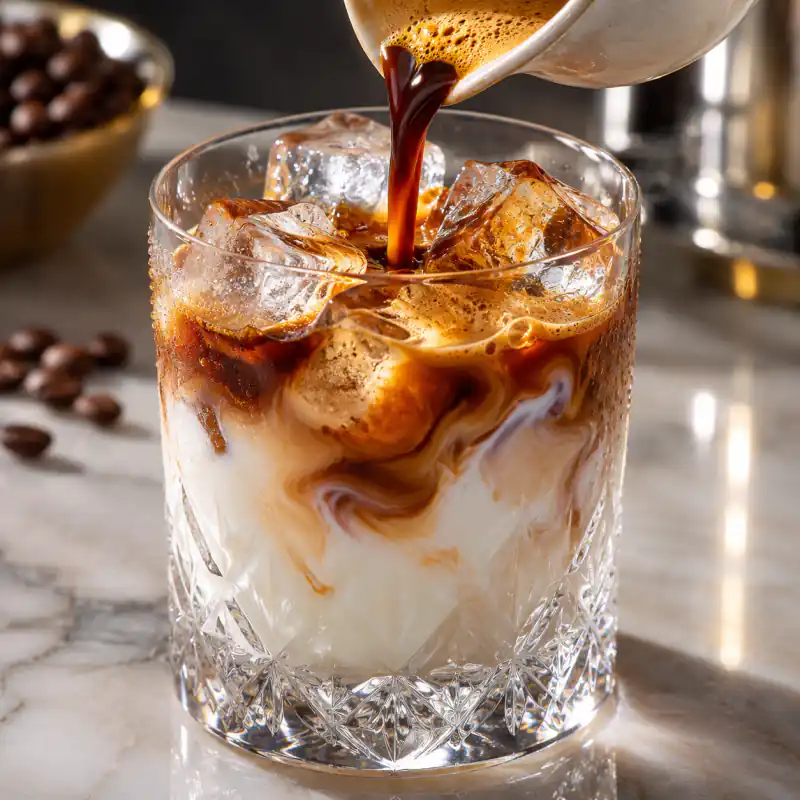 kling-4
High-impact sensory beverage hook with tiger-stripe crema pour and gentle push-in.
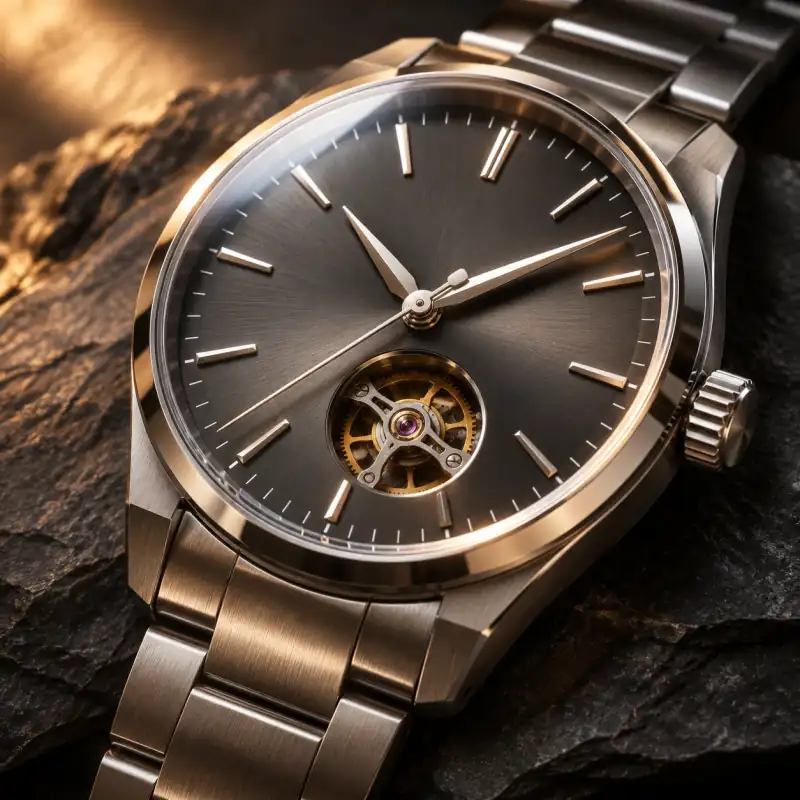 veo-3-1
Director-grade 85mm macro orbit highlighting brushed steel bevels, sapphire glint, and ticking precision.
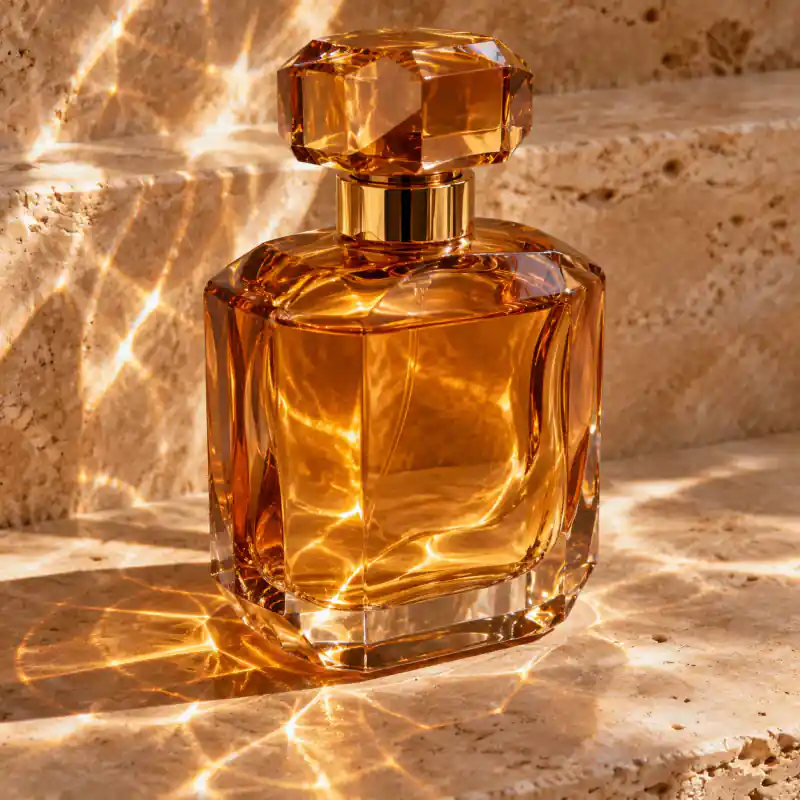 seedream-5-pro
Rich sculptural lighting and editorial color palette tailored for Seedream 5.0 Pro commercial shoots.
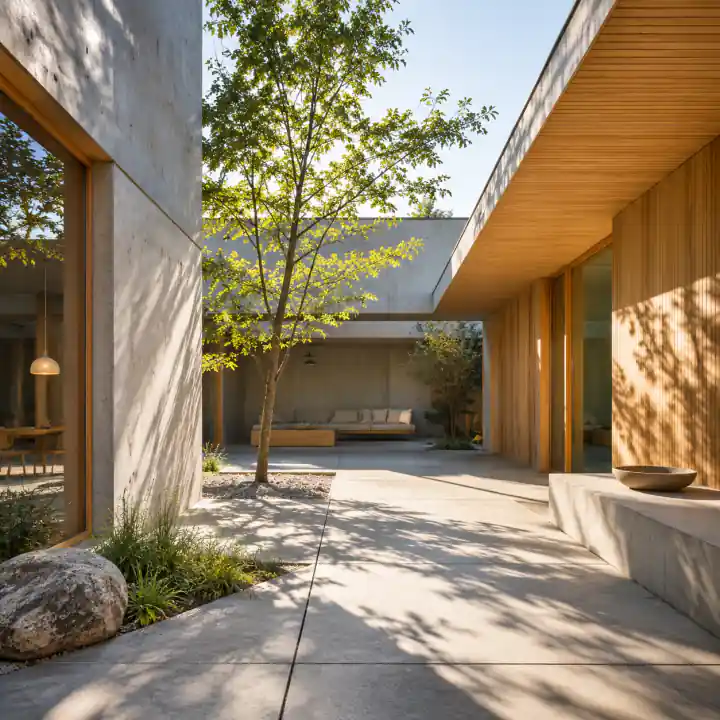 flux-fast-schnell
Clean architectural daylight concept render — fast $0.02 iterations or free daily FLUX try.
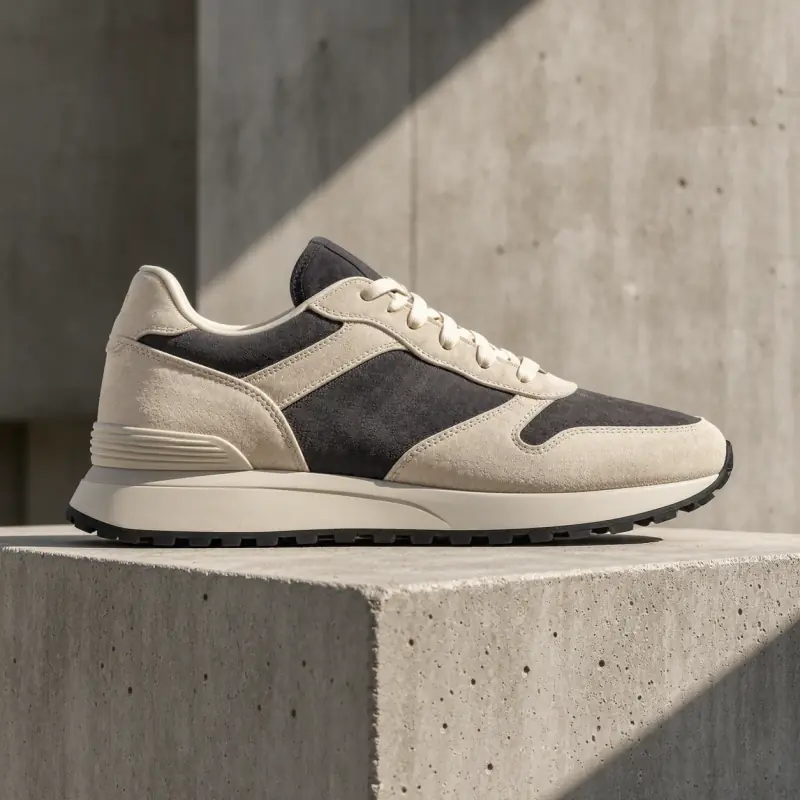 nano-banana-2-1
Dynamic studio lighting & micro-texture fidelity for footwear drops and streetwear campaigns.
 nano-banana-2-1
Authentic skin texture, calm window key light, and soft architectural office bokeh — zero AI plastic look.
gpt-image-2-5Tactile matte paper pouches, crisp foil stamping, and believable tabletop staging for packaging designers.
Choosing the right reverse-engineering mode determines whether the AI preserves your exact composition, extracts pure style DNA for a new product, or turns a static photo into fluid cinema.
| Creative Workflow | Decode Mode | Attach Source Photo on Render? | Best AI Director Suggestion | Target Output |
|---|---|---|---|---|
| Recreate Viral Ad With Your Own SKU | Exact Reverse + {{subject}} slot | Optional (OFF to freely swap shape; ON to keep exact framing) | Swap to My SKU / Upgrade Studio Lighting | Clean e-commerce hero shots |
| Borrow Mood, Lighting & Film Grading | Extract Style DNA | OFF (prevents original reference object from bleeding in) | Apply DNA to New Subject / Monochrome Film | Consistent brand lookbooks |
| Restyle Your Own Photo or Sketch | Exact Reverse | ON (Image-to-Image locks silhouette & pose) | Cleaner Minimal Composition / Upgrade Material Craft | High-craft visual upgrades |
| Animate Any Still Frame Into Cinema | Image -> Video Prompt | ON (locks opening frame for Seedance / Kling / Veo) | 5s Slow Orbit / Subtle Natural Breeze | Anti-warp 5-second ad clips |
Every model interprets detailed reverse-engineered prose slightly differently. Pick your destination model right inside Step 4 with exact upfront credit quotes and never-expiring pay-as-you-go credit packs.
| AI Model | Best Fit After Reverse-Decoding | Supports Source Ref (I2I/I2V) | Prompt Fidelity Strengths | Pay-As-You-Go Rate |
|---|---|---|---|---|
| FLUX.2 Klein 4B | Instant composition & lighting sanity checks before spending credits | Text-to-Image only (2–4s) | Fast framing validation from concrete visual sentences | Free 3/day or 1 cr (~$0.01) |
| Nano Banana 2.1 | Photorealistic product staging, sunlit sets & faithful I2I restyling | Yes (up to 14 reference images) | Natural daylight physics, glass refraction & balanced scenes | 7 cr (~$0.07 / 1K) |
| GPT Image 2.5 | Posters, boxed packaging, infographics & 3D collectible layouts | Yes (up to 16 reference images) | Best-in-class verbatim typography & multi-accessory accuracy | 4–24 cr ($0.04–$0.24) |
| Seedream 5.0 Pro | Editorial fashion portraits, luxury dark campaigns & bilingual EN/ZH type | Yes (reference-guided) | Rich cinema color grading, skin realism & sculpted studio rim light | 10 cr (~$0.10 / 1K) |
| Seedance 2.5 / Kling 4.0 | Animating your uploaded still frame into smooth 5-second commercial clips | Yes (First-frame I2V lock) | Single steady camera trajectory with realistic surface physics | Pay-as-you-go per 5s clip |
Reverse engineering works best as a creative springboard rather than a photocopier. Apply these five director habits to make every generation distinctly yours.
Extracting the main object into a {{subject}} variable lets you lock one winning lighting and plinth setup, then generate ten cohesive SKUs in minutes just by changing three words in the inline variable bar — zero extra prompt credits required.
If your reference is a tall perfume bottle and your new product is a wide wireless speaker, attaching the original photo in Image-to-Image mode can force the speaker into a tall silhouette. Use Style DNA mode with Text-to-Image first to let geometry breathe naturally.
Click one suggestion (for instance, shifting to 3:4 vertical negative space), verify the clean diff in v2, and then run a lighting pass in v3. Because CreoArt stores every version in the revision rail, you can compare and roll back instantly.
Use your 3 daily free no-login FLUX.2 Klein 4B renders to confirm framing and negative space immediately on the page. Once the composition clicks, switch to "My Subject Photo" and render with Nano Banana 2.1, GPT Image 2.5, or Seedream 5.0 Pro for razor-sharp packaging and commercial texture.
Click Save to Vault after landing a repeatable brand aesthetic and assign a short trigger like /travertine or /editorial. Next time you open any CreoArt workbench, typing /travertine expands the entire vetted prompt directly inside the box.
Your brand references, unreleased product prototypes, and moodboards never belong in a public community gallery. When you drop or paste an image into CreoArt’s Image to Prompt Studio, your browser resizes a lightweight local preview strictly in memory and sends it ephemerally for live vision decoding — the reference file is never written to a database, never saved to public buckets, and never used to train models.
When you choose to render an image or video from your refined prompt, finished assets stay strictly private in encrypted Cloudflare R2 storage (Cache-Control: private, no-store, 30-day maximum retention) with instant single-click permanent deletion in /library and automatic 100% credit refunds on confirmed upstream technical failures.
Answers on reverse-engineering accuracy, AI Director refinement, image privacy, free daily usage, and commercial rendering.
Basic caption tools output generic noun tags that rarely reproduce lighting or camera craft. CreoArt decodes three structured visual axes (Subject & Framing, Material & Craft, Lighting & Lens), automatically isolates swappable {{subject}} variables, provides four image-aware AI Director upgrade cards with version history, and lets you generate your new image or video right on the same page.
Yes. Every visitor gets 3 free daily multimodal prompt decodes or AI Director refinements with zero login (plus zero-cost interactive sample previews), and 3 free daily 1:1 1K FLUX.2 Klein 4B image drafts right inside the workbench. Sign up anytime for 10 free watermark-free welcome credits to unlock custom ratios, "My Subject Photo" SKU staging, Nano Banana 2.1, GPT Image 2.5, and Seedream 5.0 Pro.
Exact Reverse faithfully reconstructs the reference photo’s subject, framing, surface, and light (ideal for restyling or swapping a single product). Extract Style DNA intentionally strips away the original object so you can apply the lighting, color palette, and lens mood onto a totally new subject. Image to Video Prompt analyzes the photo as an opening frame and writes an anti-warp 5-second single-camera cinematography prompt.
Inside the exact same vision call (at zero extra latency or cost), CreoArt analyzes your specific reference photo and proposes four targeted upgrades — typically a subject swap, a lighting or material upgrade, a format/negative-space reframe, and a 5-second video conversion. Clicking any card or typing your own instruction iterates the prompt cleanly into v2, v3, and beyond while keeping every earlier version one click away.
Never. Reference images are compressed locally in your browser via canvas and transmitted ephemerally for live vision decoding with zero persistent disk or database storage. Any final images or videos you choose to generate live exclusively in private Cloudflare R2 storage with zero public gallery, zero training on your files, and instant one-click delete in /library.
Turn it ON when you want to preserve your uploaded photo’s exact pose, bottle silhouette, packaging structure, or opening video frame (supported on Nano Banana 2.1, GPT Image 2.5, Seedream 5.0 Pro, Seedance 2.5, Kling 4.0, and Veo 3.1). Leave it OFF when you only borrowed the visual Style DNA and want a brand-new subject geometry or when running free Text-to-Image FLUX drafts.
Yes. Click Save to Vault right below the decoded prompt box to store it in your private Prompt Vault (local browser storage for guests, encrypted cloud sync when signed in). Give it a /shortcut like /studio or /poster, and typing /studio in any CreoArt generator expands the full prompt immediately.
Both prompt decoding and image/video rendering are protected by atomic quota and credit guards. Confirmed technical failures deduct zero daily free runs and automatically refund 100% of credits back to your balance.
Jump straight into specialized prompt directors, full-control image-to-image studios, or your private ⌘J prompt vault.
IMAGE-TO-IMAGE STUDIO
Open CreoArt’s full Image-to-Image workspace to combine up to 16 reference images, adjust 2K/4K resolution tiers, and switch across all live flagship image models under one never-expiring balance.
Build image & video prompts from scratch across 11 industries and 20 craft styles.
6-dimension commercial SKU prompt builder with verbatim packaging label locks.
8-lineage heritage material & multimodal substrate prompt console.
Browse 360+ curated image and video recipes with live {{variable}} slots.
Animate reference photos with Seedance 2.5, Kling 4.0, and Google Veo 3.1.
Organize decoded recipes, pin favorites, and configure /shortcut triggers.