
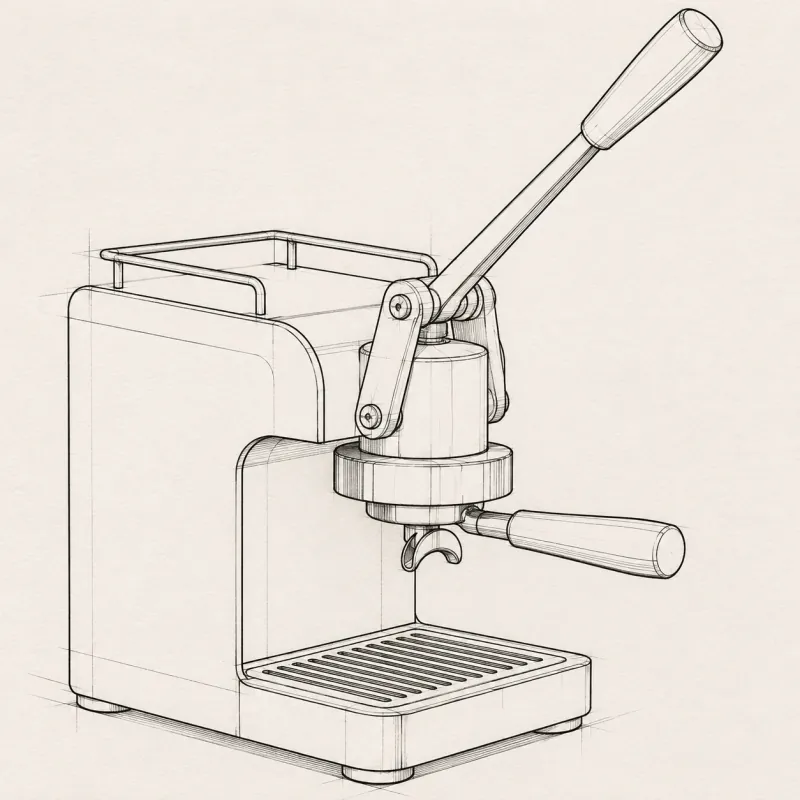
 Reference
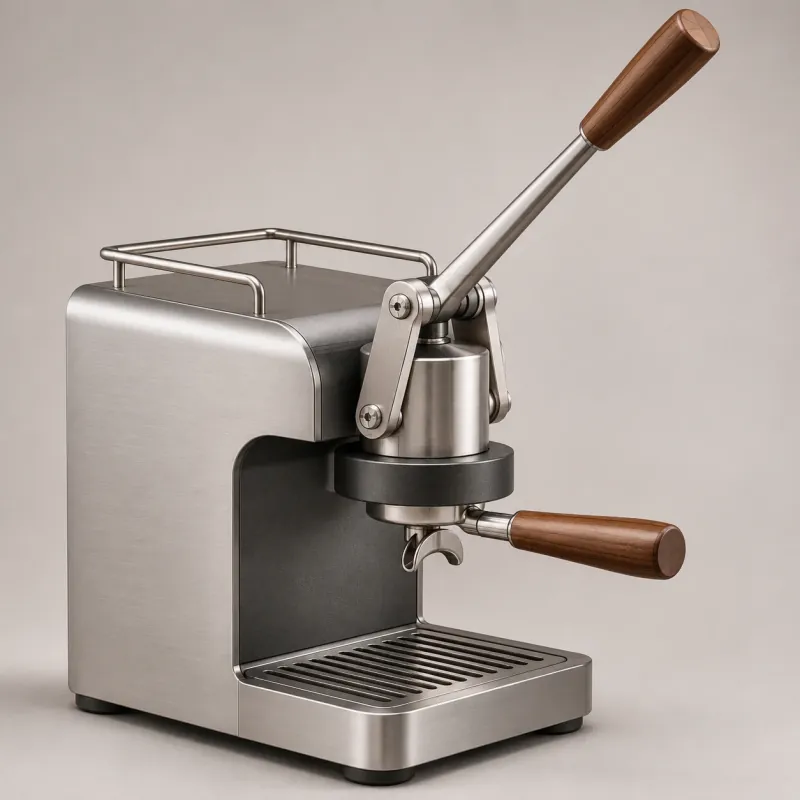 Rendered
Sketch → Studio Product
Brushed aluminum & walnut commercial render preserving exact sketch proportions
Turn sketches, rooms, or snapshots into studio renders, interior restyles & cinematic relighting — lock layout across up to 16 reference images from ~$0.04–$0.07 pay-as-you-go.
Framing & ratio checks run in your browser; uploads & outputs stay private in R2 (30-day max, instant /library delete).
Auto 100% refund on failed runsUp to 16 Refs
GPT 2.5 (16) · Nano Banana 2.1 (14) · Seedream (10)
From ~$0.04–$0.10
50–125 image-to-image runs per $5 never-expiring pack
Structure Lock
Keep sketch silhouettes, walls & framing 100% intact
Private R2 Storage
Unreleased designs never appear in public feeds
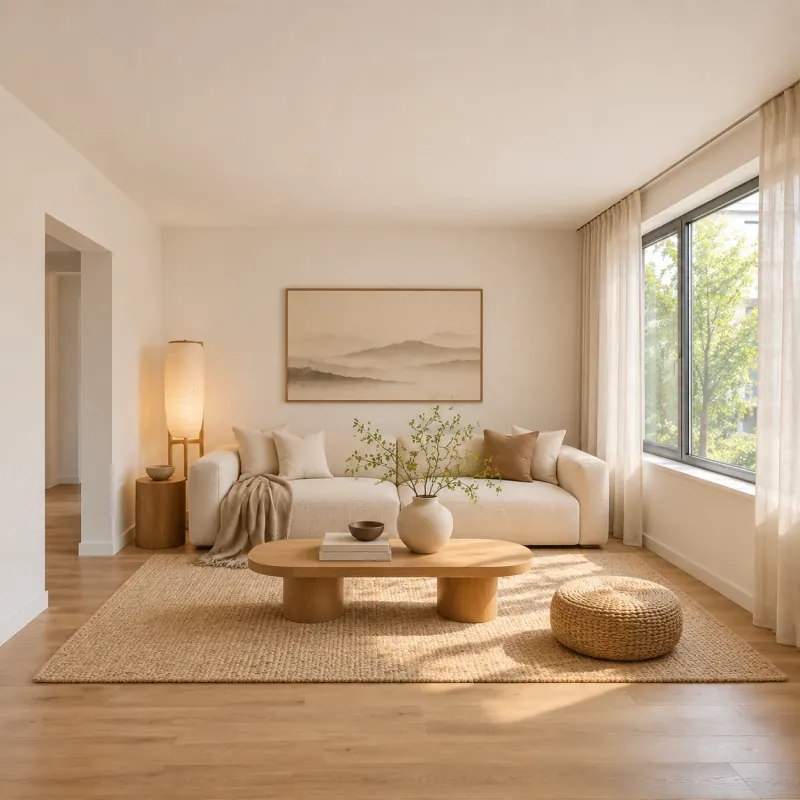
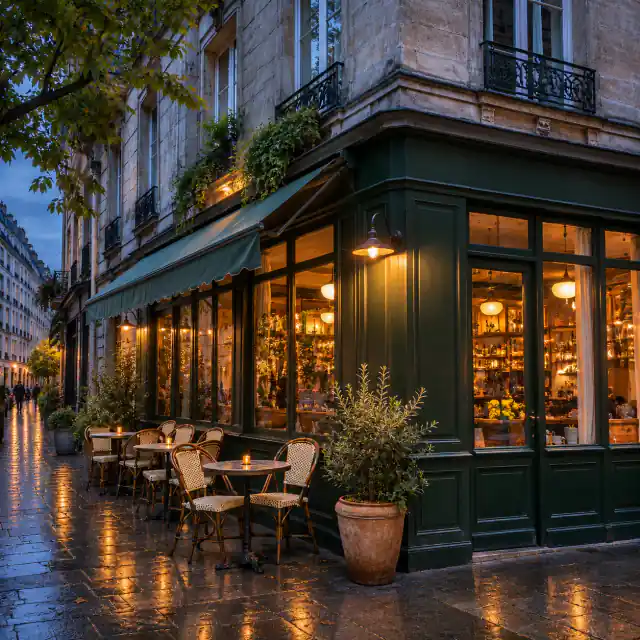
Whether you are converting an industrial design sketch into brushed aluminum, staging an empty apartment in Japandi oak, or shifting flat daylight into moody twilight, preview framing in your browser and render in four steps:
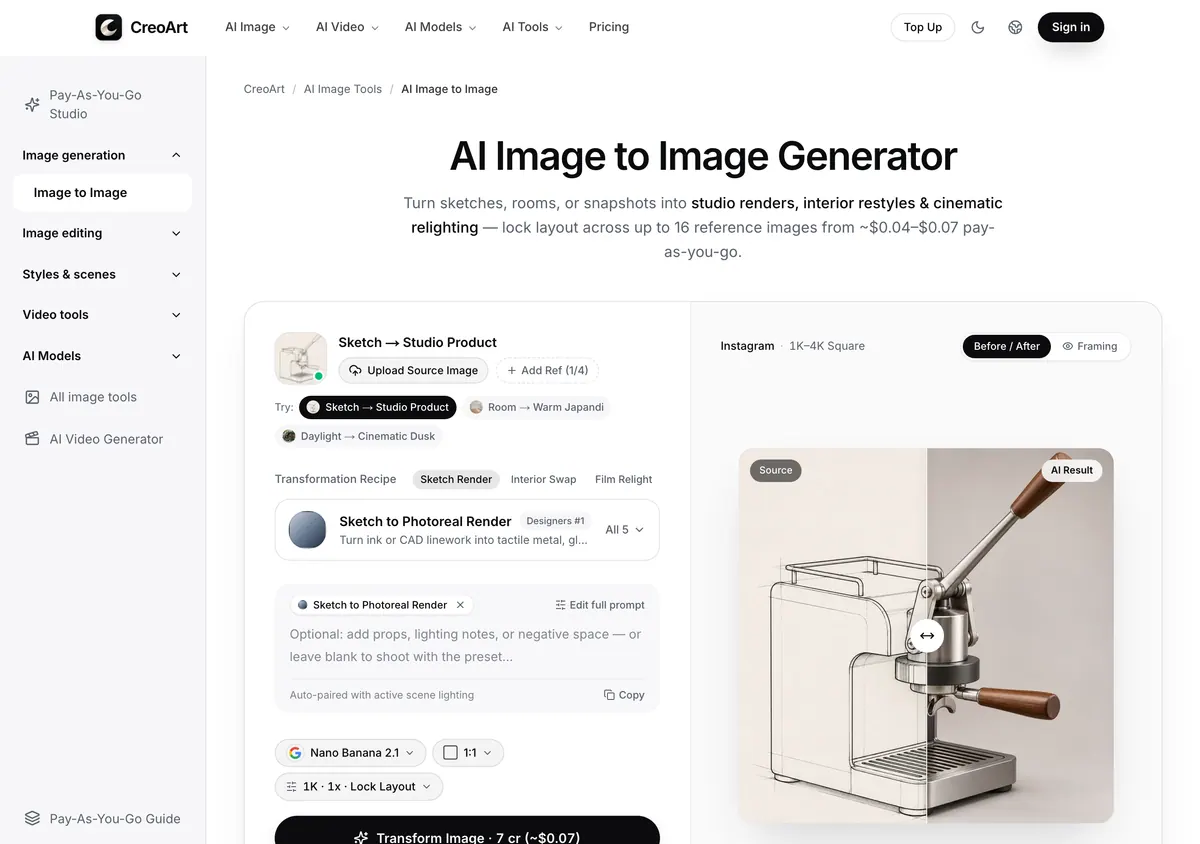
Designers using older diffusion img2img sliders hit the same frustrating trade-off every day: push denoising strength high enough to replace flat lighting and your product buttons or room windows drift out of alignment; dial strength down to keep proportions intact and the old sketch lines or dull midday shadows bleed straight through.
Modern multi-reference models — Nano Banana 2.1 (14 refs), GPT Image 2.5 (16 refs), and Seedream 5.0 Pro (10 refs) — solve this semantically instead of guessing with raw noise strength. When your prompt locks structural invariants (silhouettes, window frames, camera angle) while specifying target materials and light direction, the engine rebuilds physically grounded reflections and cast shadows cleanly around the exact original geometry.
CreoArt pairs that Structure & Geometry Lock toggle with live per-image USD pricing across all three flagship engines so studios can generate four distinct client concepts for under $0.30 instead of spending hours setting up 3D shaders.
Interior staging moves windows, columns, or ceiling height
Keep Structure Lock enabled and explicitly state "keep walls, window frames, and floor perspective 100% unchanged".
Faint pencil sketches or notebook gridlines muddy the render
Capture sketches evenly lit with dark ink lines, or boost contrast in CreoArt’s free /photo-editor before uploading.
Changing one small object alters faces or untouched corners
Use Image to Image for full-frame restyles; switch to /local-image-editor whenever only a masked spot should change.
Multiple reference photos blend chaotically with no hierarchy
Assign clear roles in your prompt — e.g., geometry from Reference 1, wood/fabric palette from Reference 2.
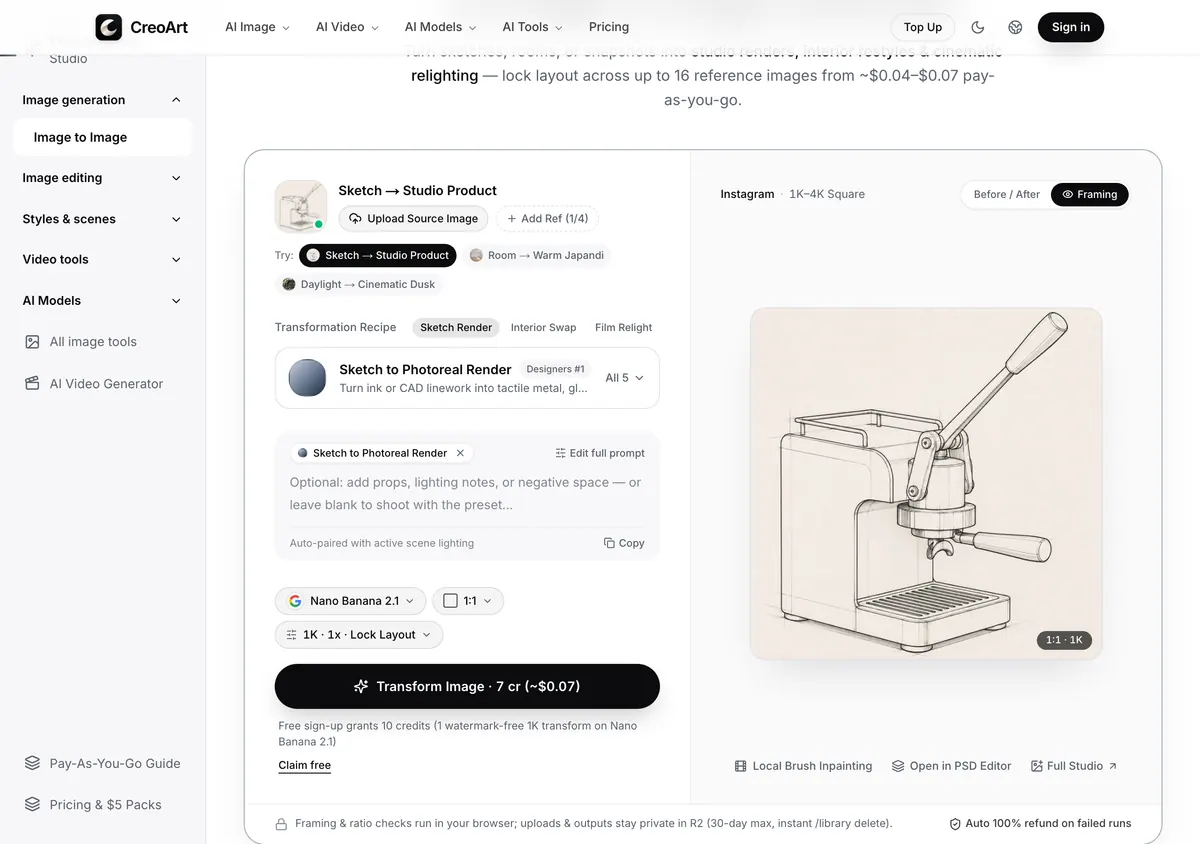
Pick the strongest model and reference slot setup for your exact transformation task before generating:
| Workflow | Source Input | Recommended Model | Reference Slot Strategy | Typical Cost |
|---|---|---|---|---|
| Industrial Sketch to Render | Ink sketch or CAD viewport | Nano Banana 2.1 (2K) | 1 sketch + 1–2 metal/wood swatches | 7–11 cr (~$0.07–$0.11) |
| Empty Room Interior Staging | Phone wide-angle room shot | GPT Image 2.5 (Med/High) | 1 room base + 2–4 furniture pieces | 8–24 cr (~$0.08–$0.24) |
| Day-to-Dusk Relighting | Overcast architectural photo | Seedream 5.0 Pro (1K/2K) | 1 exterior photo + optional film ref | 10–20 cr (~$0.10–$0.20) |
| Character Scene Extension | Character sheet or portrait | Nano Banana 2.1 (14 refs) | 2–4 angles + wardrobe & setting ref | 7–11 cr (~$0.07–$0.11) |
| Photo to Editorial Illustration | Portrait or travel photo | Nano Banana 2.1 / Seedream | 1 source + optional brushstroke ref | 7–10 cr (~$0.07–$0.10) |
Compare reference limits, resolution ceilings, and live pay-as-you-go pricing across CreoArt’s image-to-image roster:
30 total 1K restyled images
CreoArt Pay-As-You-Go
~$2.10
210 credits · $5 Entry Pack (500 never-expiring cr — 290 left)
3D rendering / retoucher (~$95/item)
$950
Save ~99.8% ($948 kept)
Typical $39/mo AI Design Sub (12 mos)
$468
$5 Entry Pack (500 cr) runs 50–71 image-to-image transformations with zero expiration.
| Image-to-Image Model | Max References | Resolutions | Starting Price ($5 Pack) | Best Strength |
|---|---|---|---|---|
| GPT Image 2.5 | Up to 16 refs | 1K / 2K / 4K (5 tiers) | 4 cr (~$0.04 Low) / 8 cr Med | Highest reference capacity, strict architecture & in-image text swaps |
| Nano Banana 2.1 (Default) | Up to 14 refs | 1K / 2K / 4K (15 ratios) | 7 cr (~$0.07 1K) / 11 cr 2K | Best all-rounder for sketch renders, relighting & multi-angle consistency |
| Seedream 5.0 Lite | Up to 14 refs | 2K / 3K / 4K | 8 cr (~$0.08 2K) / 10 cr 4K | Ultra-affordable 2K–4K restyling for large-format deliverables |
| Seedream 5.0 Pro | Up to 10 refs | 1K / 2K | 10 cr (~$0.10 1K) / 20 cr 2K | Top cinematic twilight mood, authentic skin & architectural bounce light |
| Grok Imagine Image 2.0 | Up to 3 refs | 1K / 2K | 8 cr (~$0.08 1K Low) | Bold stylized reinterpretations & high-contrast editorial concepts |
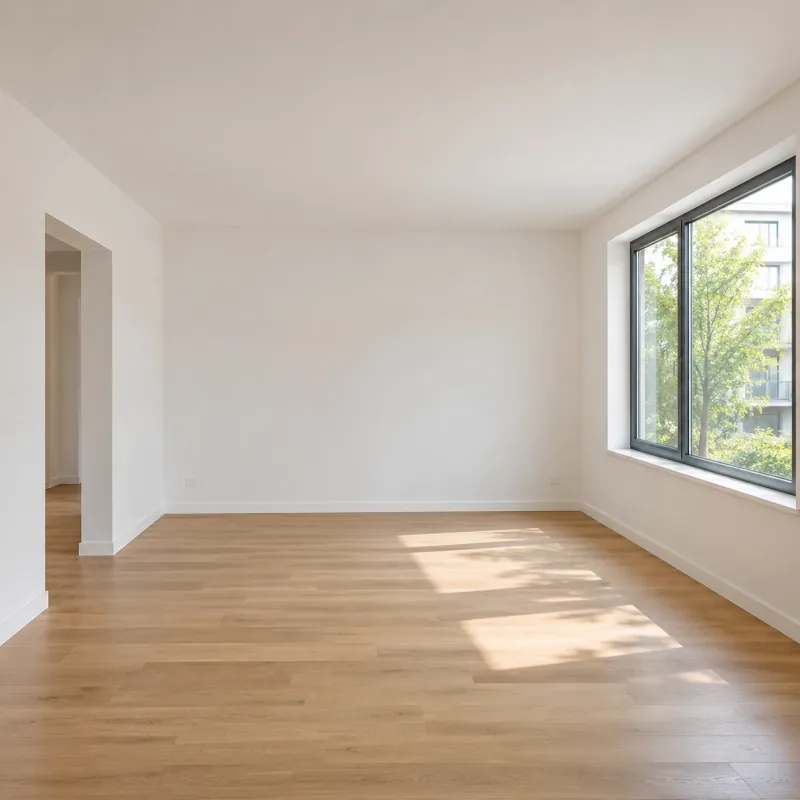
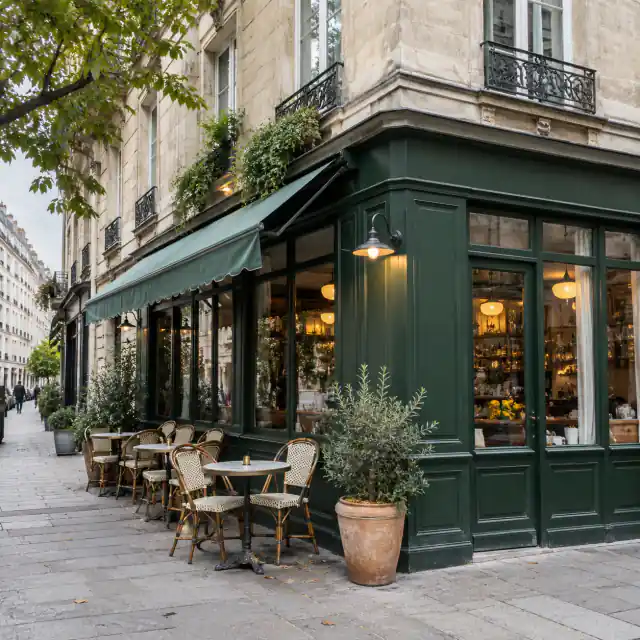
Compare real transformations across industrial sketch rendering, Japandi apartment staging, and day-to-dusk relighting — click any card to load the source image and recipe directly above:
ReferenceRenderedBrushed aluminum & walnut commercial render preserving exact sketch proportions
 Reference
 Rendered
Warm Japandi oak & linen interior staging with identical window architecture
 Reference
 Rendered
Blue-hour rain-kissed reflections and warm tungsten interior glow with locked architecture
Pre-launch product sketches, architectural blueprints, and client property photos cannot appear in public showcase walls. CreoArt (operated by CreoArt Studio / MagicT LLC) operates with zero public feeds — every reference upload and finished render stays locked to your workspace.
Resolution verification and framing checks execute locally in your browser before anything is uploaded. Dispatched files reside exclusively in private per-account Cloudflare R2 storage (Cache-Control: private, no-store) with zero self-model training and instant 1-click delete in /library.
Get presentation-ready concepts on your first pass with five rules tested across design, architecture, and e-commerce:
State first what must never move (silhouette, window mullions, camera angle), then describe target materials, lighting temperature, and lens style.
Photograph paper drawings straight overhead in even light — sharp dark strokes help Nano Banana 2.1 honor fine industrial chamfers and seams.
Run four competing interior or material concepts at 1K (4–7 cr each), get client sign-off, then promote only the winner to 2K or 4K.
Even with 16 reference slots available, 1 crisp structure image plus 1–2 matched material swatches consistently outperforms noisy moodboards.
When 95% of your render nails the brief, open /local-image-editor to brush-mask only the stray lamp or reflection and save credits.
Answers on layout preservation, multi-reference limits, pricing across models, and client file privacy.
Unlike text-to-image, image-to-image anchors your uploaded photo or sketch as a visual reference. Keeping Structure & Geometry Lock enabled instructs models like Nano Banana 2.1 (up to 14 refs) and GPT Image 2.5 (up to 16 refs) to hold silhouettes, walls, and perspective steady while re-rendering materials, lighting, or artistic medium.
Depending on the selected model, you can combine up to 16 references on GPT Image 2.5, up to 14 on Nano Banana 2.1 or Seedream 5.0 Lite, and up to 10 on Seedream 5.0 Pro. Use slot 1 for your primary structure and extra slots for textures, outfits, or color palettes.
At the $5 never-expiring Entry Pack rate ($0.01/cr), 1K image-to-image runs start at 4 credits (~$0.04) on GPT Image 2.5 Low, 7 credits (~$0.07) on Nano Banana 2.1, 8 credits (~$0.08) on GPT Image 2.5 Medium, and 10 credits (~$0.10) on Seedream 5.0 Pro. Free accounts also receive 10 welcome credits to test immediately.
Use Image to Image when you want to restyle the entire canvas — turning a line sketch into a photoreal render, staging an empty room, or relighting daytime into dusk. Use Local Image Editor (/local-image-editor) when 95% of your photo is already right and you only want to brush-mask one object or detail.
Yes — drop or paste (Ctrl/⌘ + V) any JPG, PNG, or WebP up to 20 MB. Your browser checks resolution immediately and warns if the short side is below 600 px so fine sketch lines or room details stay crisp.
Yes. Dimension checks and framing previews happen locally in your browser. Uploaded designs and outputs stay strictly inside private per-account Cloudflare R2 storage (zero public gallery, zero self-model training, 30-day automatic cleanup, instant /library delete).
Keep everything inside one never-expiring CreoArt balance from concept render to 4K print and walkthrough video:
Brush-mask only the 5% of an image you want changed while keeping untouched pixels exact.
Purpose-built SKU staging studio with strict label lock and Amazon/TikTok safe zones.
Magnify winning renders 2× or 4× cleanly for print boards and hero displays.
Animate finished room restyles or product renders into smooth camera walkthroughs.