Typing a commercial scene straight into a flagship text-to-video generator forces a single neural pass to solve studio lighting, lens focal length, product typography, and Newtonian motion physics all at once. On set, no director of photography lights a tabletop hero shot while the dolly is already rolling at full speed, yet blind text-to-video prompting treats every render like an expensive, unblocked first take. Splitting production into a three-tier pipeline—locking the still keyframe first, blocking camera timing on sub-dime draft video models, and promoting only proven motion prompts to flagship 1080p or 4K masters—cuts retake waste by 60% to 72% across real commercial reels.
Playbook Summary · Two-Stage Image-to-Video
- 0160–72% Campaign Spend Reduction: Moving a 10-shot commercial reel from blind text-to-video (5 takes per usable shot) to a locked-keyframe workflow drops total spend from $90.00–$135.00 down to $26.60–$38.00—saving roughly two-thirds of your production budget.
- 02Exact Stage Unit Economics: Lock still frames for 1–35 cr ($0.01–$0.35), test camera pacing at 6–12 cr/s ($0.06–$0.12/s) on Grok Imagine Video 1.5 Lite, MiniMax H3, or Wan 3.0, and render final 1080p masters at 54–198 cr/s ($0.54–$1.98/s) on Kling 4.0, Google Veo 3.1, or Seedance 2.5.
- 035 Safe Camera Moves vs. 1 Retake Trap: Stabilized push-ins, 15°–30° orbits, static micro-motion, controlled vertical tilts, and shallow rack focuses preserve label geometry, whereas fast 360° whip-pans force the model to hallucinate unseen backsides and melt packaging text.
- 04Zero-Waste Wallet Architecture: All 45 live models run from one never-expiring pay-as-you-go credit balance ($5/500 cr at $0.01/cr down to $59/6,500 cr at $0.0091/cr, plus 10 free watermark-free signup credits), backed by 100% automatic credit refunds on confirmed upstream generation failures.
The Retake Tax: Why Blind Text-to-Video Bleeds Budget
In commercial post-production, we measure efficiency by shooting ratio—the footage burned per finished second on the timeline. Blind text-to-video pushes your shooting ratio to 5:1 or worse because every prompt variable competes inside the same diffusion budget.
Take 1 nails the camera speed, but the key light falls flat across the glass bottle. Take 2 fixes the rim light, but the serif typography on the skincare label warps into gibberish. Take 3 preserves the label, yet the horizon tilts three degrees mid-shot. Take 4 introduces an extra finger on the model’s wrist. By Take 5, you finally land an approved clip after burning $9.00 to $13.50 on a single five-second cut.
Decoupling visual art direction from temporal motion solves this bottleneck immediately. Still image models iterate ten to fifty times cheaper per frame than flagship video engines, and they accept multi-reference product sheets to lock exact packaging geometry before a single frame of video is synthesized.
Once the still keyframe is approved, the video model no longer guesses what the product looks like, how the fabric drapes, or where the key light sits. Its entire compute budget goes toward interpolating physical motion across time.
10-Shot Commercial Campaign Budget: Blind T2V vs. Two-Stage I2V
To quantify the real cost difference on a standard 10-shot social commercial or product launch reel, compare a blind text-to-video workflow (averaging 5 flagship takes per usable shot) against a disciplined two-stage pipeline (3 still explorations, 1 low-cost draft motion test, and 1.2 flagship master passes per shot to account for occasional client pacing tweaks).
All dollar figures below are anchored at CreoArt’s entry $5 / 500-credit pack ($0.01/cr), with larger packs dropping unit rates to $0.0095/cr ($19 / 2,000 cr) and $0.0091/cr ($59 / 6,500 cr), plus flexible $5–$500 custom top-ups at 100 credits per dollar.
| Production Tier & Master Spec | Blind T2V (5 Takes/Shot) | Two-Stage Breakdown (10 Shots) | Two-Stage Total | Net Savings |
|---|---|---|---|---|
| Kling 4.0 · 720p · 5s Silent ($1.80/take) | 50 takes = $90.00 | 30 GPT 2.6 Low stills ($1.50) + 10 MiniMax H3 5s drafts ($3.50) + 12 Kling 4.0 masters ($21.60) | $26.60 | 70% ($63.40) |
| Kling 4.0 · 1080p · 5s Silent ($2.70/take) | 50 takes = $135.00 | 30 Nano Banana 2.1 1K stills ($2.10) + 10 MiniMax H3 5s drafts ($3.50) + 12 Kling 4.0 1080p masters ($32.40) | $38.00 | 72% ($97.00) |
| Google Veo 3.1 · 1080p · 4s Silent ($2.16/take) | 50 takes = $108.00 | 30 GPT 2.6 Med stills ($3.00) + 10 MiniMax H3 4s drafts ($2.80) + 12 Veo 3.1 4s masters ($25.92) | $31.72 | 71% ($76.28) |
Even when you budget a 20% master-pass buffer (12 master renders for 10 final cuts), the two-stage pipeline saves between $63.40 and $97.00 on a single short-form deliverable. For a broader breakdown of per-second rates across all tiers, review Study 01: AI Video Cost Benchmark or check live credit packs on CreoArt Pricing.
Camera Choreography: 5 Reliable I2V Moves vs. 1 Retake Trap
Most image-to-video artifacts happen when a prompt asks the camera to reveal geometry that does not exist in the starting keyframe. Keep your camera directions anchored to physical optical moves that respect the spatial information already present in Frame 1.
- Slow Stabilized Push-In (
"slow 50mm dolly-in, locked horizon"): Advances along the optical z-axis while keeping vertical edges plumb. Because the front face of the product stays centered in frame, typography remains crisp from start to finish. - 15°–30° Arc Orbit (
"gentle 20° clockwise macro arc"): Sweeps just far enough around a bottle, sneaker, or timepiece to catch specular highlights across metallic trim without exposing the unseen rear side of the object. - Static Tripod + Micro-Motion (
"locked tripod; steam & fabric drift"): Freezes the camera completely so 100% of temporal motion goes into rising espresso steam, rippling silk, blinking eyes, or drifting dust motes in a sunbeam. - Controlled Vertical Tilt (
"smooth tilt-up from base to cap"): Works cleanly when your Stage 1 keyframe is framed slightly wider or taller than the target crop, letting the virtual fluid head reveal a silhouette from weighted base to atomizer cap. - Foreground Rack Focus (
"shallow f/2.0 focus pull to label"): Shifts optical sharpness from a soft foreground leaf or glass rim onto the primary brand mark, creating luxury commercial depth without moving any object in space. - The Retake Trap — Fast 360° Whip-Pan / Aggressive Zoom: Asking an image-to-video model to spin 180° or 360° around a subject forces it to invent the unseen back label, rear stitching, and opposite room wall from scratch. Text melts, proportions drift, and credits burn. When you need both front and back angles, generate two separate Stage 1 keyframes and cut between them on the beat in your NLE.
Visual Proof: From Locked Still Frame to Animated Motion Pass
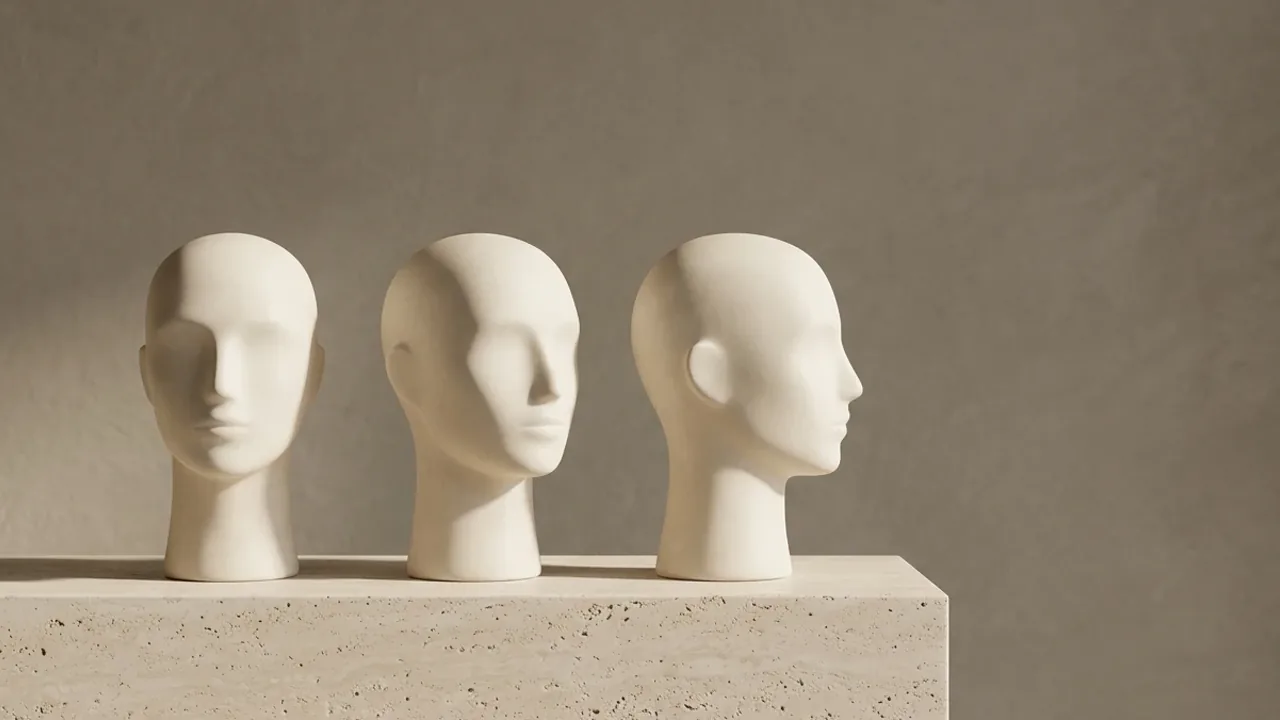
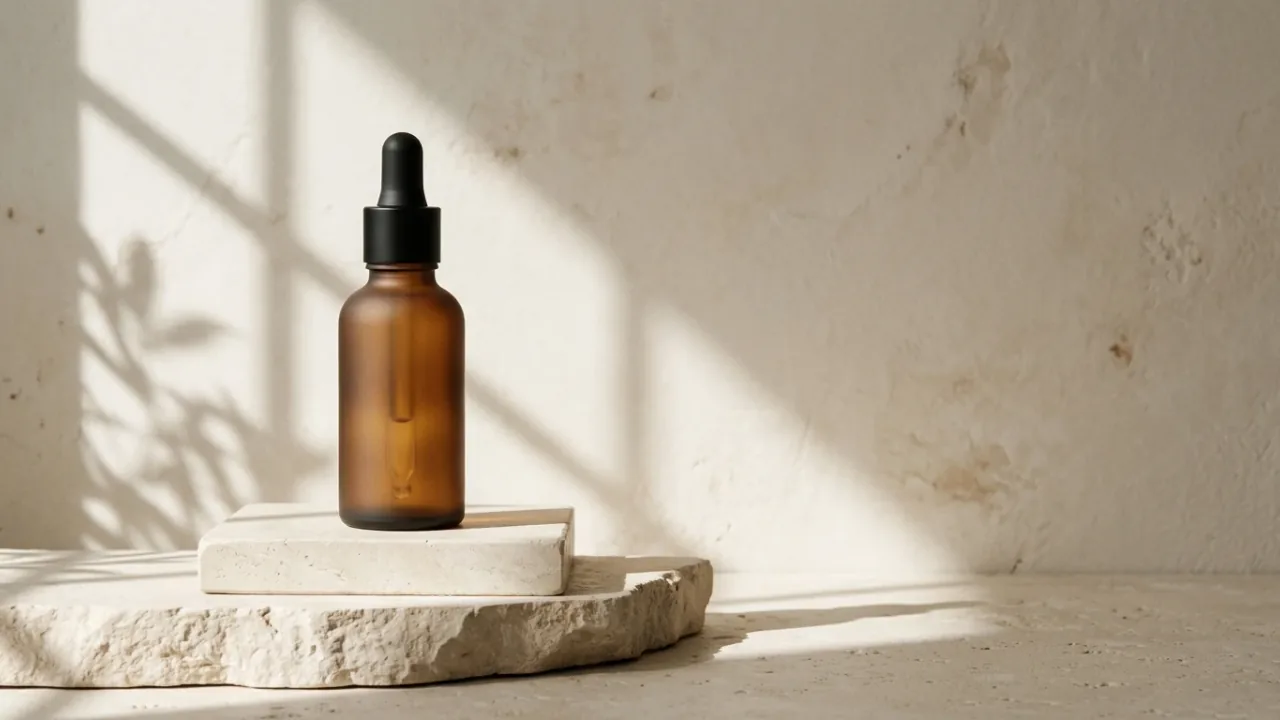
Look closely at the three reference frames below. When a portrait or tabletop still enters Image-to-Video with clean edge contrast, settled hair strands, and consistent directional key lighting, the motion pass preserves identity and surface texture without temporal shimmer.


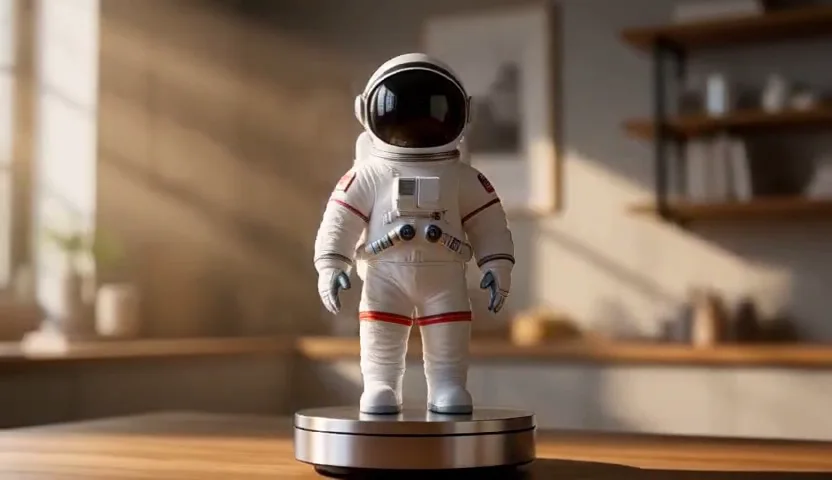
Notice how the portrait animation retains exact skin texture, catchlights, and wardrobe folds because none of those details had to be invented during video synthesis. Similarly, the tabletop vinyl draft tested on MiniMax H3 for 35 credits ($0.35) proves out platter rotation speed and specular reflection rhythm before you spend $2.70 to $9.90 on a 1080p flagship render.
The Three-Stage Production Blueprint (Step-by-Step)
Stage 1: Engineer the Motion-Ready Keyframe
Start by blocking composition and lighting in still image models where mistakes cost pennies:
- Rapid Framing Thumbnails: Use FLUX.2 Klein 4B at 1 cr ($0.01) per 1K frame—or test concepts at zero cost with 3 free daily watermarked trials—to audition focal lengths, camera angles, and negative space.
- Strict Packaging & Multi-Ref Consistency: Once the layout works, render your hero still in GPT Image 2.6 Flare (1K Low 5 cr / $0.05, Med 10 cr / $0.10, High 35 cr / $0.35, up to 16 reference images) for crisp label typography, Nano Banana 2.1 (1K 7 cr / $0.07, 2K 11 cr / $0.11, up to 14 refs), or Seedream 5.5 (1K 10 cr / $0.10, 2K 14 cr / $0.14, up to 10 refs).
- Leave Directional Headroom: If your camera will push in, tilt up, or pan right, leave 15% to 20% extra breathing room along that edge so the subject never clips the frame border mid-move.
- Pre-Clean Artifacts: Never try to “fix” a bent finger, stray hair, or warped letter inside a video prompt. Paint out blemishes in Local Image Editor or adjust aspect framing in Photo Editor before paying a single video credit.
Stage 2A: Block Timing on Sub-Dime Draft Tiers
Upload your locked keyframe into Image-to-Video and verify motion physics on fast, low-cost models first:
- Grok Imagine Video 1.5 Lite: 6 cr/s ($0.06/s) at 480p/720p (1–15s, silent). A 5-second blocking test costs 30 cr ($0.30).
- MiniMax H3: 7 cr/s ($0.07/s) at 480p (4s = 28 cr / $0.28; 5s = 35 cr / $0.35; 768P 5s = 55 cr / $0.55), supporting durations from 4s to 15s and resolutions up to 2K.
- Wan 3.0: 12 cr/s ($0.12/s) at 480p—ideal for 2-second social hook micro-cuts at 24 cr ($0.24), 5-second silent drafts at 60 cr ($0.60), or 5-second tests with 1.5x native audio at 90 cr ($0.90).
Follow the golden rule of image-to-video prompting: describe only what moves and how the camera moves. Never re-describe static wardrobe colors, studio backdrop materials, or lighting setups already visible in your keyframe. Repeating static adjectives dilutes temporal attention and triggers unwanted color shifts.
Stage 2B: Promote Proven Prompts to Flagship Masters
Once a draft clip confirms smooth acceleration, clean edge stability, and accurate pacing, keep the exact same keyframe and motion prompt and switch the engine dropdown to your finishing model:
- Kling 4.0: 36 cr/s ($0.36/s) at 720p (5s = 180 cr / $1.80), 54 cr/s ($0.54/s) at 1080p (5s = 270 cr / $2.70), and 135 cr/s ($1.35/s) at 4K (3–30s, silent only). Delivers rigid-body physics and the strongest 1080p mastering value for hardware, glassware, and architectural B-roll.
- Seedance 2.5: 36 cr/s ($0.36/s) at 480p (5s = 180 cr / $1.80), 80 cr/s ($0.80/s) at 720p (5s = 400 cr / $4.00), and 198 cr/s ($1.98/s) at 1080p (5s = 990 cr / $9.90), with 4–30s durations and optional 1.5x synchronized native audio. Excels at expressive human gesture, garment drape, and beat-matched foley.
- Google Veo 3.1: 54 cr/s ($0.54/s) at both 720p and 1080p (4s = 216 cr / $2.16 silent; 4s with 1.8x audio = 389 cr / $3.89) and 96 cr/s ($0.96/s) at 4K across fixed 4s, 6s, or 8s clips. Built for luxury optical highlights, volumetric haze, and native 4K delivery.
Two Motion-Blocking & Mastering Prompt Templates
Copy either prompt directly into Image-to-Video alongside your locked Stage 1 keyframe. Notice how neither prompt wastes words re-describing the subject’s appearance—every clause governs camera trajectory, subject inertia, and micro-motion.
Smooth 20-degree clockwise macro arc around the center bottle on a stabilized fluid head; subtle condensation droplets catch shifting rim reflections while background bokeh drifts softly; locked horizon, natural 24fps optical motion blur, zero sudden speed ramps.
Slow 50mm dolly-in toward the subject's eyes; subject turns chin slightly toward key light with a calm blink as fine hair strands and silk collar drift gently in a studio breeze; steady exposure, crisp skin texture, filmic 24fps cadence.
- Verify Edge Headroom: Confirm 15–20% clean margin in the direction of any dolly, tilt, or pan so subjects never clip out of frame.
- Fix Static Flaws Before Animating: Repair any skewed packaging letters, crooked jewelry, or hand anatomy artifacts in Local Image Editor before spending video credits.
- Strip Static Visual Adjectives: Delete color, fabric, and lighting descriptions from your video prompt so 100% of tokens direct camera and subject motion.
- Draft Before Mastering: Run one $0.28–$0.35 motion test on MiniMax H3 or Grok Imagine Video 1.5 Lite before committing $1.80–$4.00 to a 1080p/4K master.
FAQ
Frequently Asked Questions
Why should image-to-video prompts omit static visual descriptions?
Your starting keyframe already supplies exact pixel data for colors, wardrobe, facial structure, typography, and lighting ratios. Repeating those details in text forces the video model to re-interpret already-solved appearance attributes, which increases color drift and texture shimmer instead of focusing compute on clean temporal motion.
How much money does a two-stage workflow actually save on a 10-shot reel?
Across a 10-shot commercial edit, replacing blind text-to-video (typically 5 flagship takes per usable shot) with 30 still iterations, 10 draft motion tests, and 12 master passes cuts spend from $90.00–$135.00 down to $26.60–$38.00—a verified 70% to 72% cost reduction at CreoArt’s $0.01/cr entry rate.
Which model works best for 2-second social hook tests versus 1080p masters?
Use Wan 3.0 at 480p (12 cr/s, or 24 cr / $0.24 for a 2-second micro-cut) or MiniMax H3 at 480p (7 cr/s, or 28 cr / $0.28 for 4 seconds) to validate hook pacing. Once approved, promote the exact prompt and keyframe to Kling 4.0 1080p ($0.54/s) for rigid product geometry or Google Veo 3.1 1080p ($0.54/s) for high-dynamic-range lighting.
How do I execute a 360-degree product spin without melting the back label?
Avoid prompting a single keyframe to spin 360 degrees, as the model has to hallucinate unseen rear packaging text. Instead, generate front, three-quarter, and back keyframes in GPT Image 2.6 Flare using your packaging reference sheets, animate separate 20°–30° arc moves on each angle, and cut them together on the music beat.
What happens to my credits if a video render fails or times out on CreoArt?
Every confirmed upstream generation failure triggers an automatic 100% credit refund straight back to your never-expiring pay-as-you-go balance. All outputs stay isolated in private Cloudflare R2 storage for up to 30 days with zero public gallery exposure and one-click permanent deletion inside your Library.
Put This Into Practice
Run the exact models tested here — without a monthly lock-in
Try 3 free daily FLUX.2 images with no account, or top up a never-expiring $5 pack (500 credits) to test all 44 image and video models privately.
Private R2 storage · Zero public gallery·100% auto-refund on upstream failures