
 Low-Res Source
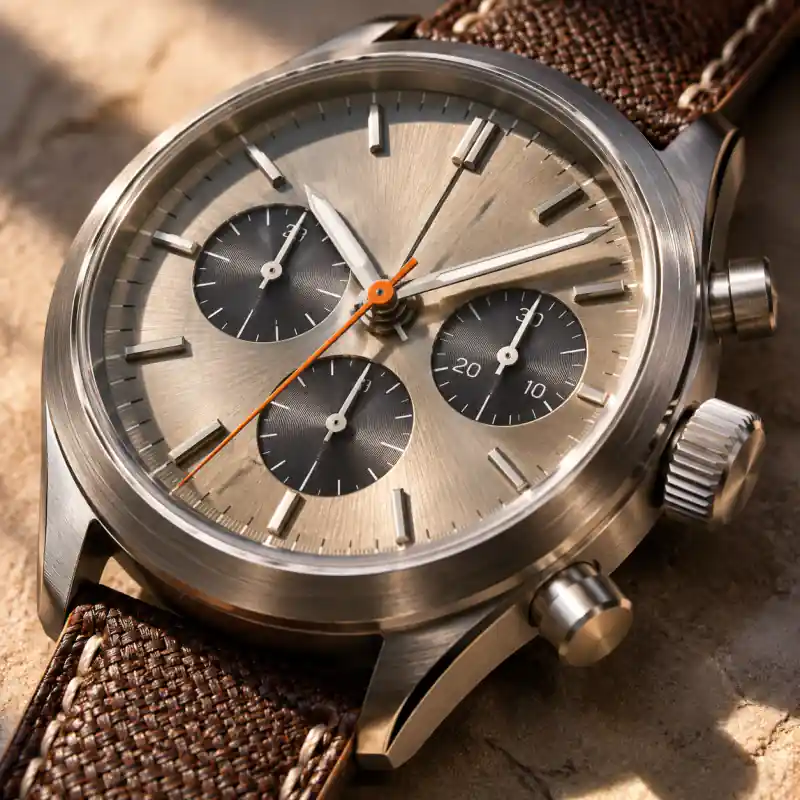 AI Upscaled
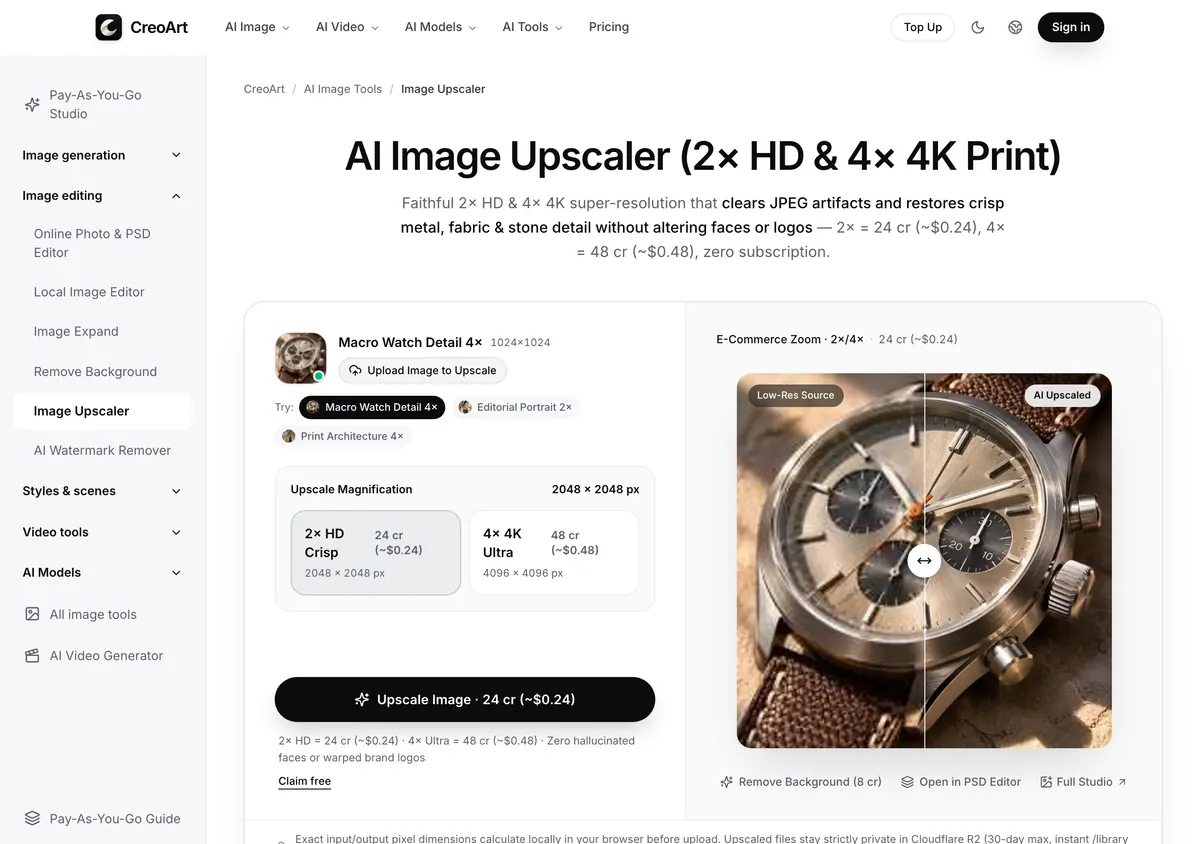
Macro Watch Detail 4×
Razor-sharp brushed titanium bezel, crisp dial indices, and clean leather stitching with zero hallucinated logos
Faithful 2× HD & 4× 4K super-resolution that clears JPEG artifacts and restores crisp metal, fabric & stone detail without altering faces or logos — 2× = 24 cr (~$0.24), 4× = 48 cr (~$0.48), zero subscription.
Exact input/output pixel dimensions calculate locally in your browser before upload. Upscaled files stay strictly private in Cloudflare R2 (30-day max, instant /library delete).
Auto 100% refund on failed runs2× 24 cr · 4× 48 cr
~$0.24 / ~$0.48 · 10–20 enlargements per $5 pack
Zero Hallucination
Deterministic Real-ESRGAN keeps faces & text exact
Live Pixel Math
Preview exact 2×/4× target pixels locally in browser
Private R2 Studio
Zero public gallery, 30-day max, instant delete
Rescuing a compressed supplier photo, preparing an approved 1K AI render for an A3 wall frame, or upgrading thumbnails for e-commerce zoom views shouldn’t require a $199/year desktop suite. Verify target pixels locally in your browser and upscale cleanly in seconds:
Many flashy online AI upscalers actually feed your photo through high-denoising generative diffusion models that invent brand-new pixels from scratch. At thumbnail scale they look dramatic, yet zooming in reveals commercial dealbreakers: watch dial numerals morph into nonsense, skincare labels warp, and a real person’s eyes quietly morph into a stranger.
CreoArt AI Image Upscaler runs deterministic Real-ESRGAN super-resolution purpose-built to multiply pixels faithfully, erase ugly JPEG compression artifacts, and sharpen genuine edge geometry across brushed metal, woven linen, skin pores, and carved stone — without hallucinating phantom objects or corrupting brand lettering.
Best of all, pay-as-you-go pricing eliminates heavy desktop licenses and expiring monthly subscriptions: 2× runs at 24 credits (~$0.24) and 4× runs at 48 credits (~$0.48) inside never-expiring packs from $5 (500 cr = 20 × 2× or 10 × 4× upscales), sharing one private balance with cutouts, local masking, and 44 generative models.
Running 4× on an already huge 3000px camera original unnecessarily
Check the live pixel readout in the workbench: when the short edge already exceeds 1500px, 2× (24 cr) delivers crisp 4K+ output at half the cost.
Expecting super-resolution to refocus completely out-of-focus motion blur
Upscaling excels at pixel multiplication and JPEG de-blocking; for severely unfocused images, run a structured pass in /image-to-image first.
Upscaling dusty or cluttered photos makes blemishes four times bigger
Clean dust spots, cables, or vintage date stamps first via /local-image-editor or /remove-watermark, then run 2×/4× as your final export step.
Re-saving the upscaled image at heavy low-quality JPEG compression
Keep CreoArt’s full-quality download intact, or adjust color curves and export 92%+ print files locally in free /photo-editor.
Match your starting pixel size to the exact magnification tier required for e-commerce zoom or physical printing:
| Starting Photo Size | 2× Output (24 cr / ~$0.24) | 4× Output (48 cr / ~$0.48) | 300 DPI Max Print (4×) | Ideal Use Case |
|---|---|---|---|---|
| 512 × 512 px (Messaging JPEG) | 1024 × 1024 px | 2048 × 2048 px | ~6.8 × 6.8 in | Rescue compressed chat/supplier photos & old avatars |
| 800 × 800 px (Web Thumbnail) | 1600 × 1600 px | 3200 × 3200 px | ~10.6 × 10.6 in | Clear Amazon zoom threshold (≥1600px) & catalogs |
| 1024 × 1024 px (1K AI Keeper) | 2048 × 2048 px (2K) | 4096 × 4096 px (4K) | ~13.6 × 13.6 in | Preserve exact 1K AI seed while scaling to framed 4K art |
| 1280 × 720 px (Video Still) | 2560 × 1440 px (2K) | 5120 × 2880 px (5K) | ~17 × 9.6 in | Turn video stills into crisp YouTube & website heroes |
Choose the leanest high-resolution path depending on whether you already have a source photo or are generating fresh artwork:
12 2× high-definition enlarged images
CreoArt Pay-As-You-Go
~$2.88
288 credits · $5 Entry Pack (500 never-expiring cr — 212 left)
Reshoot / designer rebuild (~$35/img)
$420
Save ~99.3% ($417 kept)
Desktop Upscaler License / Sub (Annual)
$199
$5 never-expiring pack covers 20 × 2× HD upscales or 10 × 4× print-ready enlargements.
| High-Res Approach | Cost per Asset | Original Pixel Fidelity | Best Suited Scenario | Hardware Needed |
|---|---|---|---|---|
| CreoArt Image Upscaler (This Page) | 24 cr (2×) / 48 cr (4×) | 100% faithful to faces, text & layout | Real photos, supplier shots & locked 1K AI keepers | Zero local GPU — instant cloud browser run |
| Seedream 5.0 Lite Native 4K | 10 cr (~$0.10) | Fresh generation (new scenes) | Creating brand-new 4K backgrounds & concepts from scratch | Cloud native 4K output |
| Desktop Super-Res Suite (Annual) | $199+/yr + local GPU wear | High, but slow on laptops | High-volume studios processing 1,000+ offline RAWs daily | Dedicated high-VRAM GPU & multi-GB downloads |
Compare low-res compressed sources against restored titanium macro detail, natural portrait weave, and historic carved architecture. Click any pair to inspect above:
Low-Res SourceAI UpscaledRazor-sharp brushed titanium bezel, crisp dial indices, and clean leather stitching with zero hallucinated logos
 Low-Res Source
 AI Upscaled
Restored woven linen texture, crisp eye catchlights, and natural skin detail without plastic face swap
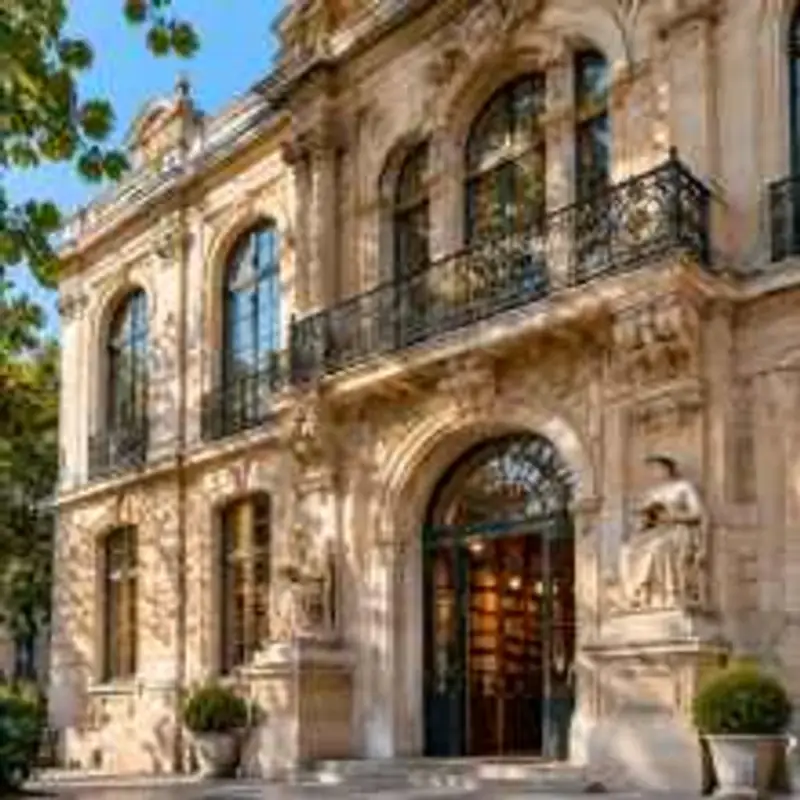 Low-Res Source
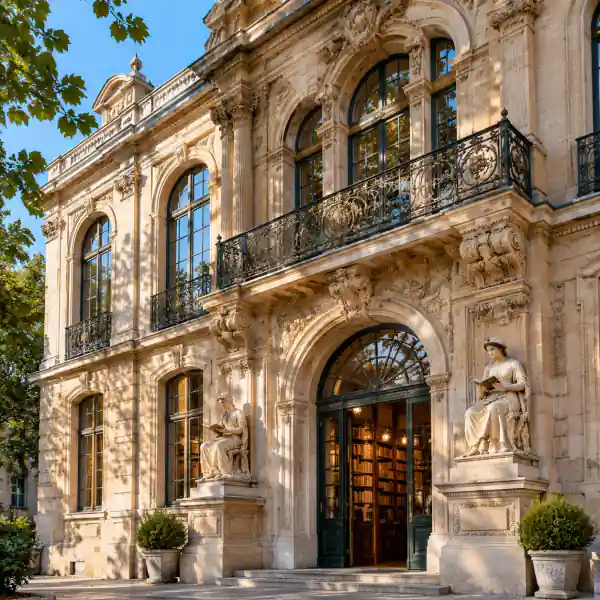 AI Upscaled
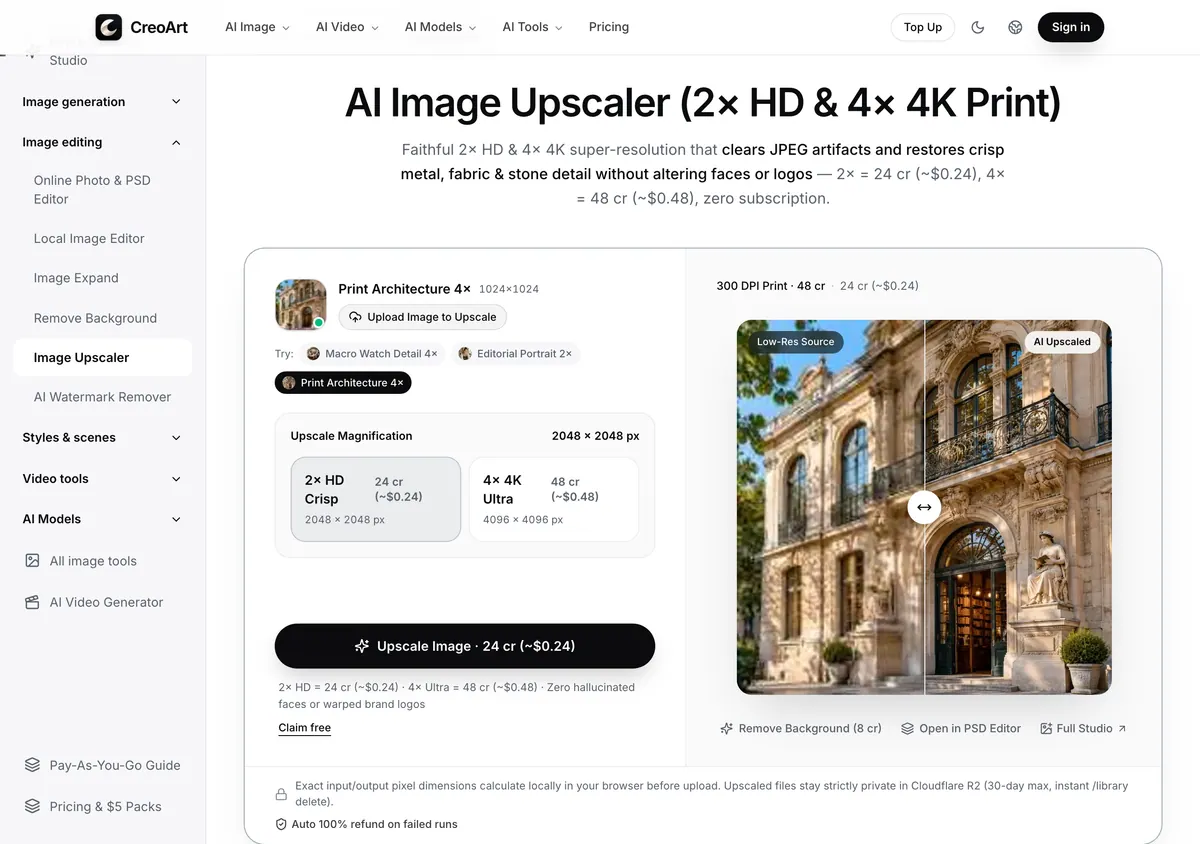
Crisp sandstone masonry grain and clean wrought-iron filigree ready for large-format wall prints
Old family portraits, confidential client headshots, and unreleased catalog shots deserve strict privacy — never tossed into public showcase feeds.
CreoArt (operated by CreoArt Studio / MagicT LLC) keeps every upscale strictly private. Input/output pixel calculations run locally in your browser; uploaded originals and high-resolution outputs stay isolated in private Cloudflare R2 buckets (Cache-Control: private, no-store, zero public gallery, zero self-model training, 30-day max retention, instant single-click delete in /library).
Follow these five quick workflow habits so enlarged deliverables stand up to 100% zoom and physical printing:
Fix dust spots (/local-image-editor) or date stamps (/remove-watermark) first so every pixel receives uniform sharpness at the very end.
A 1024px image enlarged 2× hits 2048px cleanly at half the credits of 4×, already exceeding most e-commerce zoom standards.
Hand off your 4K upscaled asset directly into our free local WebGPU editor for print sizing and color calibration at zero extra cost.
Export a standout video frame and run 4× here to clean compression macroblocks into a sharp 5K-width website header.
Skip manual frame extraction — CreoArt AI Video Upscaler enhances 480p and 720p MP4 clips directly to crisp HD/4K motion.
Details on 2×/4× pricing, faithful non-hallucinating super-resolution, print sizing, and private storage.
2× HD enlargement costs 24 credits (~$0.24 at the $5 never-expiring Entry Pack rate of 500 credits), and 4× Ultra enlargement costs 48 credits (~$0.48). One $5 pack covers 20 crisp 2× upscales or 10 print-ready 4× enlargements with zero monthly subscription.
No. CreoArt uses deterministic Real-ESRGAN super-resolution rather than generative diffusion re-hallucination, so facial identity, product packaging text, brand logos, and exact camera geometry remain faithful while removing JPEG compression noise and sharpening fine textures.
Choose 2× when enlarging 1K AI renders (1024×1024 → 2048×2048) or clean web listings for Shopify/Amazon zoom views. Choose 4× when rescuing small 500–800px supplier photos, vintage family scans, or preparing 300 DPI wall posters and print brochures (e.g., 1024 → 4096 px).
Yes. As soon as you drop your image into the workbench, CreoArt decodes its exact width and height locally in your browser and previews the live 2× and 4× target pixel dimensions right on each magnification card before anything uploads.
For existing camera photos, supplier shots, or already-approved 1K AI keepers whose exact seed you love, AI Image Upscaler preserves 100% of the composition cleanly. When generating brand-new artwork from scratch, Seedream 5.0 Lite (10 cr native 4K) or Nano Banana 2.1 (16 cr native 4K) can be even more economical.
Yes. Pair your upscaled deliverable directly with CreoArt Background Remover (8 cr) for crisp transparent PNGs, or click Open in Free Photo Editor to adjust sharpening, DPI sizing, and layered PSD export locally at zero extra cost.
Yes. Dimension checks run in your browser; uploaded originals and upscaled files stay strictly private inside isolated Cloudflare R2 storage (Cache-Control: private, no-store, zero public gallery, zero self-model training, 30-day max retention, and instant single-click delete in /library).
Share one never-expiring balance across upscaling, full-res cutouts, local masking, outpainting, and free browser PSD prep:
Export full-resolution transparent PNGs with crisp hair & glass edges.
Clean dust, wires & stray props before running your final upscale.
Remove camera date stamps or draft proofs on photos you own first.
Extend tight frames to 16:9 or 9:16 before scaling to print size.
Enlarge 480p and 720p AI video clips directly to crisp 1080p/4K.
Finish print crops, curves & layered PSD exports locally for 0 credits.