
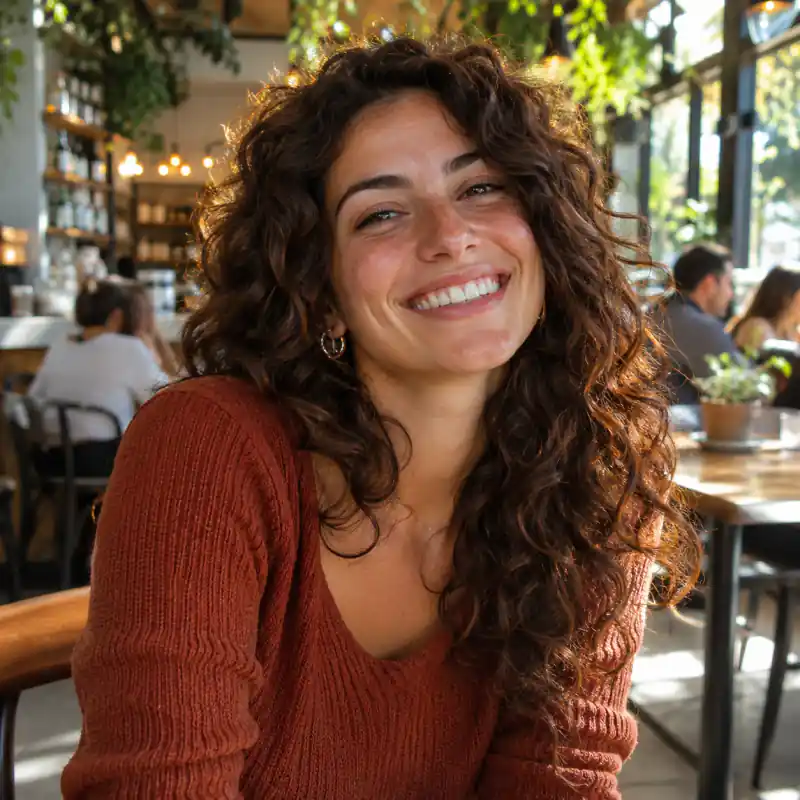
 Original
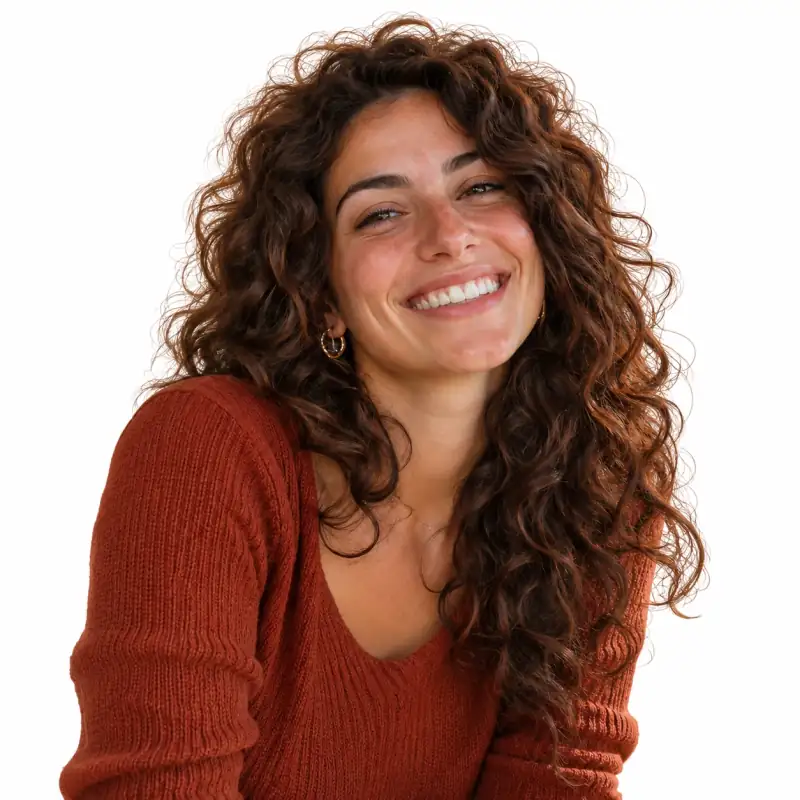 Cutout
Curly Hair Portrait Cutout
Clean alpha-channel cutout preserving every curly hair strand and knit collar edge
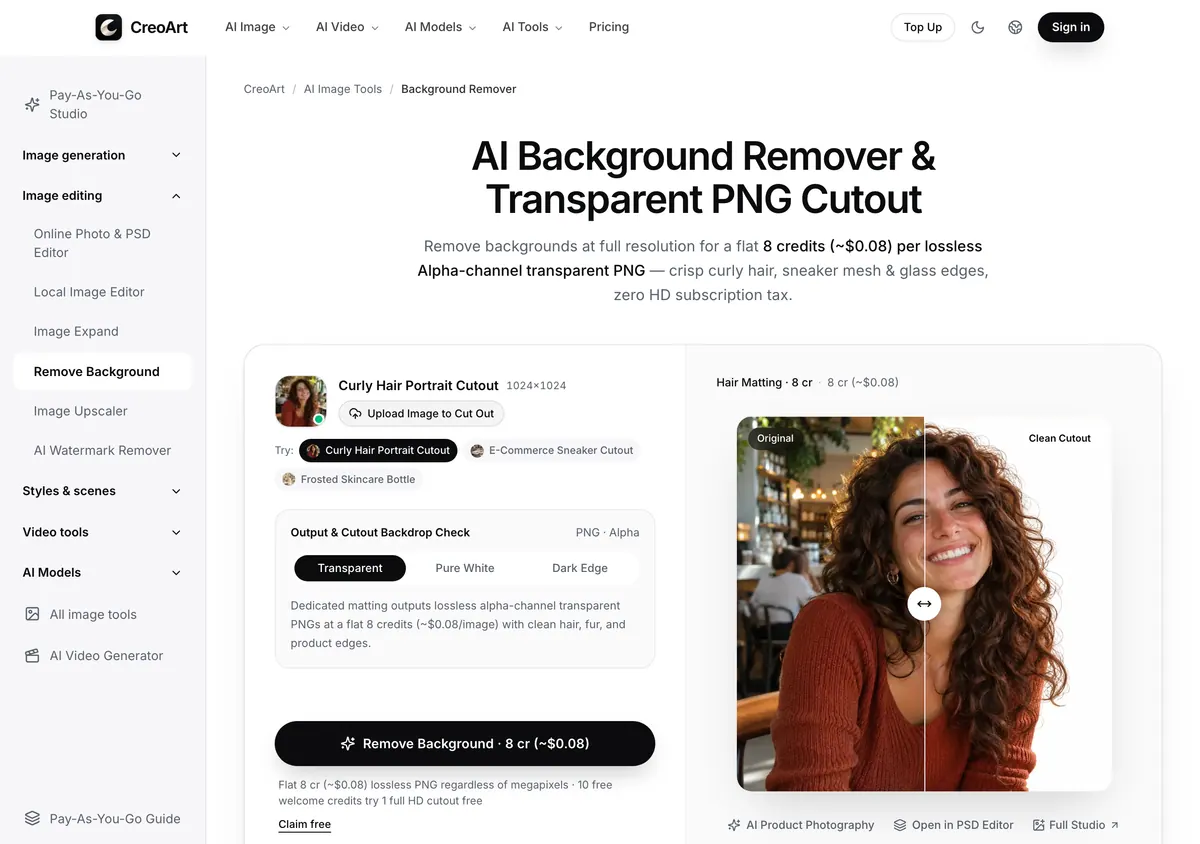
Remove backgrounds at full resolution for a flat 8 credits (~$0.08) per lossless Alpha-channel transparent PNG — crisp curly hair, sneaker mesh & glass edges, zero HD subscription tax.
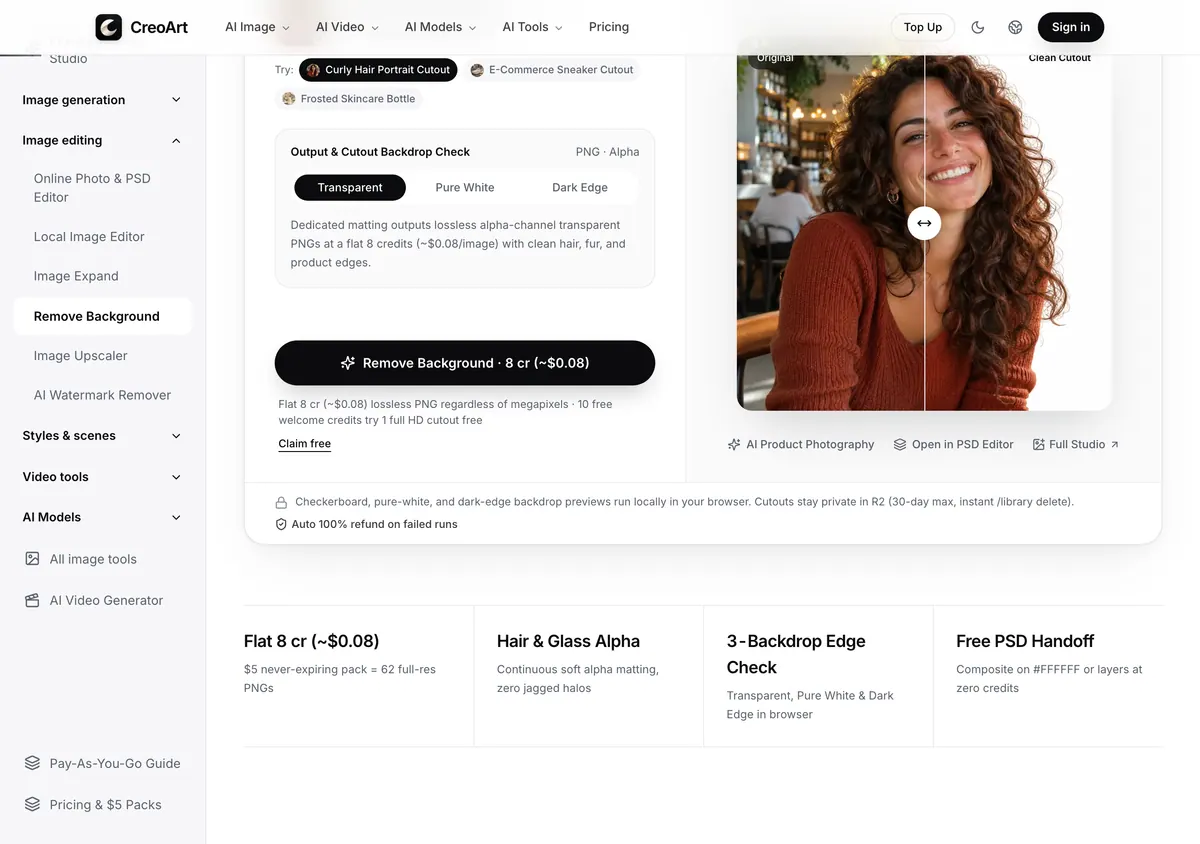
Dedicated matting outputs lossless alpha-channel transparent PNGs at a flat 8 credits (~$0.08/image) with clean hair, fur, and product edges.
Checkerboard, pure-white, and dark-edge backdrop previews run locally in your browser. Cutouts stay private in R2 (30-day max, instant /library delete).
Auto 100% refund on failed runsFlat 8 cr (~$0.08)
$5 never-expiring pack = 62 full-res PNGs
Hair & Glass Alpha
Continuous soft alpha matting, zero jagged halos
3-Backdrop Edge Check
Transparent, Pure White & Dark Edge in browser
Free PSD Handoff
Composite on #FFFFFF or layers at zero credits
Stop paying $0.49–$1.99 per HD cutout or getting trapped in low-res 500px preview paywalls. Inspect resolution and edge quality across three backdrops locally in your browser and export clean Alpha PNGs in seconds:
E-commerce sellers and designers routinely run into two annoying trade-offs with online cutout sites. First, the "free" bait-and-switch: you get a blurry 500px thumbnail for free, then get hit with $0.49–$1.99 per full-res HD download or an expiring $39/month subscription just to export usable Amazon or Shopify SKUs. Second, cheap binary segmentation masks chop right through flyaway curls, pet fur, shoelace gaps, and frosted cosmetic bottles — leaving ugly white fringes the moment you place the cutout on a dark banner.
CreoArt runs dedicated continuous alpha matting (BRIA RMBG-2.0) that computes true semi-transparent alpha values along wispy curls and translucent glass reflections while charging a transparent flat 8 credits (~$0.08 at the $5 never-expiring Entry Pack rate) for full native resolution.
That means a single $5 pack delivers 62 full-resolution transparent PNGs that never expire, paired with one-click zero-credit handoff into CreoArt’s free browser WebGPU PSD editor (/photo-editor) for pure-white sizing, drop shadows, and typography — or straight into /tools/ai-product-photography for photorealistic studio staging.
White product shot against a bright white wall blurs edge contrast
Even when snapping with a smartphone, place white or silver products on a dark table or matte gray cloth to maximize clean matting precision.
Faint light halo shows up only after placing the PNG onto a dark hero banner
Use the workbench’s Dark Edge preview toggle immediately; if harsh backlight spilled onto hair edges, refine 1px feathering free in /photo-editor.
Floating cutout looks artificial on a pure white marketplace listing
Add a subtle soft elliptical contact shadow in free /photo-editor, or render natural directional shadows directly in /tools/ai-product-photography.
Low-res 400px source image still looks soft after background removal
Run a 2× HD pass in /image-upscaler (24 cr) so zoomable e-commerce detail views stay razor-sharp.
Full original resolution lossless PNGs at a flat 8 credits (~$0.08) across every commercial and creative category:
| Commercial Use Case | Tricky Edge Detail | Flat Cost / Image | Best Follow-Up Step | Yield per $5 Pack |
|---|---|---|---|---|
| Amazon / Shopify White Listings | Shoelaces, mesh knit & metallic bevels | 8 cr (~$0.08) | Center on #FFFFFF canvas free in /photo-editor | 62 full-res SKUs |
| Team Bio & LinkedIn Portraits | Curly hair wisps, stray strands & glasses | 8 cr (~$0.08) | Drop onto unified brand backdrop in /photo-editor | 62 portraits |
| Skincare & Frosted Glass Packaging | Frosted edges, droppers & specular rims | 8 cr (~$0.08) | Stage on travertine/marble in AI Product Photo | 62 packshots |
| YouTube & Social Thumbnail Cutouts | Busy street scenes & expressive hand gestures | 8 cr (~$0.08) | Add crisp sticker stroke & title in /photo-editor | 62 thumbnails |
| Print Merch & Pet Stickers | Soft fur whiskers, fluffy ears & collars | 8 cr (~$0.08) | Upscale 2× (24 cr) for crisp 300 DPI printing | 62 print sources |
See the real dollar gap when exporting 60 full-resolution commercial transparent PNGs without monthly subscription lock-in:
25 full-resolution transparent PNGs
CreoArt Pay-As-You-Go
~$2.00
200 credits · $5 Entry Pack (500 never-expiring cr — 300 left)
Dedicated Remove-BG HD credits (~$0.23–$0.99/img)
$9
Save ~77.1% ($7 kept)
Typical $39/mo Cutout Sub (12 mos)
$468
$5 never-expiring pack = 62 full-resolution HD cutouts (~$0.08 each), zero monthly waste.
| Platform Option | Full-Res HD Cost / Image | Total for 60 HD Cutouts | Credit Expiration | Included Editing Ecosystem |
|---|---|---|---|---|
| CreoArt Background Remover ($5 Pack) | 8 cr (~$0.08) | ~$4.80 (20 cr leftover) | Never expires · Zero renewal | Free local PSD editor + 44 AI models in one wallet |
| Legacy Cutout Sites (Pay-Per-HD) | ~$0.49–$0.99 | $29.40–$59.40 | Often expires after 1–2 yrs | Single-purpose cutout only |
| Typical $39/mo Cutout Sub (Annual) | High if unused months | $468 / year fixed bill | Monthly credits reset every 30d | Separate subscriptions required for AI staging |
Inspect curly café hair, asphalt street sneakers, and cluttered bathroom skincare cutouts. Click any example to test Transparent, Pure White, and Dark Edge views above:
OriginalCutoutClean alpha-channel cutout preserving every curly hair strand and knit collar edge
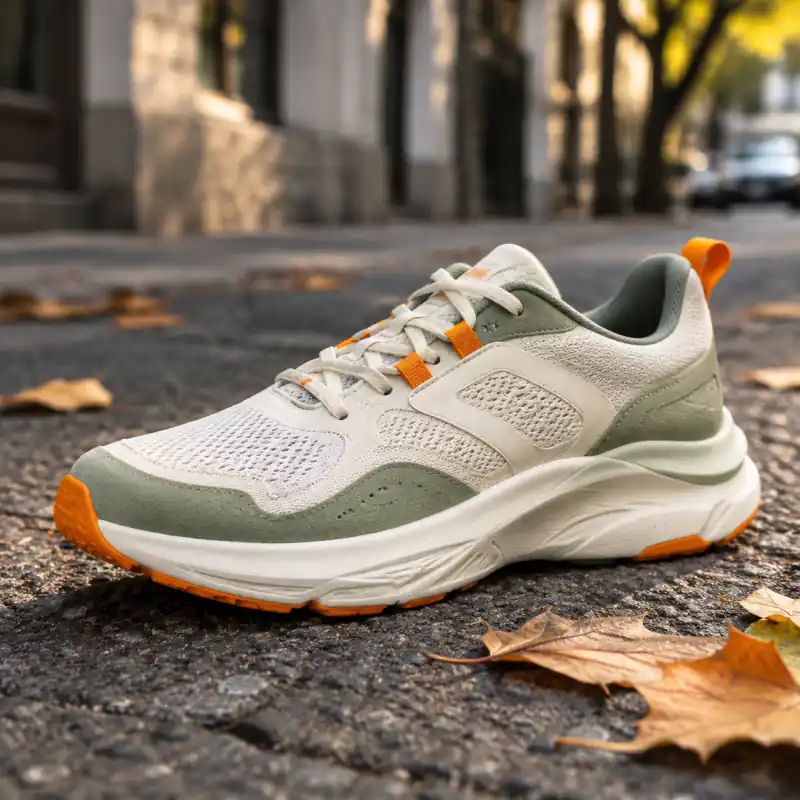 Original
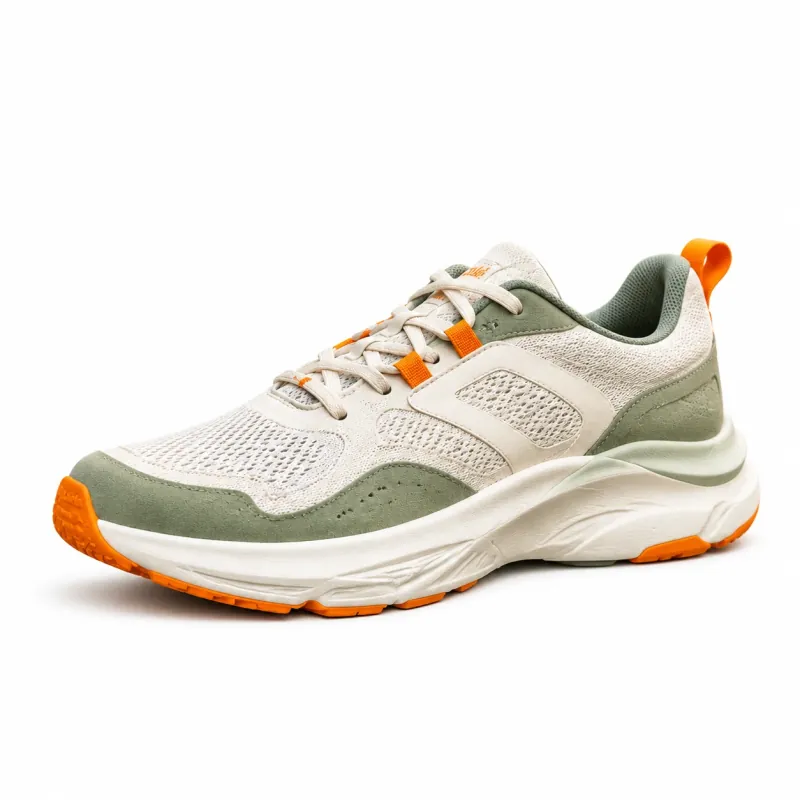 Cutout
Crisp mesh, shoelace, and outsole contour isolated cleanly for Amazon, Shopify & catalog sheets
 Original
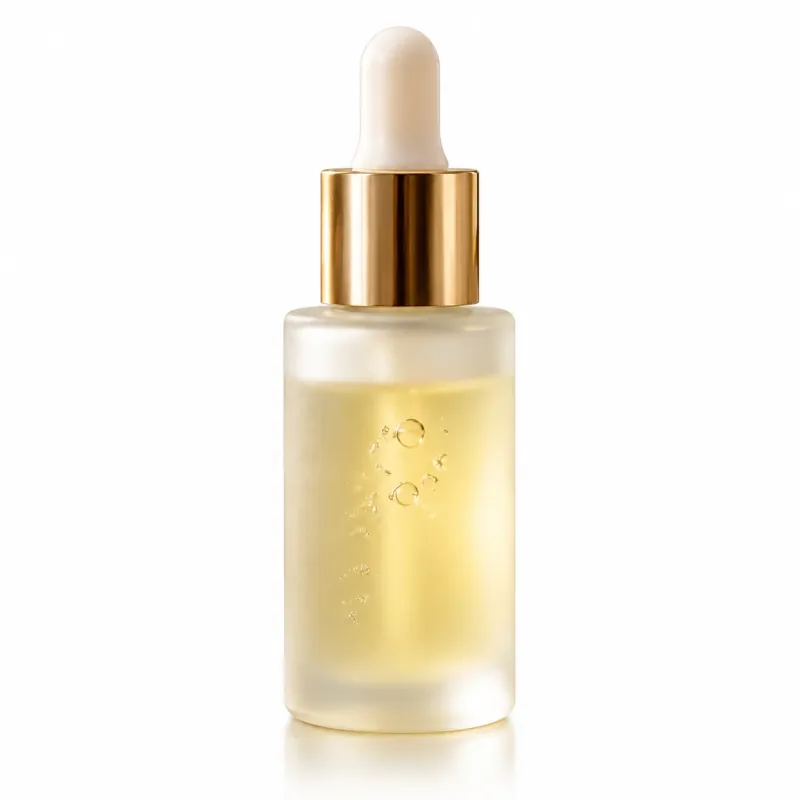 Cutout
Smooth bottle silhouette, dropper pipette, and frosted glass highlights separated cleanly without jagged halos
Unreleased physical product prototypes, supplier samples, and personal headshots should never sit in public cutout feeds or feed external datasets.
CreoArt (operated by CreoArt Studio / MagicT LLC) keeps every cutout strictly private. Image decoding and 3-backdrop edge checks execute locally in your browser; uploaded originals and transparent PNG outputs live solely inside private Cloudflare R2 storage (Cache-Control: private, no-store, zero public gallery, zero self-model training, 30-day max retention, and instant single-click delete in /library).
Pair clean capture fundamentals with continuous alpha matting to get agency-ready cutouts on the first click:
Even quick smartphone shots cut dramatically cleaner when a white sneaker or frosted serum bottle sits against dark wood or charcoal cloth.
Neutral daylight or soft white LEDs prevent green/magenta color cast along hair strands so your transparent PNG blends effortlessly onto any future background.
Faint white fringes hide on white canvas previews; toggling Dark Edge locally in your browser reveals edge cleanliness in one second.
A 10% opacity feathered ellipse beneath shoes or bottles anchors weight immediately without costing an extra credit.
Instead of manually faking marble reflections on a cutout, feed your raw bottle into /tools/ai-product-photography (7–10 cr) for physically matched lighting and caustics.
Answers on flat 8-credit full-res PNG pricing, curly hair & glass matting, free PSD handoff, and privacy.
Every background removal runs on a dedicated high-precision matting model (BRIA RMBG-2.0) at a flat 8 credits (~$0.08 at the $5 never-expiring Entry Pack rate of 500 credits) — with zero extra fee for full-resolution HD downloads. Your 10 free welcome credits on sign-up cover your first full-resolution cutout immediately.
No. Unlike legacy cutout websites that gate full-resolution downloads behind $0.49–$1.99/image paywalls or expiring monthly subscriptions, CreoArt exports full-resolution lossless Alpha-channel PNGs at the same flat 8-credit rate (~$0.08) from never-expiring packs.
Our dedicated alpha-matting architecture predicts continuous soft transparency values along complex boundaries rather than harsh binary masks, keeping curly hair wisps, pet whiskers, sneaker mesh, and frosted serum highlights crisp without jagged white halos.
Use the instant Cutout Backdrop Check buttons inside the workbench — switch between Transparent checkerboard, Amazon Pure White, and Dark Edge right in your browser to catch any stray fringe immediately.
Yes. Click AI Product Photography in the workbench footer to place your product onto photorealistic travertine, dark marble, or sunlit studio sets with matched shadows, or click Open in Free Photo Editor to composite onto pure #FFFFFF canvas and layered PSDs at zero extra credit cost.
A single $5 Entry Pack (500 never-expiring credits) runs 62 full-resolution transparent PNG cutouts (~$0.08 each), and leftover credits stay in your wallet indefinitely for any other CreoArt image or video model.
Yes. Backdrop checks and image decoding run locally in your browser. Uploaded source files and transparent PNG outputs live solely inside private Cloudflare R2 storage (Cache-Control: private, no-store, zero public gallery, zero self-model training, 30-day max retention, and instant single-click delete in /library).
Keep moving smoothly from clean transparent cutouts to commercial packshots, free PSD layouts, or 4K upscaling:
Stage products on travertine, dark marble & sunlit studio sets from 7 cr.
Size to Amazon #FFFFFF specs, add soft shadows & export PSDs for 0 credits.
Brush-erase dust spots, tags, or stray blemishes before cutting out.
Enlarge low-res supplier cutouts cleanly to 4K print sharpness.
Extend tight product crops naturally into wide 16:9 or 9:16 ad banners.
Upgrade casual selfies straight into studio-lit LinkedIn portraits.