
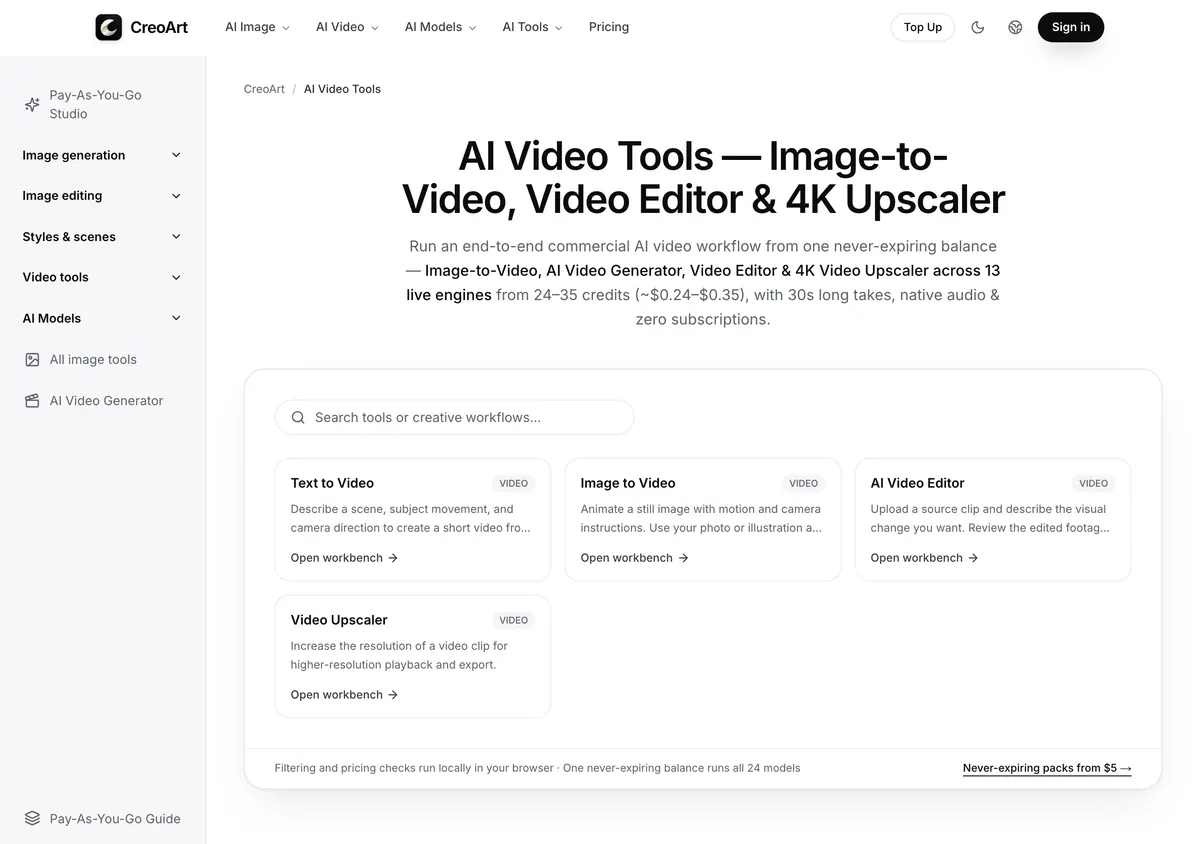
AI Video Tools — Image-to-Video, Video Editor & 4K Upscaler
Run an end-to-end commercial AI video workflow from one never-expiring balance — Image-to-Video, AI Video Generator, Video Editor & 4K Video Upscaler across 23 live engines from 6 cr/s (Grok 1.5 Lite) & 24–35 cr clips, with 30s long takes, native audio & zero subscriptions.
AI Video Generator
4–30s 1080p/4K clips with synced audio from text or starting frame.
Seedance 2.5 Prompts
4–30s tracking shots, short-drama scenes & synced audio prompts.
Veo 3.1 Prompts
Director lenses, lighting temperature, dialogue & foley recipes.
Kling 4.0 Prompts
Fashion walkcycles, macro liquid reveals & 30s action prompts.
Ad Video Prompts
UGC hooks, luxury cosmetic macro shots & 360° product reveals.
Image to Video
Animate a still image with motion and camera instructions. Use your photo or illustration as the starting frame.
AI Video Editor
Upload a source clip and describe the visual change you want. Review the edited footage for continuity and timing.
Video Upscaler
Increase the resolution of a video clip for higher-resolution playback and export.
Wan 3.0
Text, image and reference video generation with native audio.

Seedance 2.5
Long-take 4K text and image video up to 30s with synchronized native audio.
Seedance 2.5 Flash
Faster, lower-cost Seedance 2.5 video generation up to 30s with synchronized audio.
Kling 4.0
Cinematic 720p, 1080p, and 4K text & image video up to 30 seconds.
Kling 4.0 Flash
Fast 720p cinematic text and image video shots from 3 to 20 seconds.

Veo 3.1 Lite
Budget-friendly Google Veo 3.1 video in 720p/1080p with optional synchronized audio.

Grok Imagine Video 1.5
Dynamic 1–15s text and image video from xAI across 480p, 720p, and 1080p.
MAGI-2
Sand AI 1080p video up to 30 seconds with synchronized native sound included at the same per-second rate.
MiniMax H3
Multimodal video generation with native stereo audio.
Veo 3.1
Video generation with audio and first/last frame control.
Kling 3.0
Cinematic text and image video creation.
MiniMax H3 Max
Flagship video generation with native audio and reference control.
Veo 3.1 Fast
Quick text and image video previews with native audio.
4 Tools + 23 Engines
Video Pipeline · Image-to-Video · Text-to-Video · Video Editor · 4K Upscaler
From 6 cr/s
Starting Cost · Grok 1.5 Lite 6 cr/s · MiniMax H3 7 cr/s · Upfront per-sec math
Up to 4K & 30s
Audio & Length · Native-audio engines · 3 engines supporting 30s continuous takes
Zero Public Feed
Private & Safe · Safe zones & quotes in your browser · Private R2 · Auto-refunds
How to Produce Commercial AI Video 55% Cheaper in 3 Steps
Skip gambling hundreds of credits on blind text-to-video re-rolls. Follow our proven two-stage studio chain across all 23 live engines.
- 1. Lock your hero keyframe first (7–10 cr), then animate in /image-to-videoGenerate or upload an exact product or character still first so labels and faces stay 100% accurate, then animate across 23 video engines while checking vertical Reels/TikTok safe zones locally in your browser.
- 2. Block camera motion cheaply at 480p/720p before scaling upTest pacing on MiniMax H3 (35 cr) or Wan 3.0 480p (24–60 cr); once motion sings, step up to Kling 4.0 (heavy physics), Veo 3.1 Fast (synced cinema audio), or Kling 3.0 (native 4K up to 15s).
- 3. Restyle footage in /video-editor or sharpen masters in /video-upscalerNeed new lighting or weather on an existing clip? Open /video-editor. Need a 720p/768P hero shot delivered in crisp 1080p/4K? Run /video-upscaler right from the same credit wallet.
Why Single-Model Video Subscriptions Drain Budgets Without Delivering Finals
Most AI video platforms lock you into one generator behind a rigid $35–$99/month subscription. The moment a client brief shifts — needing native dialogue instead of silent clips, 15s continuous 4K instead of 5s 720p, or fast $0.35 product motion instead of $3 hero renders — you are either stuck forcing the wrong engine or paying for a second monthly plan whose unused credits vanish every 30 days.
CreoArt eliminates subscription lock-in by uniting 23 complementary video engines plus AI video editing and 4K upscaling under one pay-as-you-go balance that never expires, with exact per-second upfront pricing and 100% automatic refunds on technical errors.
Pain 1: Blind text-to-video warping brand logos and character identities
CreoArt fix: Pair any of our 21 image models (7–10 cr) with /image-to-video to anchor frame one before paying video compute.
Pain 2: Paying separate monthly subscriptions for Veo, Kling, Seedance, and MiniMax
CreoArt fix: All 23 engines share one never-expiring $5+ credit wallet with instant switching inside every workbench.
Pain 3: Burning $4–$6 per failed take testing prompts at max 4K + audio
CreoArt fix: Draft cheaply at 480p silent (24–60 cr), then upscale your winning take or render final HD — cutting campaign spend by 55%.
Pain 4: Public galleries exposing client ads & lost credits on server errors
CreoArt fix: Zero public gallery, private Cloudflare R2 vault, and 100% automatic refunds on confirmed upstream failures.
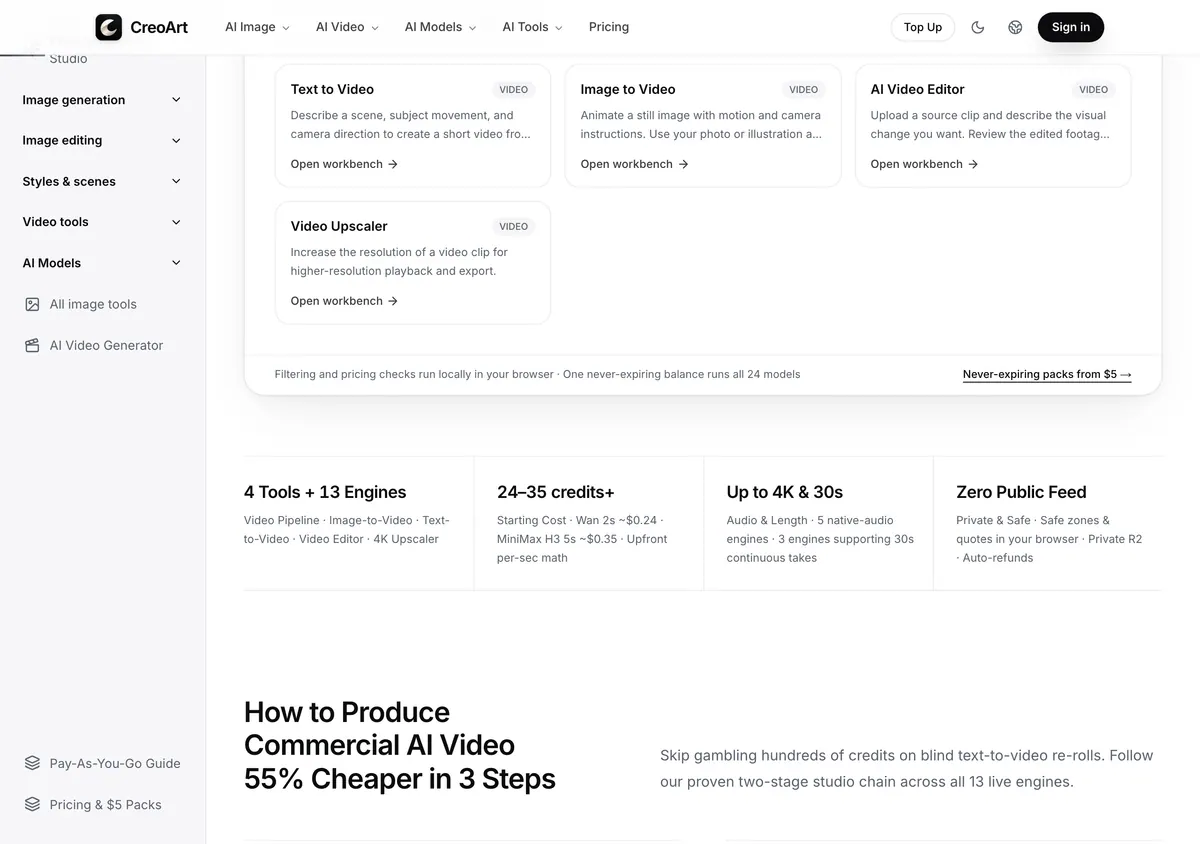
4 Core Video Workbenches on CreoArt
Pick the right starting workbench based on whether you have a text prompt, a hero still, or an existing MP4 clip.
| Video Tool | Input Source | Engines / Capability | Best Production Output |
|---|---|---|---|
| Image to Video (/image-to-video) | JPG / PNG / WebP still | All 23 live video engines | 360° product turns, portrait life, locked storyboard shots |
| AI Video Generator (/ai-video-generator) | Text prompt or start frame | All 23 engines (1–30s) | Concept trailers, synced dialogue spots, social campaigns |
| AI Video Editor (/video-editor) | Existing MP4 / MOV clip | Instruction-guided restyling | Relighting, weather swaps, style grading & prop edits |
| Video Upscaler (/video-upscaler) | 480p / 720p / 768P clip | Dedicated temporal super-res | Sharpening AI drafts or archive clips to 1080p / 4K |
Matching Video Engines to Every Shot Type
Switch seamlessly across these tiers inside any CreoArt video workbench (USD shown at $5 Entry Pack rate).
| Shot Type | Top Engine Pick | Starting Cost | Key Capabilities |
|---|---|---|---|
| Budget B-Roll & Fast Drafts | MiniMax H3 | 5s 480p = 35 cr (~$0.35) | 4–15s · Silent · Native up to 2K |
| Precision Dolly & Subtle Acting | MiniMax H3 Max | 5s 768P = 90 cr (~$0.90) | 5–15s · Silent · 21:9 cinema stability |
| Short 2s Cuts & Budget Audio | Wan 3.0 | 2s 480p = 24 cr (~$0.24) | 2–30s · 1.5× Native Audio · up to 1080p |
| Long 9–15s Native 4K + Audio | Kling 3.0 | 3s 720p = 66 cr (~$0.66) | 3–15s · Native 4K · 1.5× Synced Audio |
| Hollywood Realism & Dialogue | Veo 3.1 Fast / Pro | 4s 720p = 112 / 216 cr | 4–8s · Native 4K · 1.5× / 1.8× Audio |
| Heavy Physics & 30s Long Takes | Kling 4.0 / Seedance 2.5 | 3s 108 cr / 4s 144 cr | Up to 30s continuous takes |
Private Client Footage & Automatic Technical Refunds
Pre-launch product commercials, client pitches, and social ad tests stay strictly confidential on CreoArt. Safe-zone guides and exact per-second price calculations execute locally in your browser with zero ad scripts.
Uploaded frames, source clips, and generated MP4 files live exclusively inside your private Cloudflare R2 vault (zero public gallery, zero self-model training, 30-day max retention, instant single-clip delete in /library), backed by 100% automatic failure refunds.
- Zero public video showcase and clean watermark-free MP4 exports.
- Browser-local vertical safe zones and transparent upfront per-second credit quotes.
- Never-expiring credit packs from $5 + custom $5–$500 top-ups with zero recurring billing.
- Chain Image-to-Video, Video Editor, and 4K Video Upscaler effortlessly from one balance.
5 Directing Habits That Double AI Video Approval Rates
Simple workflow discipline saves hundreds of credits on every video project.
1. Start 80% of commercial shots in Image-to-Video, not Text-to-Video
Spending 7–10 credits locking a sharp hero still guarantees brand packaging, costumes, and lighting stay faithful once motion begins.
2. Follow "Camera Move + Subject Action + Lighting Cue" in prompts
Give each 5–10s shot one cohesive camera verb rather than cramming multiple cuts or conflicting zooms into a single generation.
3. Block at 480p silent first, then render HD or upscale winning clips
Verify timing and subject physics cheaply (24–60 cr) before investing in 1080p/4K or native audio, slicing overall spend in half.
4. Mute native audio whenever your edit uses a licensed soundtrack
Turning off 1.5×–1.8× audio multipliers saves 33%–44% immediately on product loops, architectural flythroughs, and music-driven reels.
5. Always verify 9:16 social UI safe zones before rendering vertical ads
TikTok, Shorts, and Reels cover up to 25% of the right and bottom margins; inspect our browser-local overlay first so headlines and products stay unobstructed.
AI Video Tools Hub — Frequently Asked Questions
Answers on image-to-video pipelines, video editing and upscaling, native audio, 30s continuous takes, and privacy.
What video creation and post-production tools are available on CreoArt?
CreoArt provides four core video workbenches — AI Video Generator (/ai-video-generator), Image-to-Video (/image-to-video), AI Video Editor (/video-editor), and AI Video Upscaler (/video-upscaler) — plus dedicated model studios for Kling 4.0, Kling 3.0, Google Veo 3.1, Veo 3.1 Fast, Seedance 2.5, MiniMax H3, MiniMax H3 Max, and Wan 3.0.
How much does it cost to animate a still photo or generate a short AI video?
Silent drafts start at just 24 credits (~$0.24) for 2s Wan 3.0 480p or 35 credits (~$0.35) for 5s MiniMax H3 480p. Cinema HD clips run 66 cr (3s Kling 3.0 720p), 90 cr (5s MiniMax H3 Max 768P), 112 cr (4s Veo 3.1 Fast 720p), or 168 cr with synchronized native audio. Never-expiring credit packs start at $5.
Why is Image-to-Video recommended over pure Text-to-Video for commercial ads?
Pure text-to-video leaves product labels, brand colors, and character faces up to chance — burning 100–250 credits per re-roll. Generating or uploading a crisp 7–10 cr still keyframe first and animating it via /image-to-video locks visual fidelity from frame one and triples first-take approval rates.
Which CreoArt video tools support synchronized native dialogue and sound effects?
Both /ai-video-generator and /image-to-video let you toggle synchronized native audio on Wan 3.0 (1.5×), Kling 3.0 (1.5×), Seedance 2.5 (1.5×), Veo 3.1 Fast (1.5×), and Google Veo 3.1 Pro (1.8×) with live upfront quotes.
Can I edit an existing MP4 clip or upscale a 480p/720p video to 1080p or 4K?
Yes. Use /video-editor to restyle lighting, weather, props, or color grading on existing footage via written instructions, and use /video-upscaler to sharpen 480p/720p drafts or older clips cleanly to crisp 1080p/4K playback.
What is the longest continuous AI video clip I can generate on CreoArt?
Kling 4.0 (3–30s), Wan 3.0 (2–30s), and Seedance 2.5 (4–30s) all support continuous long takes up to 30 seconds, while Kling 3.0 offers up to 15 seconds of continuous native 4K video.
Are commercial video clips kept private, and are failed renders refunded?
Yes. Aspect safe zones and live per-second quotes compute locally in your browser; source frames, uploaded clips, and rendered MP4 outputs live solely in private Cloudflare R2 storage (zero public gallery, 30-day max retention, instant /library delete), with 100% automatic credit refunds on confirmed technical errors.
Launch Any Video Workbench or Flagship Video Engine
Every video tool and engine below shares your single never-expiring CreoArt balance.
AI Image to Video
Animate any still photo across 23 flagship video engines
AI Video Generator
Create 2–30s clips with optional synced native audio
AI Video Editor
Restyle lighting, weather, and objects in existing MP4 clips
AI Video Upscaler
Sharpen 480p/720p clips cleanly to 1080p or 4K
All 44 AI Models Hub
Compare every live image & video engine side by side
Never-Expiring Credit Packs
$5 Entry Pack & custom top-ups, zero subscriptions