
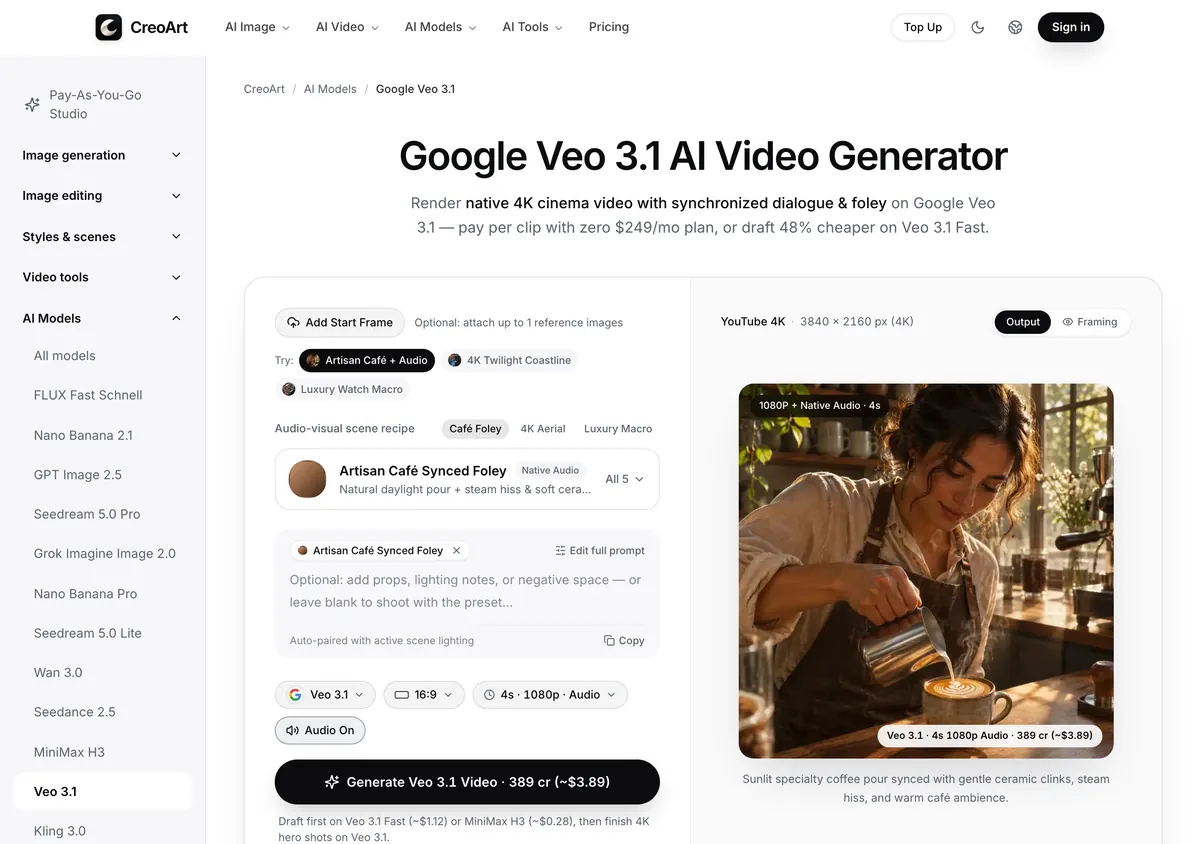
 1080P + Native Audio · 4sVeo 3.1 · 4s 1080p Audio · 389 cr (~$3.89)
Artisan Café + Audio
Sunlit specialty coffee pour synced with gentle ceramic clinks, steam hiss, and warm café ambience.
Render native 4K cinema video with synchronized dialogue & foley on Google Veo 3.1 — pay per clip with zero $249/mo plan, or draft 48% cheaper on Veo 3.1 Fast.
1080P + Native Audio · 4sVeo 3.1 · 4s 1080p Audio · 389 cr (~$3.89)Sunlit specialty coffee pour synced with gentle ceramic clinks, steam hiss, and warm café ambience.
Framing & audio cues validate in your browser. Rendered 4K clips stay private in R2 storage (30-day max, instant delete).
Auto 100% refund on failed runs720p / 1080p / 4K
1080p matches 720p at 54 cr/s · 4K at 96 cr/s
Synced Native Audio
Spoken lines, café steam, surf & macro foley in 1 pass
48% Off on Fast
Switch to Veo 3.1 Fast (28 cr/s) in the same wallet
Private R2 Storage
Zero public gallery, zero training, 100% fail refunds
Google Veo 3.1 delivers broadcast-grade 4K clarity and grounded acoustics, so matching the right tier and writing clean audio-visual cues matters. Check safe zones and live USD costs in your browser in four steps:
Most creators overspend on Google Veo 3.1 for two avoidable reasons: launching straight into 8-second 4K audio runs before locking camera framing, or leaving the 1.8× native audio toggle on without actually specifying what sounds belong in the scene. Both mistakes can double your bill without improving the final edit.
Where Veo 3.1 genuinely outperforms cheaper video engines is optical realism paired with physical acoustic grounding — sapphire crystal light sweeps matched to rhythmic mechanical ticking, coastal wave acoustics synced with spray timing, and natural spoken lines with believable facial micro-expressions. Splitting creative exploration from final 4K mastering turns Veo 3.1 into an extraordinarily cost-effective commercial camera.
CreoArt builds that budget discipline directly into this studio: full Veo 3.1 prices 1080p identically to 720p (54 cr/s) so you never sacrifice sharpness unnecessarily, while Veo 3.1 Fast sits one click away inside the same popover (28 cr/s 720p, 32 cr/s 1080p, 1.5× audio) so you prototype fast and spend 4K credits strictly on approved frames.
Paying 1.8× for native audio with zero sound instructions
Always append an explicit "Audio:" sentence with quoted speech or 2–3 physical foley cues — or switch Audio Off to save 44%.
Iterating rough ideas directly on 8s 4K full Veo 3.1
Draft pacing on Veo 3.1 Fast 4s 720p (112 cr / ~$1.12) first, then promote winning shots to full Veo 3.1 1080p or 4K.
Picking 720p on full Veo 3.1 when 1080p costs the same
Both 720p and 1080p run at 54 cr/s on full Veo 3.1 — default to 1080p for sharper detail at zero extra cost.
Needing 12–30s continuous takes beyond Veo 3.1’s 8s cap
Veo 3.1 outputs 4s, 6s, or 8s clips; switch inside the same wallet to Seedance 2.5 or Kling 4.0 for up to 30s shots.
Exact quotes based on the $5 never-expiring Entry Pack ($0.01/credit). Notice 720p and 1080p share the same 54 cr/s rate on full Veo 3.1, while Veo 3.1 Fast cuts trial cost by up to 48%:
| Model & Resolution Tier | Durations | Silent Credits / USD | Native Audio Credits / USD | Recommended Role |
|---|---|---|---|---|
| Veo 3.1 Fast · 720p | 4s / 6s / 8s | 112 / 168 / 224 cr (~$1.12–$2.24) | 168 / 252 / 336 cr (~$1.68–$3.36) | Fastest way to validate dialogue timing, camera moves & audio cues |
| Veo 3.1 Fast · 1080p | 4s / 6s / 8s | 128 / 192 / 256 cr (~$1.28–$2.56) | 192 / 288 / 384 cr (~$1.92–$3.84) | Budget-friendly HD social ads & Reels at 41% less than full Veo 3.1 |
| Veo 3.1 Full · 1080p (same as 720p) | 4s / 6s / 8s | 216 / 324 / 432 cr (~$2.16–$4.32) | 389 / 584 / 778 cr (~$3.89–$7.78) | Primary flagship HD brand spots & crisp dialogue — zero surcharge over 720p |
| Veo 3.1 Fast · 4K | 4s / 6s / 8s | 272 / 408 / 544 cr (~$2.72–$5.44) | 408 / 612 / 816 cr (~$4.08–$8.16) | Cost-efficient 4K establishing aerials & crisp product reveals |
| Veo 3.1 Full · Native 4K | 4s / 6s / 8s | 384 / 576 / 768 cr (~$3.84–$7.68) | 692 / 1,037 / 1,383 cr (~$6.92–$13.83) | Hero broadcast commercials, website 4K loops & luxury macro foley spots |
Every model below generates synchronized audio natively inside your single CreoArt balance — choose by duration ceiling, 4K need, and budget:
16 total seconds at 1080p silent
CreoArt Pay-As-You-Go
~$8.64
864 credits · $19 Creator Pack (2,000 never-expiring cr — 1136 left)
Studio commercial spot (~$600/clip)
$2,400
Save ~99.6% ($2,391 kept)
AI Video Pro Plan ($99/mo × 12)
$1188
Pay strictly per rendered clip — zero $99/mo idle seat fees.
| Audio-Capable Model | Max Resolution & Length | Audio Multiplier | Starting Clip w/ Audio | Key Differentiator |
|---|---|---|---|---|
| Google Veo 3.1 | Up to 4K · 4–8s | 1.8× | 389 cr (~$3.89 / 4s 1080p) | Top optical realism, natural spoken delivery & layered acoustic foley |
| Google Veo 3.1 Fast | Up to 4K · 4–8s | 1.5× | 168 cr (~$1.68 / 4s 720p) | Nearly half the cost of full Veo 3.1 while keeping 4K & native audio |
| Seedance 2.5 | Up to 1080p · 4–30s | 1.5× | 216 cr (~$2.16 / 4s 480p) | Long-form 4–30s continuous storytelling with expressive acting & audio |
| Kling 3.0 | Up to 4K · 3–15s | 1.5× | 99 cr (~$0.99 / 3s 720p) | Affordable 3s starting clips with optional 4K clarity and synced sound |
| Wan 3.0 | Up to 1080p · 2–30s | 1.5× | 36 cr (~$0.36 / 2s 480p) | Lowest entry cost for native-audio clips up to 30s long |
Explore three commercial audio-visual templates — specialty café foley, 4K twilight coastline acoustics, and 9:16 mechanical watch ticking — and load any recipe directly into the workbench:
1080P + Native Audio · 4sVeo 3.1 · 4s 1080p Audio · 389 cr (~$3.89)Sunlit specialty coffee pour synced with gentle ceramic clinks, steam hiss, and warm café ambience.
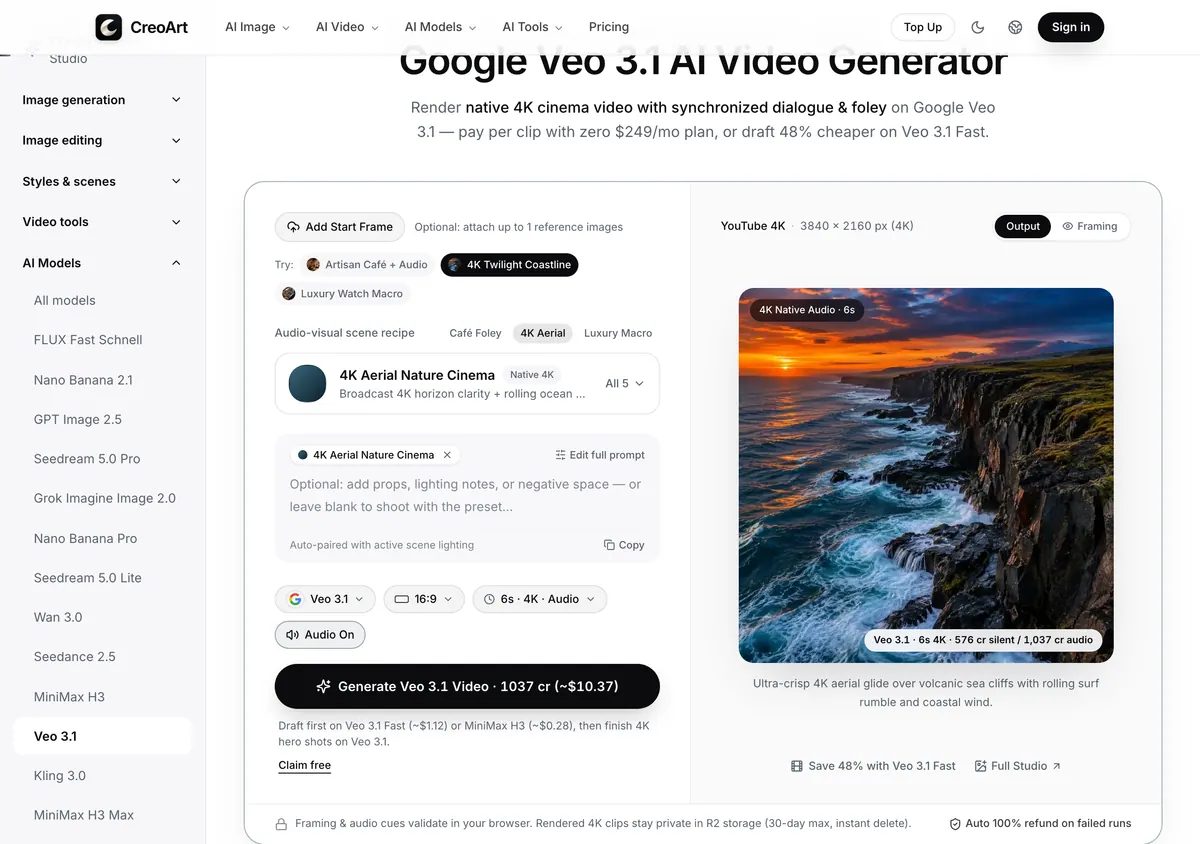
 4K Native Audio · 6sVeo 3.1 · 6s 4K · 576 cr silent / 1,037 cr audio
Ultra-crisp 4K aerial glide over volcanic sea cliffs with rolling surf rumble and coastal wind.
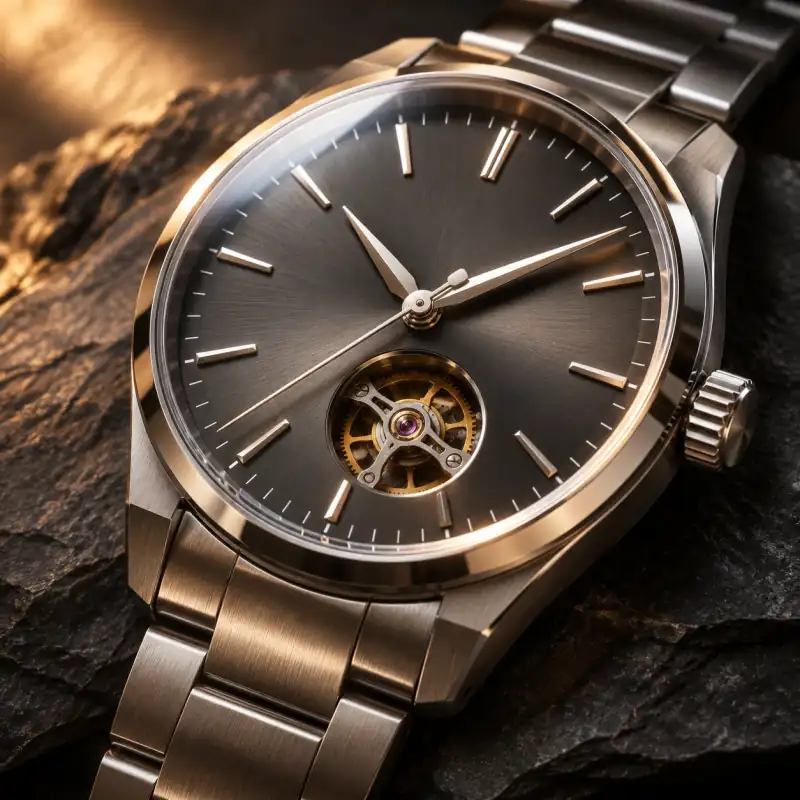 9:16 Commercial · 4sVeo 3.1 · 4s 9:16 · 216 cr silent / 389 cr audio
Vertical 9:16 luxury timepiece close-up with crisp sapphire crystal glint and rhythmic escapement ticking.
When you are producing unreleased product commercials or agency pitch films at 4K, privacy and billing fairness are non-negotiable. CreoArt (operated by CreoArt Studio / MagicT LLC) maintains zero public community feeds — every starting frame and finished MP4 stays strictly locked to your account.
Framing guides and prompt checks run locally in your browser before submission. Dispatched media is stored exclusively in private per-account Cloudflare R2 buckets (Cache-Control: private, no-store) with zero self-model training and instant 1-click removal in /library.
Maximize every credit on Google Veo 3.1 by writing clean visual and acoustic direction from the first draft:
Describe lens, lighting, and motion first, then append an explicit "Audio:" line listing 2–3 tangible sound sources (steam hiss, ceramic clink, coastal wind) for crisp acoustic realism.
Short, natural spoken lines fit 4–6s shots with relaxed pacing and accurate lip movement, preventing rushed delivery or clipped endings.
Full Veo 3.1 bills 54 cr/s for both 720p and 1080p. Save 720p strictly for Veo 3.1 Fast drafts at 28 cr/s.
Start with a 7-credit (~$0.07) Nano Banana 2.1 hero frame so logos, packaging geometry, and talent identity stay consistent across the entire 4K shot.
When your editor already has a voiceover or licensed soundtrack, toggling Native Audio off cuts your per-second Veo 3.1 cost almost in half.
Answers on Veo 3.1 4K pricing, Veo 3.1 Fast savings, native audio prompting, and private storage.
At the $5 never-expiring Entry Pack rate ($0.01/credit), Google Veo 3.1 costs 54 credits/sec at 720p or 1080p (4s silent = 216 cr / ~$2.16; 8s silent = 432 cr / ~$4.32) and 96 credits/sec at 4K (4s silent = 384 cr / ~$3.84). Turning on synchronized native audio applies a 1.8× multiplier (4s 1080p audio = 389 cr / ~$3.89).
Veo 3.1 Fast runs at 28 cr/s for 720p (4s = 112 cr / ~$1.12 — 48% cheaper than Veo 3.1) and 32 cr/s for 1080p, while still supporting 4K and native audio (1.5× multiplier). Use Veo 3.1 Fast to iterate dialogue timing, camera angles, and pacing, then promote only your final winning take to full Veo 3.1 1080p or 4K.
Separate your visual shot from your acoustic layer by adding an explicit "Audio:" sentence at the end of your prompt — specify spoken lines inside quotation marks plus 2–3 grounded foley cues (such as ceramic cup clinks, steam hiss, or rolling ocean surf) rather than generic background music.
Google Veo 3.1 supports 16:9 widescreen and 9:16 vertical formats across 4-second, 6-second, and 8-second durations at 720p, 1080p, and true 4K resolution, plus optional 1-image starting-frame control.
Yes — that is the cleanest Google-to-Google production pipeline. Generate a consistent brand or character still at 1K–4K in Nano Banana 2.1 (from 7 credits / ~$0.07), upload it as your starting frame in Veo 3.1, and direct both motion and sound without identity drift.
No. CreoArt provides pay-as-you-go access with never-expiring packs starting at $5 (500 credits) or custom $5–$500 top-ups. You only pay for the exact 4s–8s shots you render, with zero recurring subscription required.
Yes. Confirmed upstream technical failures automatically refund 100% of reserved credits. All uploaded frames and finished MP4 clips stay private in isolated Cloudflare R2 storage (no public feed, no self-model training, 30-day automatic cleanup, instant delete in /library).
Move effortlessly from multi-reference keyframe creation to budget drafts and 30-second narrative models under one never-expiring balance:
Start at 10 cr/s (4s ~$0.40) for 720p/1080p with 1.6× native audio — ideal for rapid iteration.
Keep 4K & native audio support at 28 cr/s (4s ~$1.12) for rapid creative drafts.
Lock character and product consistency with up to 14 references from ~$0.07/image.
Go beyond 8 seconds with 4–30s continuous storytelling and synchronized native audio.
Compare complex garment, fluid, and vehicle physics across 3–30s 1080p shots.