Key Findings · 30-Second Brief
- 01Flattened AI PNGs fail client revisions: Regenerating an entire key visual just to change a promotional price badge or Chinese/English headline burns credits and mutates product lighting.
- 02The $0.18 production plate pipeline: Generate a clean text-free base plate in Qwen Image 3.0 Pro ($0.10 / 10 credits) and extract an alpha product cutout via Background Remover ($0.08 / 8 credits).
- 03Zero-upload WebGPU PSD assembly: Move separated plates into CreoArt’s client-side WebGPU Photo Editor ($0, zero pixels leave the browser) to add vector typography, Pantone brand marks, and scannable UPC barcodes.
- 04Honest technical trade-off: Current native ai image to layered psd decomposition models still leave halos on tangled hair and warp semi-transparent glass refraction—combining clean AI base plates with local PSD layers delivers reliable commercial files today.
Search volume around qwen image layered workflows has spiked among e-commerce art directors, packaging designers, and bilingual brand teams—and for good reason. The Qwen Image family, stretching from early qwen image 2.1 studio layouts to the flagship Qwen Image 3.0 Pro, solved one of generative imaging’s oldest headaches: rendering legible Chinese and English typography directly inside complex studio scenes.
Getting a crisp headline inside a single-layer PNG, however, only solves half of a commercial brief. The moment a client asks to shift a discount badge ten pixels left, swap a seasonal SKU price from $49 to $39, update a regulatory nutrition table, or export localized 1:1, 4:5, and 9:16 ad crops, a flattened raster file turns into a liability. Every prompt rerun alters specular highlights on glass bottles, shifts shadow angles, or subtly warps the product silhouette.
To ship agency-grade deliverables without burning hours on manual clone-stamping, teams need a deterministic ai image to layered psd architecture. Instead of waiting for one-click neural layer decomposition to mature, the highest-leverage workflow pairs AI lighting synthesis with local browser-based PSD assembly.
Why Single-Layer AI Outputs Break Commercial Review Loops
In studio production, an image is never finished on the first render. A standard retail campaign goes through three to five rounds of stakeholder edits before hitting Meta Ads Manager or print prepress. When typography, logos, and background props are baked into a single flat raster layer, three failure modes appear immediately:
- Destructive copy edits: Inpainting a three-word price callout often introduces subtle color shifts or mismatched film grain around the edited patch.
- Unusable brand marks and barcodes: Generative models approximate vector logos and EAN/UPC barcodes rather than drawing exact geometric paths, producing codes that fail retail point-of-sale scanners.
- Locked aspect ratios: A 16:9 hero banner with baked-in corner text cannot be cleanly reframed into a 9:16 vertical story without awkward cropping or outpainting artifacts.
Separating the generative lighting pass from the editable vector and adjustment stack eliminates all three bottlenecks. You pay once for photorealistic lighting and material physics, then keep 100% deterministic control over every typographic and layout element downstream.
Architecture Comparison: Native Layer Decomposition vs. Hybrid PSD Assembly
Designers searching for qwen image layered tools usually encounter two distinct technical paths: experimental end-to-end layer-splitting models (which attempt to segment a single flattened image into foreground, midground, and text layers automatically) versus a modular plate-and-cutout pipeline assembled in a browser-native PSD workspace.
| Workflow Approach | Unit Cost per Master Asset | Typography & Barcode Precision | Glass & Hair Edge Fidelity | Client Revision Speed | Privacy & Data Handling |
|---|---|---|---|---|---|
| Single-Layer AI PNG Reruns | $0.10 – $0.35 per revision pass | Rasterized; prone to glyph drift on reruns | High on initial render; degrades after inpainting | Slow (requires prompt edits & seed matching) | Cloud inference per iteration |
| Experimental Neural Layer Splitters | $0.15 – $0.50+ per decomposition | Often splits letters onto ragged alpha masks | Weak on translucent glass refraction & fine hair halos | Moderate (requires manual mask cleanup) | Full multi-layer upload/download |
| CreoArt Hybrid Plate + WebGPU PSD | $0.18 total ($0.10 base + $0.08 cutout) | 100% crisp vector text, exact Pantone & scannable UPC | Clean studio alpha + manual brush refinement | Instant (local layer edits in milliseconds) | 0 bytes uploaded during PSD editing |
The cost and reliability math strongly favors the hybrid approach. On CreoArt’s pay-as-you-go credit tiers—where $5 buys 500 credits ($0.01/credit), $19 buys 2,000 credits ($0.0095/credit), and $59 buys 6,500 credits ($0.0091/credit), with custom top-ups from $5 to $500 and credits that never expire—a complete layered master plate costs less than eighteen cents.
The 4-Stage Qwen Image to Layered PSD Workflow
Building an editable multi-layer .PSD file takes roughly four minutes from initial prompt to multi-ratio export. Here is the exact step-by-step sequence used for e-commerce key visuals and bilingual packaging concepts.
Stage 1: Generate Clean Negative-Space Plates in Qwen Image 3.0 Pro
Even though Qwen Image 3.0 Pro (10 credits = $0.10 at 1K/2K) excels at rendering clean Chinese and English typography—far surpassing older qwen image 2.1 studio checkpoints in layout balance and kerning—resist the urge to bake final promotional copy into your master plate. Instead, use Qwen Image 3.0 Pro’s spatial layout understanding to compose a balanced scene with intentional, uncluttered negative space where your live PSD text will sit.
If you are exploring editorial compositions with complex multi-object placement, GPT Image 2.6 Flare (5–35 credits depending on resolution and quality tier) serves as a strong alternative for base plate generation. Both models store outputs in private Cloudflare R2 buckets (Cache-Control: private, no-store, 30-day maximum retention, 1-click deletion in /library) with zero public community gallery exposure and zero model training on your prompts or outputs.
Commercial studio product photography of a frosted amber glass serum dropper bottle standing on a travertine stone plinth, soft directional morning sunlight casting crisp diagonal shadows across a warm off-white plaster backdrop, generous clean negative space on the upper left third for editorial layout, subtle water droplets on stone surface, 85mm macro lens, f/8 deep depth of field, neutral color grading, no text, no watermarks, no labels
When you need a reference layout first—for example, testing how bilingual Mandarin/English hierarchy looks before stripping the text out—run one draft pass with placeholder copy, lock your visual direction, and then generate the clean text-free base plate using the recipe above.
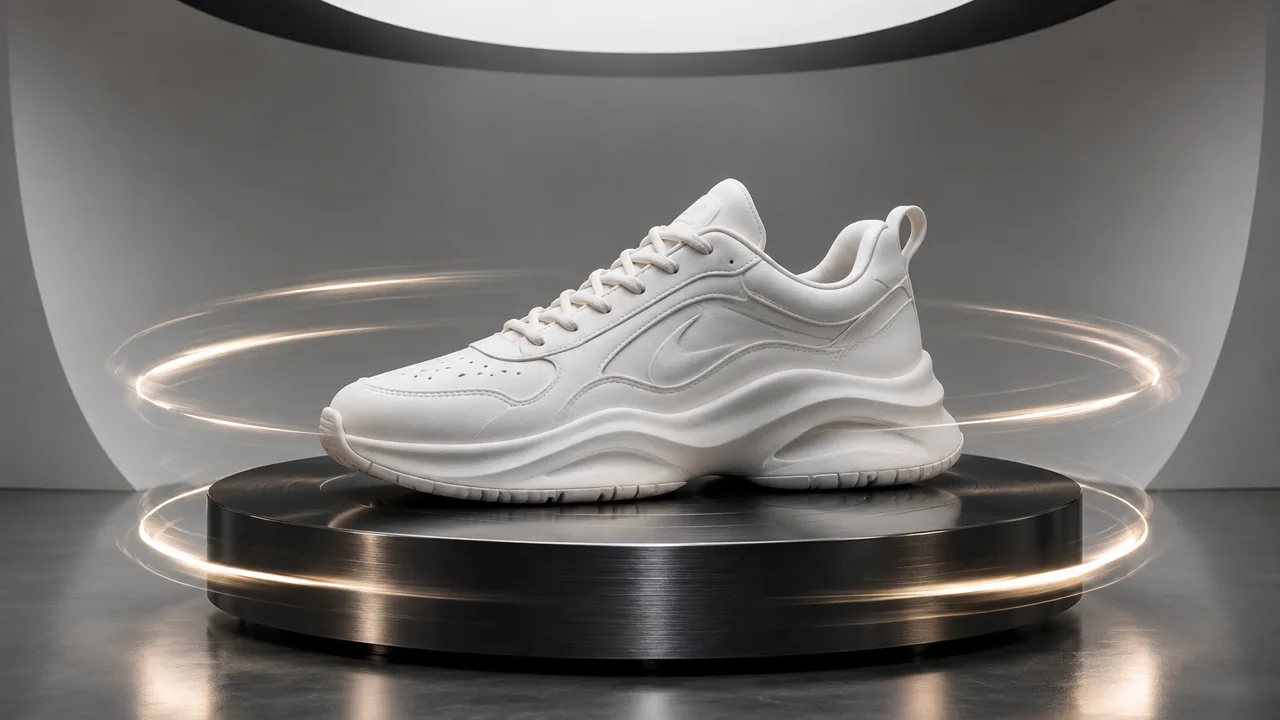
Minimalist luxury skincare campaign poster layout, matte ceramic jar centered on brushed aluminum pedestal, clean studio rim lighting, crisp architectural composition with uncluttered upper header zone and lower right callout area, subtle cool grey gradient background, high-contrast commercial photography, 50mm lens, sharp focus edge to edge
Stage 2: Extract Alpha Cutouts and Clean Edge Artifacts
Once your base plate is generated, send it directly to Background Remover (8 credits = $0.08) to isolate the hero product onto a transparent alpha channel. Keeping both the original full-bleed background plate and the isolated foreground cutout gives you two critical layers in your PSD stack:
- Layer 1 (Bottom): The full environmental background plate with natural shadows and surface reflections.
- Layer 2 (Middle): The isolated hero product cutout, allowing you to slip oversized typography, geometric badges, or gradient glow layers behind the product while keeping them in front of the backdrop.
If a complex prop—such as a stray botanical leaf or an unwanted reflection—intrudes into your negative space, run a quick targeted pass in the Local Image Editor before moving into the PSD workspace. Any confirmed upstream model error during generation or cutout triggers a 100% automatic credit refund.
Stage 3: Assemble Layers in CreoArt’s Zero-Upload WebGPU PSD Editor
With your background plate and foreground alpha cutout ready, open CreoArt’s ad-free Online Photoshop & PSD Editor or inspect existing client files inside the PSD Viewer.
Unlike traditional cloud editors that upload heavy multi-megabyte working files to remote servers on every autosave, CreoArt’s WebGPU Photo Editor runs locally inside your browser’s GPU memory. Zero bytes of image pixels leave your device during editing. For NDA-bound product launches, unreleased industrial designs, and agency client assets, client-side WebGPU execution removes cloud storage compliance friction completely.
Inside the local canvas, build a clean, agency-standard layer hierarchy:
- Background Plate (
BG_Plate_Raw): Your full Qwen Image 3.0 Pro render. - Midground Depth Elements (
Mid_Shapes_Behind_Subject): Vector shapes, discount pills, or large display typography tucked behind the cutout layer for editorial depth. - Hero Product Cutout (
Hero_SKU_Alpha): The isolated product layer from Background Remover, paired with a non-destructive layer mask for subtle edge feathering. - Adjustment Layers (
Color_Grade_Curves,Vibrance_Match): Non-destructive Curves and Color Balance layers that unify added graphics with the ambient lighting of the AI plate. - Vector Typography & Brand Marks (
Copy_EN_CN_Editable,Logo_Pantone_Vector,Barcode_UPC_Vector): Crisp live text layers, imported SVG brand marks, and high-contrast scannable UPC/EAN barcodes that remain sharp at 300 DPI print resolution.
Stage 4: Export Master .PSD and Multi-Ratio Production Deliverables
Because your foreground subject, background environment, and vector typography live on independent layers, exporting campaign variants takes seconds rather than new AI generations:
- Master Archive: Save the native multi-layer
.PSDdirectly to your local drive so internal designers or external print vendors can open it in Adobe Photoshop with intact layer groups, blend modes, and editable text. - Channel Crops (
1:1,4:5,9:16): Resize the canvas for Instagram Feed (1080×1350), Stories/Reels (1080×1920), and e-commerce thumbnails (2000×2000), nudging your vector headline group and product layer independently so nothing gets clipped.
Honest Limitations: What AI Layer Decomposition Still Gets Wrong
Marketing demos for one-click ai image to layered psd tools often show clean separations on simple studio objects, but real commercial art direction exposes stubborn technical limits:
- Semi-transparent glass and liquid refraction: When a perfume bottle or iced beverage sits in front of a textured background, automatic layer splitters cannot accurately separate refracted background light from the glass body itself. Placing that extracted glass layer over a different colored background creates unnatural grey or dark muddy regions.
- Tangled hair and fine fur halos: Sub-pixel strands against busy studio backdrops still suffer from color-bleed fringes after automated matting. Plan on spending 60 seconds with a soft low-flow brush on your layer mask inside the WebGPU Photo Editor to refine hair edges.
- Cast shadow detachment: Automatic background removal strips away the soft ambient occlusion shadow grounding a product to a table. Keeping the untouched original Qwen Image 3.0 Pro render as your bottom layer—and sandwiching graphics between the bottom plate and the top cutout—preserves authentic contact shadows without manual shadow painting.
- High-volume batch SKU pipelines (500+ items/day) with custom ControlNet depth/normal maps: Run a local ComfyUI node graph on dedicated workstation GPUs where custom Python automation and zero per-image API costs outweigh browser convenience.
- Frame-by-frame rotoscoping and temporal video layer masks: Use Runway or dedicated motion-tracking suites rather than still-image cutout tools when working with moving camera footage.
- Unconstrained artistic exploration where exact layout control doesn’t matter: If you are mood-boarding abstract concepts with zero client copy requirements, flat subscription generators like Midjourney work fine without building a layered PSD stack.
FAQ
Frequently Asked Questions
Can Qwen Image 3.0 Pro export a multi-layer `.PSD` file directly?
No. Qwen Image 3.0 Pro generates high-resolution flattened raster images (10 credits = $0.10 at 1K/2K) with strong Chinese and English typography rendering. To get an editable multi-layer .PSD, combine a clean base plate and an alpha cutout from Background Remover ($0.08) inside CreoArt’s client-side WebGPU Photo Editor, which exports native .PSD files.
How much does a complete layered commercial visual cost on CreoArt?
A typical two-step production plate costs 18 credits ($0.18 at standard $0.01/credit pricing, or ~$0.16 on the $59/6,500-credit bundle): 10 credits for the Qwen Image 3.0 Pro base render and 8 credits for the Background Remover cutout. Assembling layers, adding vector typography, and exporting .PSD or social ratios in the WebGPU Photo Editor is completely free, and new users can also test CreoArt with 3 free daily no-login 1K FLUX.2 Klein 4B trials plus 10 watermark-free signup credits.
Are my client product photos or `.PSD` layers uploaded to CreoArt servers during editing?
No. CreoArt’s WebGPU Photo Editor and PSD Viewer execute entirely client-side inside your browser—zero bytes of image pixels leave your computer during layer editing or .PSD export. During cloud generation steps, assets are stored in private Cloudflare R2 storage (Cache-Control: private, no-store, 30-day max retention, 1-click deletion in /library) and are never used to train models.
How does Qwen Image 3.0 Pro compare to older Qwen Image 2.1 Studio workflows?
Compared to earlier qwen image 2.1 studio iterations, Qwen Image 3.0 Pro delivers noticeably cleaner bilingual glyph geometry, tighter spatial adherence to negative-space prompts, and more consistent studio specular lighting. Pairing it with local PSD text layers gives designers both reliable layout structure and instant post-generation editability.
Will `.PSD` files exported from CreoArt open properly in Adobe Photoshop?
Yes. Files exported from CreoArt’s Online Photoshop & PSD Editor preserve standard multi-layer .PSD structures, including raster layers, transparency masks, adjustment layers, blend modes, and editable text layers, allowing seamless handoff to Adobe Photoshop for final print prepress or agency archiving.
Put This Into Practice
Run the exact models tested here — without a monthly lock-in
Try 3 free daily FLUX.2 images with no account, or top up a never-expiring $5 pack (500 credits) to test all 47 image and video models privately.
Private R2 storage · Zero public gallery·100% auto-refund on upstream failures