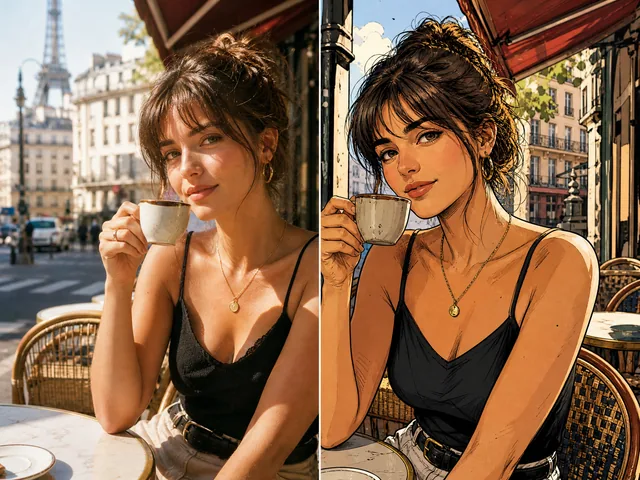
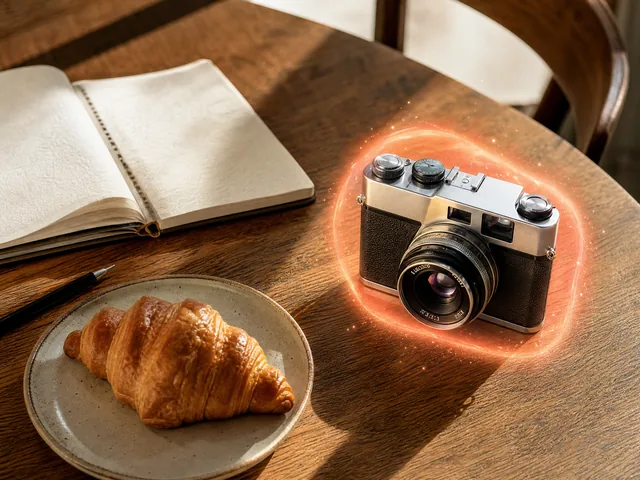
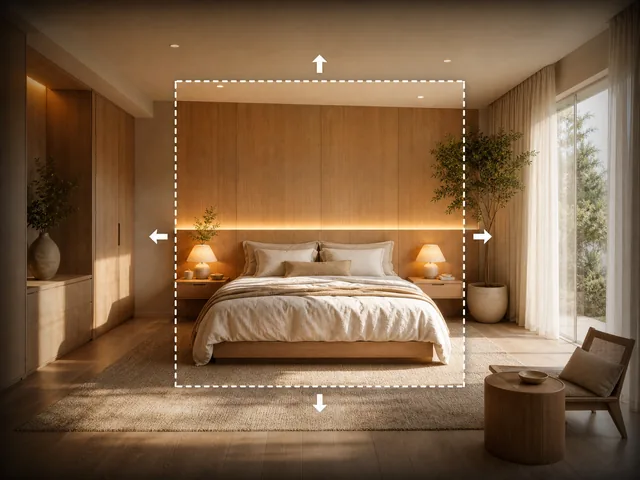
Direct composition, lighting, and detail in plain language
Describe your subject, framing, materials, and mood—and state explicitly what must remain consistent when working from reference photos.
Describe your subject, framing, materials, and mood—and state explicitly what must remain consistent when working from reference photos.
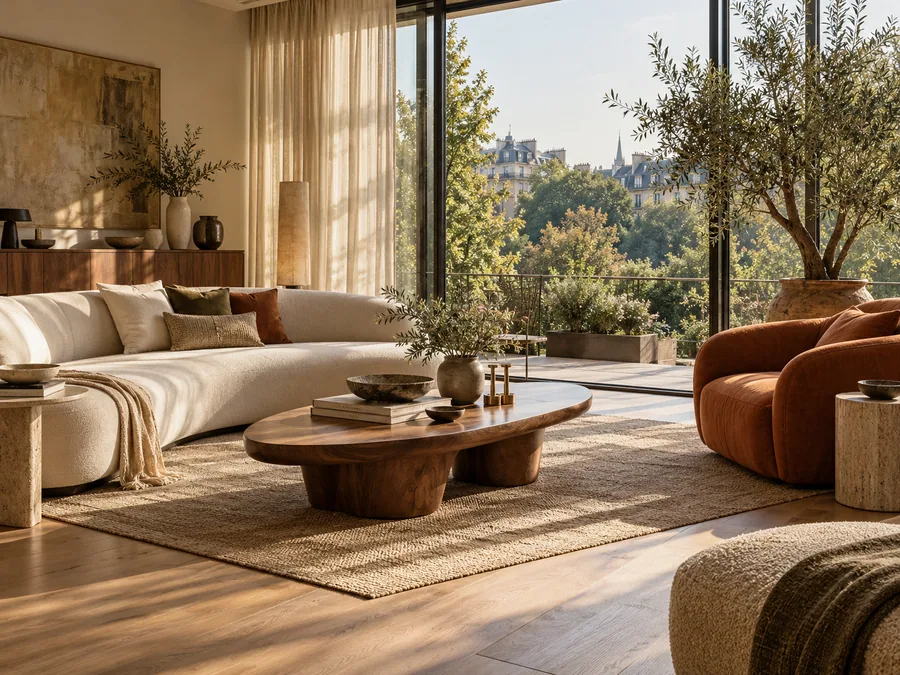 GPT Image 2.6 Flare
Next-gen OpenAI image generation and 16-reference editing up to 4K with 5 quality tiers.
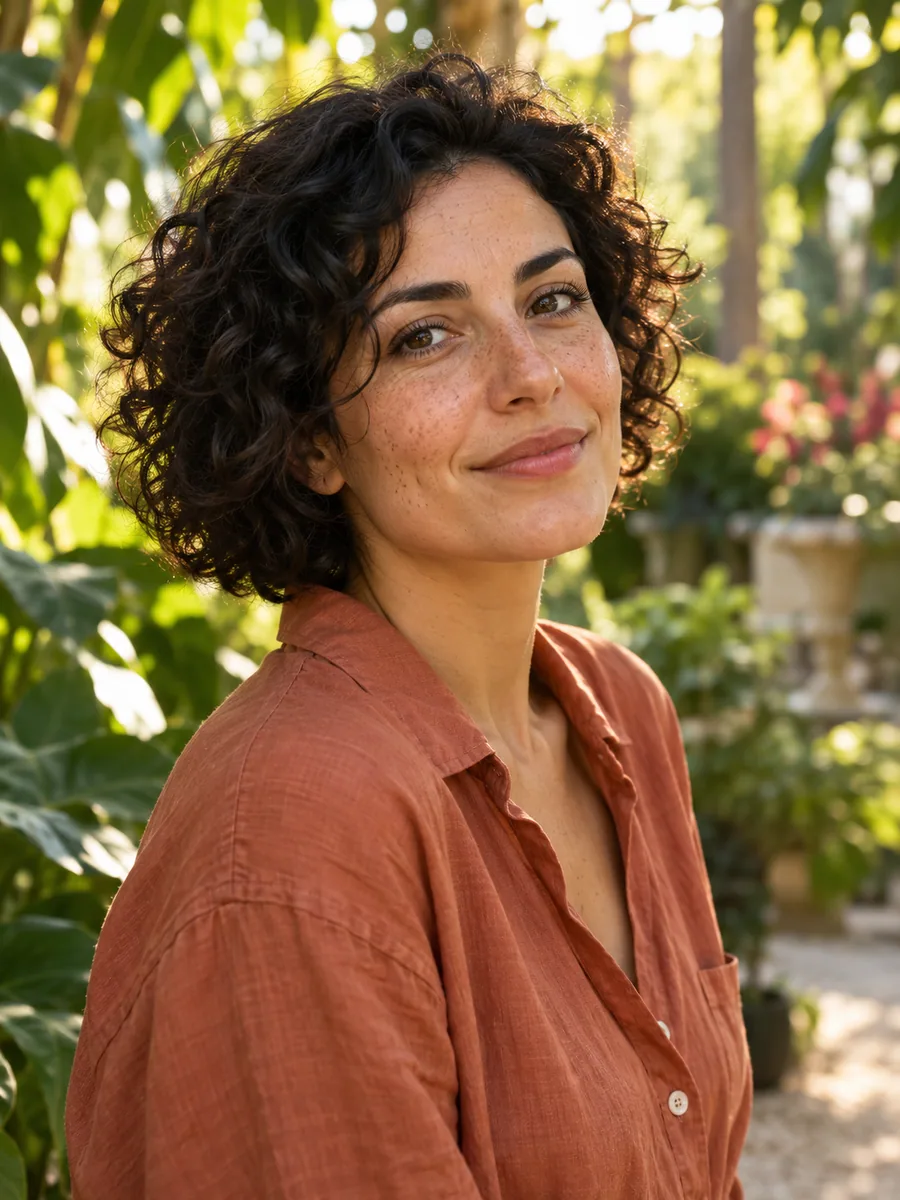 GPT Image 2.6 Sunburst
Warm high-contrast OpenAI 2.6 image model with 16-reference editing and 5 quality tiers.
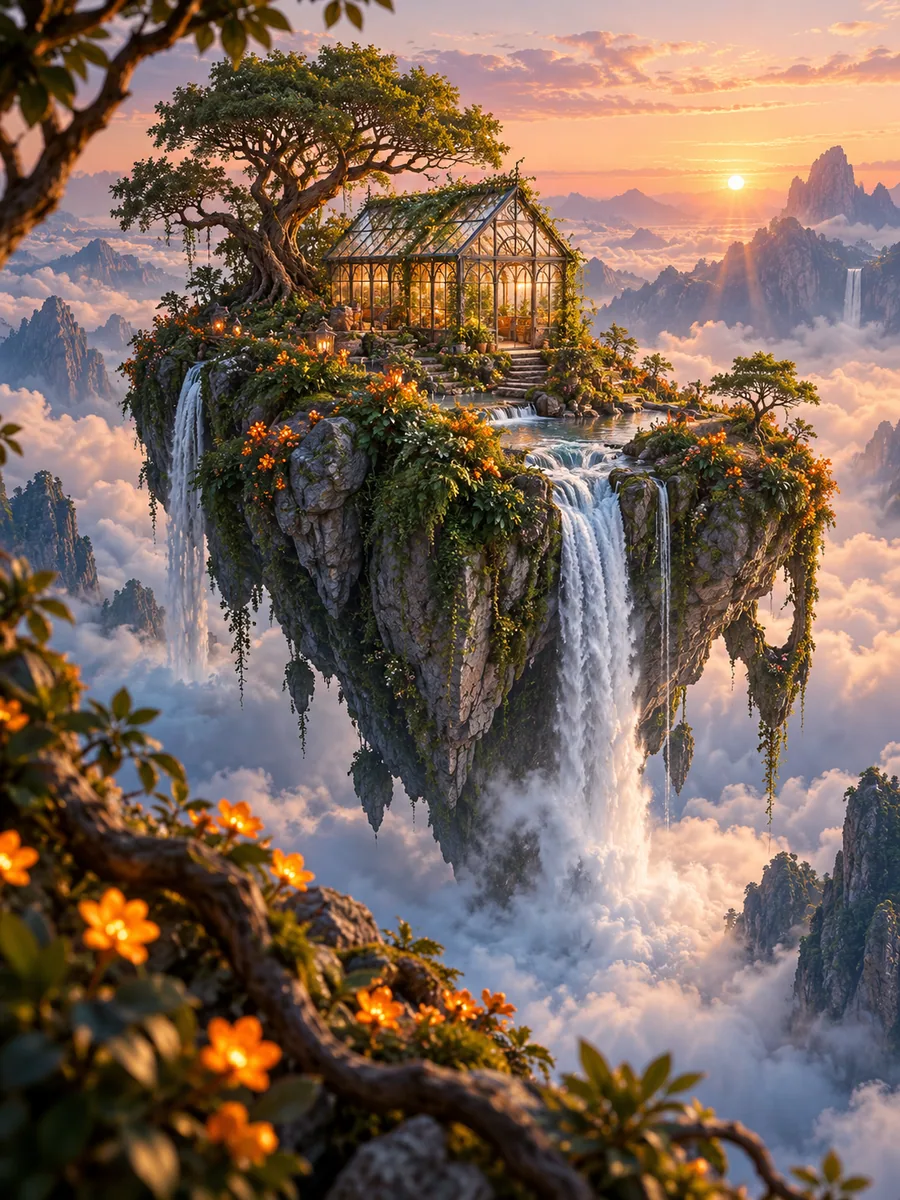 Seedream 5.5
Photorealistic scenes, crisp text, and 10-ref editing.
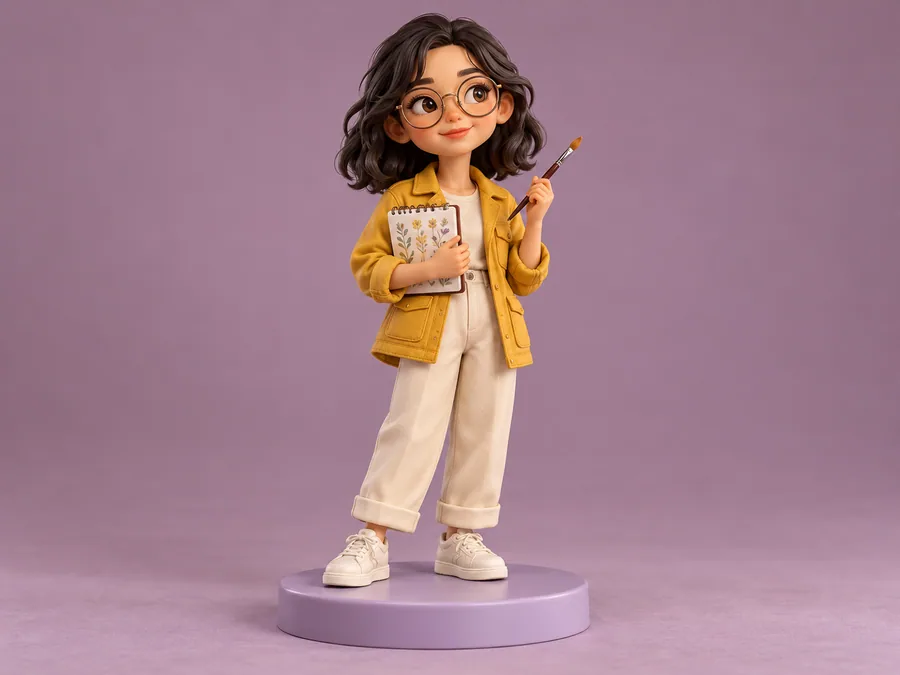 MiniMax H3 Image
Fast photorealistic image synthesis and multi-reference editing up to native 4K.
These examples illustrate possible creative directions. Results vary with your input and settings.
プロンプト付きの実例からワンクリックで再現・アレンジできます
作りたい被写体・光・構図・テイストを自然な日本語または英語で入力します。
用途に合うAIモデル・画像比率・解像度を選択し、生成前の消費クレジットと料金目安を確認します。
有料生成は透かしなしで保存でき、無料PSDエディタでの文字入れや画像から動画生成へそのまま連携できます。
Describe your subject, framing, materials, and mood—and state explicitly what must remain consistent when working from reference photos.
Text to Image connects directly to compatible models in CreoArt. Pick your aspect ratio, resolution, or clip duration and check the upfront credit quote before generating.
Credit-generated outputs download without an added CreoArt watermark and can flow straight into local brush editing, 4K upscaling, or image-to-video animation.
These examples illustrate possible creative directions. Results vary with your input and settings.
Answers about source files, model settings, credits, task history and responsible use.
Text to Image is a dedicated AI image workflow in CreoArt. Turn a written prompt into illustrations, concept art, or product visuals. Choose an image model, aspect ratio, and resolution. Configure your prompt, reference media, and output dimensions in one studio.
Enter a descriptive prompt, pick your preferred AI model, aspect ratio, and resolution, check the upfront quote, and click Generate.
Yes. Visitors can generate up to 3 free 1K square images per day on FLUX.2 Klein 4B with no login required, and new accounts receive 10 welcome credits to test credit-based workflows.
Image workflows accept standard JPG, PNG, and WebP files up to 20MB. Uploaded previews stay private to your browser until you submit a task.
Be specific about subject details, lighting, camera angle, and texture—and when editing a reference photo, explicitly mention which features must remain unchanged.
Yes. Open the model selector to switch across compatible image and video models—such as GPT Image 2.5, Nano Banana 2.1, Seedream 5.0 Pro, FLUX, Seedance 2.5, Kling 4.0, and Veo 3.1.
Credit cost depends on the selected model, output resolution, quality tier, batch count, or video clip duration. The exact credit quote is always shown upfront before you submit.
Only Free Queue generations carry a CreoArt watermark. Every image or video generated with credits or Subscriber Unlimited Slow downloads cleanly with no added CreoArt watermark.
Supported image models offer 1K, 2K, and native 4K output depending on the selected model, plus 2× and 4× enhancement in the Image Upscaler.
Common ratios include 1:1 square, 16:9 widescreen, 9:16 vertical reel/story, 4:3, 3:4, 3:2, 2:3, and 21:9 cinema—with ultra-wide banner ratios available on Nano Banana 2.1.
Fast image models finish in a few seconds, while 4K multi-reference renders take slightly longer. Tasks continue processing safely in the cloud queue.
Confirmed technical failures are automatically refunded. Whenever an upstream model reports a confirmed failure, CreoArt releases your reserved credits right back to your account balance.
Signed-in tasks are stored privately in My Creations (/library) for 30 days so you can revisit prompts and download originals. Download key files locally for permanent archival.
Paid subscribers and credit-pack buyers may use watermark-free outputs in commercial marketing, e-commerce, social videos, and client deliverables subject to model terms and rights in your uploaded inputs.
Your uploaded references and private generations are tied strictly to your account via authenticated storage links and are never shared in a public community gallery.
Combine Image to Image for style transfers, Local Image Editor for brush-mask fixes, Background Remover for transparent PNGs, and Image to Video to animate your final shot.