
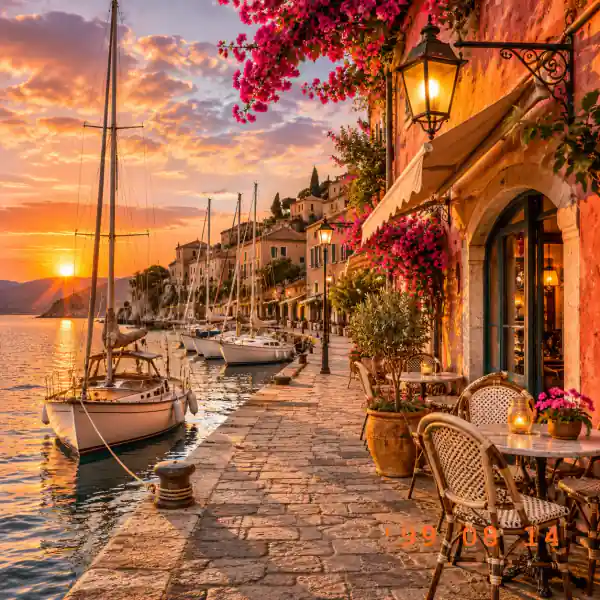
 With Stamp
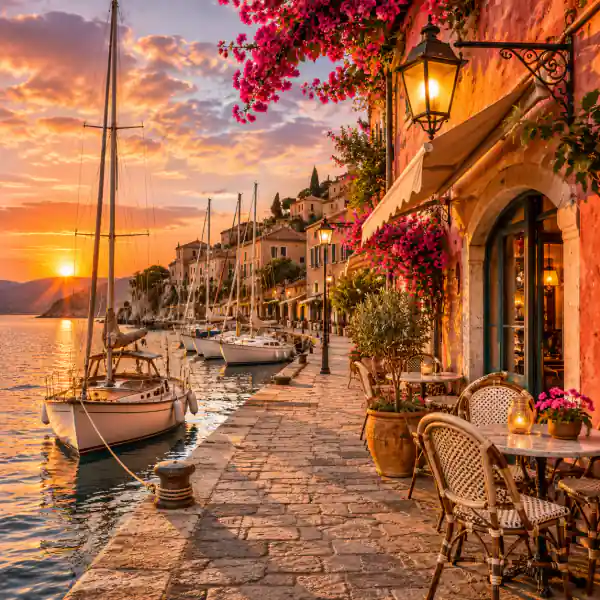 Clean Restore
Camera Date Stamp Cleanup
Date stamp cleanly removed with cobblestone texture and warm twilight light reconstructed seamlessly
Built strictly for images you own or hold permission to edit — remove watermark marks, camera date stamps & retired brand logos with zero smudges — browser-local brush mask, flat 20 credits (~$0.20) via FLUX.1 Pro Fill.
Brush masks paint locally in your browser before upload. Only edit assets you own or are licensed to modify; files stay private in R2 (30-day max, instant /library delete).
技術エラー時はクレジット100%自動返還Flat 20 cr (~$0.20)
$5 never-expiring pack cleans 25 owned assets
Smudge-Free Texture
FLUX.1 Pro Fill rebuilds stone, wood & grain
Owned-Asset Focus
Date stamps · Rebrands · Authorized draft proofs
Local Mask + Private R2
Zero public gallery, instant /library delete
When you need to remove watermark stamps from your own draft proofs, clear an accidental camera date stamp from family travel photos, or update retired corner logos during a rebrand, brush-masked reconstruction avoids blurry smudges. Paint locally in your browser:
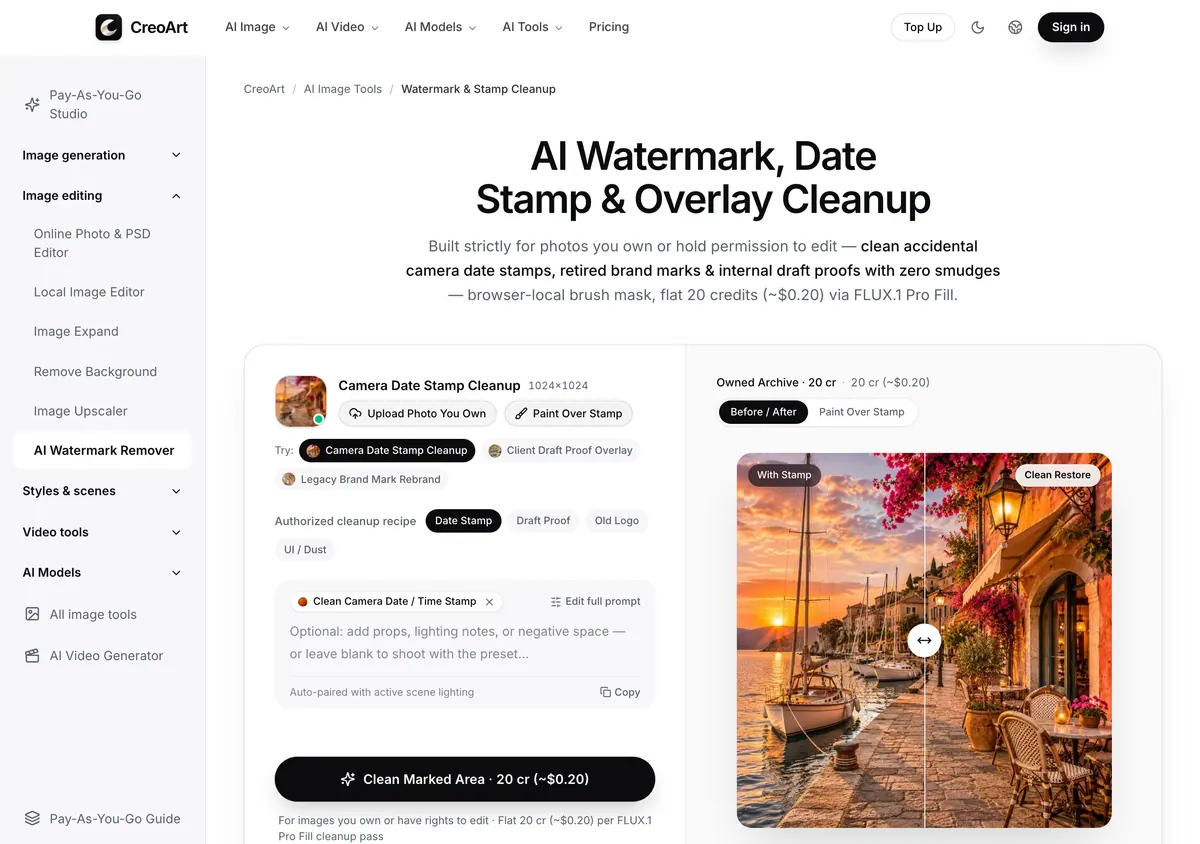
Traditional clone-stamp utilities and cheap ad-funded tools that claim to remove watermark overlays simply smear neighboring pixels across erased lettering. Whenever an old camera date stamp crosses cobblestones or a retired company logo sits over a studio shadow gradient, smearing leaves an obvious blurry scar worse than the original stamp.
CreoArt uses mask-guided FLUX.1 Pro Fill reconstruction to remove watermark text and timestamps cleanly: only the painted letters are synthesized from surrounding grain, perspective, and ambient lighting while every unmasked pixel stays 100% locked. Zoomed to 100%, restored cobblestones, oak beams, and plaster backdrops blend seamlessly.
We are equally clear about lawful, ethical use: this remove watermark workbench is exclusively for images you own, photographed yourself, or hold explicit authorization to edit (such as personal date stamps, rebranding your own company archive, or restoring your own studio proofs). Never upload unlicensed third-party copyrighted stock assets. Every authorized cleanup executes inside a zero-gallery private Cloudflare R2 space.
Faint colored halo lingers around erased digital camera date numbers
Widen your brush stroke by 4–6 pixels past the lettering edges so faint JPEG ringing disappears completely during fill.
Painting one giant block over an entire photo to erase diagonal draft text
Zoom in and trace along the text strokes themselves so intact wood grain and lighting between letters guide exact reconstruction.
Attempting to strip third-party copyright watermarks from unlicensed stock media
Respect copyright law — only edit photos you own or hold permission to modify. Need clean commercial visuals? Generate original art in /ai-image-generator.
Printing a restored 600px family snapshot directly onto a large wall frame
After clearing the date stamp here, run a 2× (24 cr) or 4× (48 cr) pass in /image-upscaler for crisp 300 DPI wall prints.
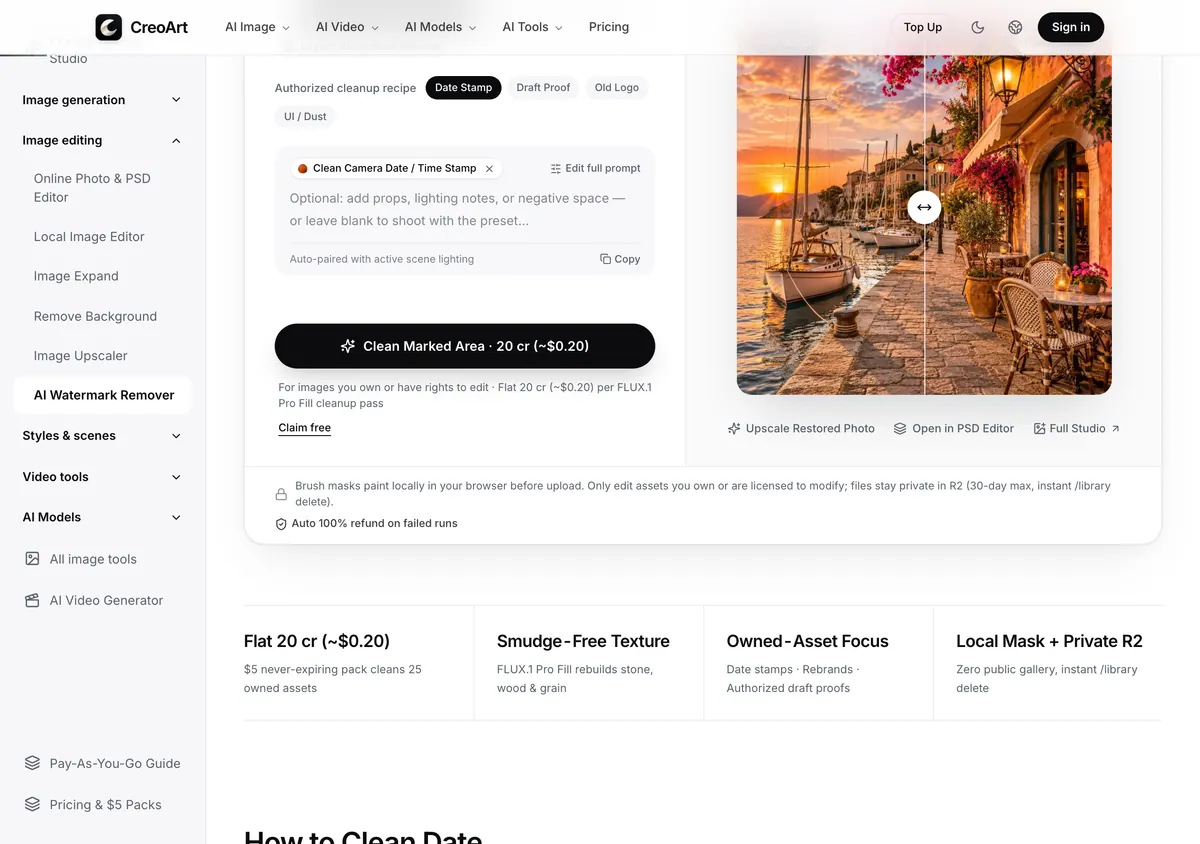
Every FLUX.1 Pro Fill cleanup pass runs at a flat 20 credits (~$0.20 at the $5 Entry Pack rate), supporting up to 4 marked regions per image:
| Authorized Cleanup Scenario | Recommended Brush Strategy | Flat Cost / Pass | Best Next Step | Yield per $5 Pack |
|---|---|---|---|---|
| Personal Camera Date Stamps | Small brush extending 5px past orange digits | 20 cr (~$0.20) | Enlarge 2×/4× in /image-upscaler for print framing | 25 family photos |
| Company Rebrand Legacy Logos | Tight box over retired corner badge | 20 cr (~$0.20) | Add crisp new vector logo free in /photo-editor | 25 catalog shots |
| Lost-Master Studio Draft Proofs | Trace translucent text strokes closely | 20 cr (~$0.20) | Check lighting curves & deliver clean client file | 25 archive proofs |
| Accidental UI / Dust / Subtitles | Batch up to 4 spots via Multi-Region | 20 cr (~$0.20) | Clean ready-to-publish editorial screenshot | 25 clean visuals |
Compare restoration quality, transparency, and confidentiality across three common cleanup options:
12 seamless owned-asset cleanups
CreoArt 買い切り試算
約360円 ($2.40)
240 cr · $5パック(約750円・500 cr・有効期限なし/残 260 cr)
Manual Photoshop restoration (~$15/photo)
約27,000円
約 98.7% コスト削減
Typical $29/mo Cleanup App (12 mos)
約52,200円/年
$5 Entry Pack (500 cr) covers 25 full brush-masked restorations with zero recurring billing.
| Cleanup Method | Complex Texture Reconstruction | Cost per Photo | Unmasked Pixel Safety | Privacy & Ads |
|---|---|---|---|---|
| CreoArt (FLUX.1 Pro Fill · This Page) | True texture, grain & lighting rebuild | 20 cr (~$0.20) | 100% locked outside brush mask | Ad-free, private R2, instant /library delete |
| Ad-Funded Blur / Smudge Web Apps | Obvious blurry smudges on detailed textures | Pop-up ads + low-res caps | Often compresses whole image | Heavy ad trackers & unclear retention |
| Manual Freelance Photoshop Retouch | Excellent, but slow turnaround | $10–$25 / image | High | Requires sending private files to third parties |
Inspect seamless reconstruction across a sunset harbor date stamp, Scandinavian interior draft overlay, and retired studio archive badge. Click any card to load above:
With StampClean RestoreDate stamp cleanly removed with cobblestone texture and warm twilight light reconstructed seamlessly
 With Stamp
 Clean Restore
Internal proof text cleared cleanly across oak beams, sofa linen, and window daylight
 With Stamp
 Clean Restore
Outdated archive corner badge removed cleanly ready for updated brand typography in Photo Editor
Family memories and internal company drafts require strict confidentiality from upload through deletion.
CreoArt (operated by CreoArt Studio / MagicT LLC) maintains zero public gallery and zero ads. Brush painting runs locally in your browser before submission; uploaded owned files and cleaned outputs reside exclusively in private Cloudflare R2 storage (Cache-Control: private, no-store, zero self-model training, 30-day max retention, instant single-click delete in /library).
Get clean, smudge-free restorations on your first 20-credit pass with these five simple masking habits:
Orange camera timestamps often leave subtle JPEG ringing around letters; a slight halo margin ensures spotless blending.
Leaving intact background texture visible between letters feeds FLUX.1 Pro Fill maximum visual context for exact reconstruction.
Use Multi-Region on the canvas so one single pass cleans every blemish across the photo simultaneously.
Keep brand refresh assets crisp by placing vector PNG/SVG marks locally at zero additional credit cost.
Removing timestamps first prevents super-resolution engines from sharpening unwanted digits into print artifacts.
Answers on lawful remove watermark rules, flat 20-credit pricing, smudge-free texture restoration, and private R2 storage.
This tool is strictly intended for images you own, shot yourself, or hold explicit legal authorization to modify — such as removing accidental orange camera date stamps from family photos, clearing retired company logos during a brand refresh, or restoring your own studio’s lost unwatermarked archive proofs. Never use it to strip copyright notices from unlicensed third-party stock media.
Every cleanup pass runs on FLUX.1 Pro Fill at a flat 20 credits (~$0.20 at the $5 never-expiring Entry Pack rate of 500 credits). One $5 pack cleans 25 photos with zero monthly subscription, and you can mark up to 4 separate stamps on the same image within a single 20-credit pass.
No. Rather than smearing neighboring pixels into an obvious smudge, FLUX.1 Pro Fill reconstructs natural cobblestone, oak wood grain, linen fabric, and lighting gradients strictly inside your painted brush selection while keeping every unmasked pixel 100% untouched.
Yes. The interactive browser mask editor supports adjustable brush strokes, rectangle boxes, eraser refinement, zoom/pan, and up to 4 independent regions per single 20-credit run.
Follow a two-step workflow inside one wallet: first paint over the orange corner date stamp here (20 cr) to reconstruct the clean surface, then click Upscale Restored Photo to run a 2× (24 cr) or 4× (48 cr) Real-ESRGAN enlargement ready for framing.
Yes. Once the old archive mark is cleanly erased, click Open in Free Photo Editor to layer your crisp new vector PNG/SVG brand logo locally in your browser at zero extra credit cost.
Yes. Brush masking executes locally in your browser before any upload. Submitted photos and restored copies stay strictly private in isolated Cloudflare R2 storage (Cache-Control: private, no-store, zero public gallery, zero self-model training, 30-day max retention, instant single-image delete in /library).
Yes — provided you own the visual or hold explicit permission to modify it. For static AI draft marks, test corner tags, or camera timestamps on your own photos, paint right here (20 cr). For moving footage you shot or generated yourself (such as unwanted boom mics, camera overlays, or retired brand bugs in your own clips), switch directly to CreoArt AI Video Editor (/video-editor) under the same never-expiring credit balance.
Chain owned-asset cleanups with 4K super-resolution, surgical local edits, cutouts, or free browser PSD branding:
Clean unwanted overlays, retired corner bugs, or props from video clips you own.
Enlarge restored family snapshots cleanly to 300 DPI framed print size.
Brush-swap props, erase cables, or recolor clothing cleanly.
Place refreshed brand logos & adjust color curves locally for 0 cr.
Cut full-resolution transparent PNGs for refreshed catalog listings.
Need brand-new commercial imagery? Generate fresh original visuals from $0.00.